HomeBookmarks
cosscoss
coss

coss

Open-source React UI component library built on Base UI; the official design system of Cal.com.

COby coss
197components1.8Mviews2.3Kbookmarks

Installs all 362 components. Without our CLI, run instead.

Auto-indexed

coss contents
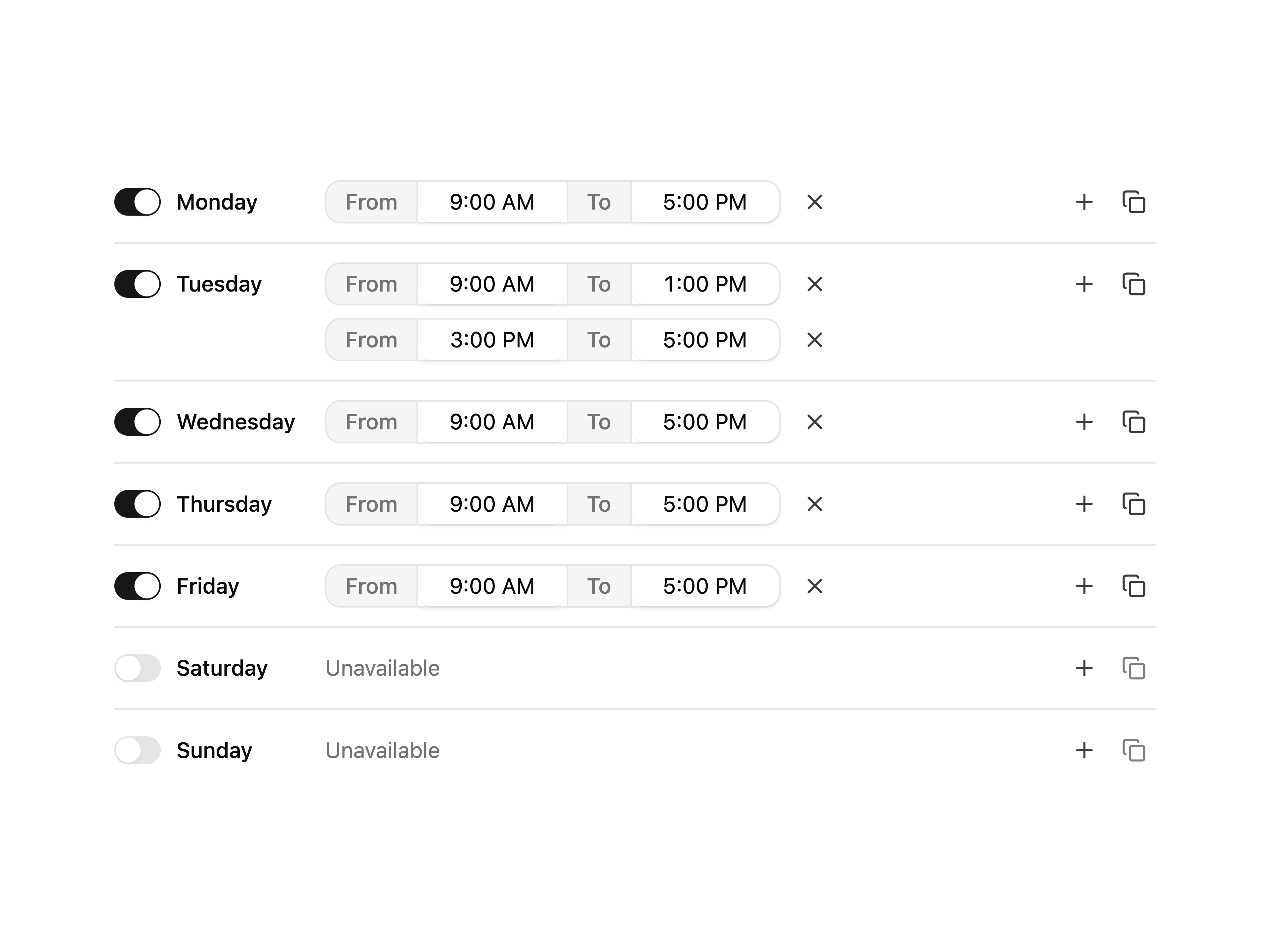
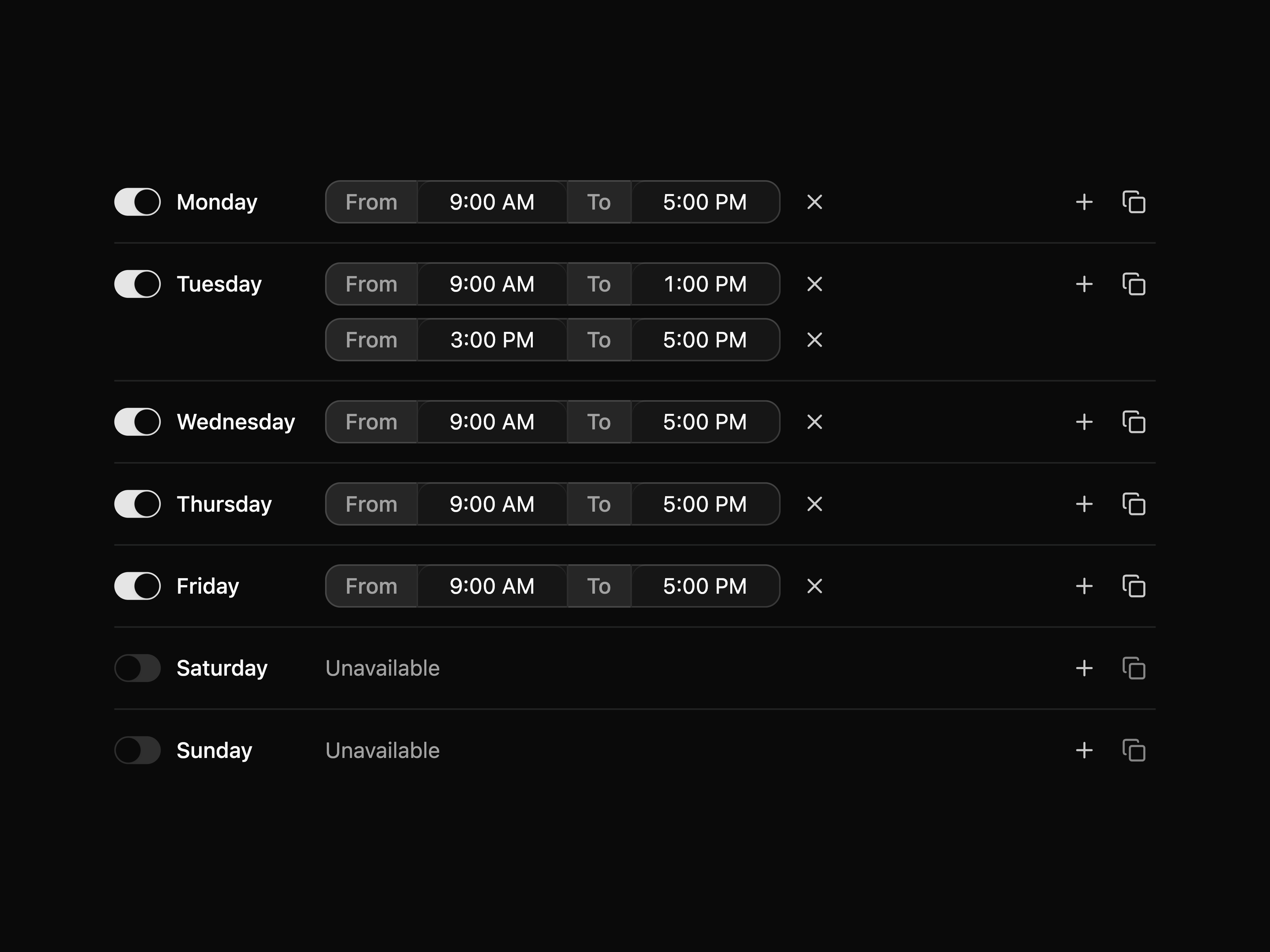
  • Weekly Availability EditorWeekly Availability Editor

    Weekly Availability Editor

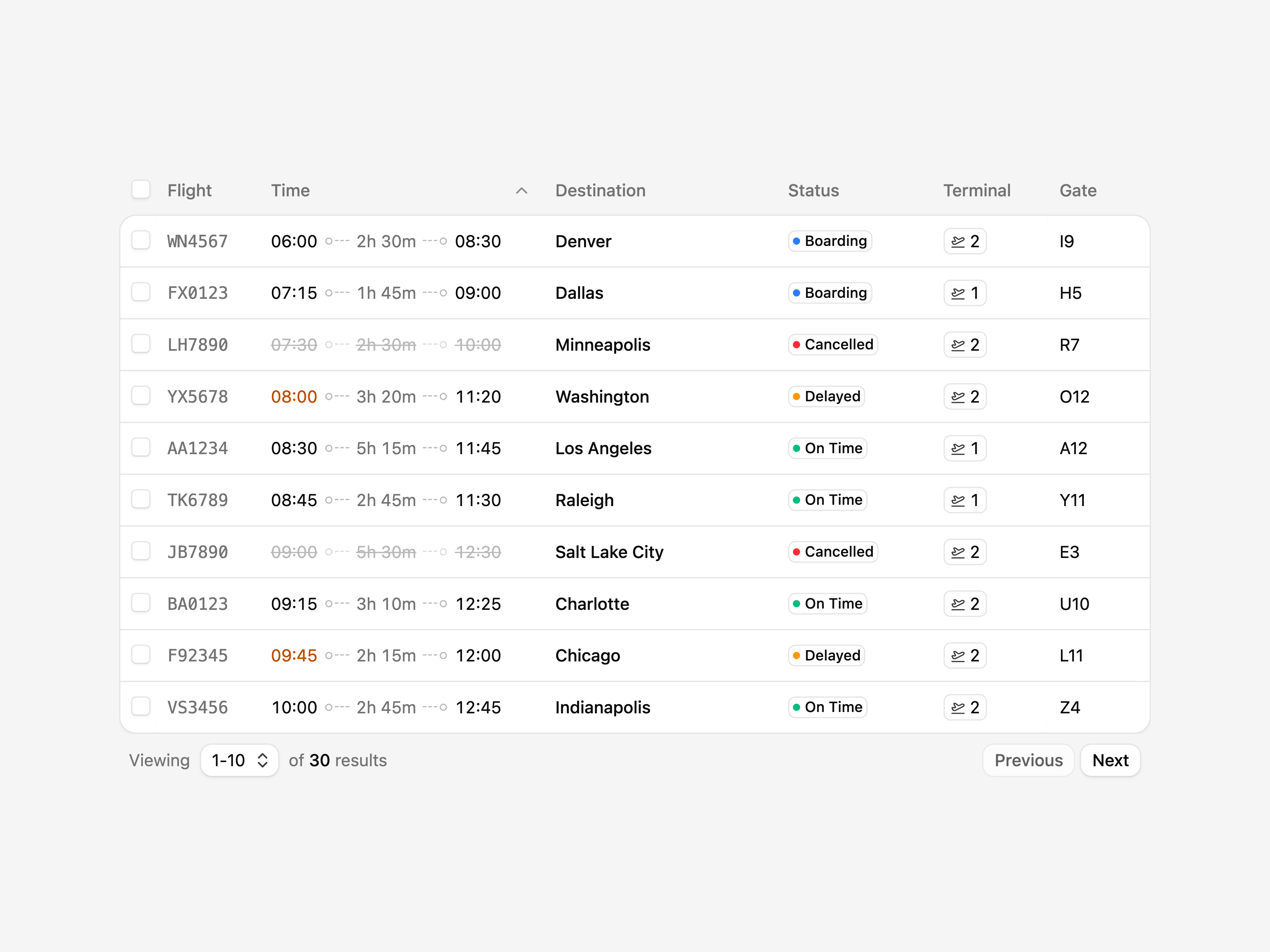
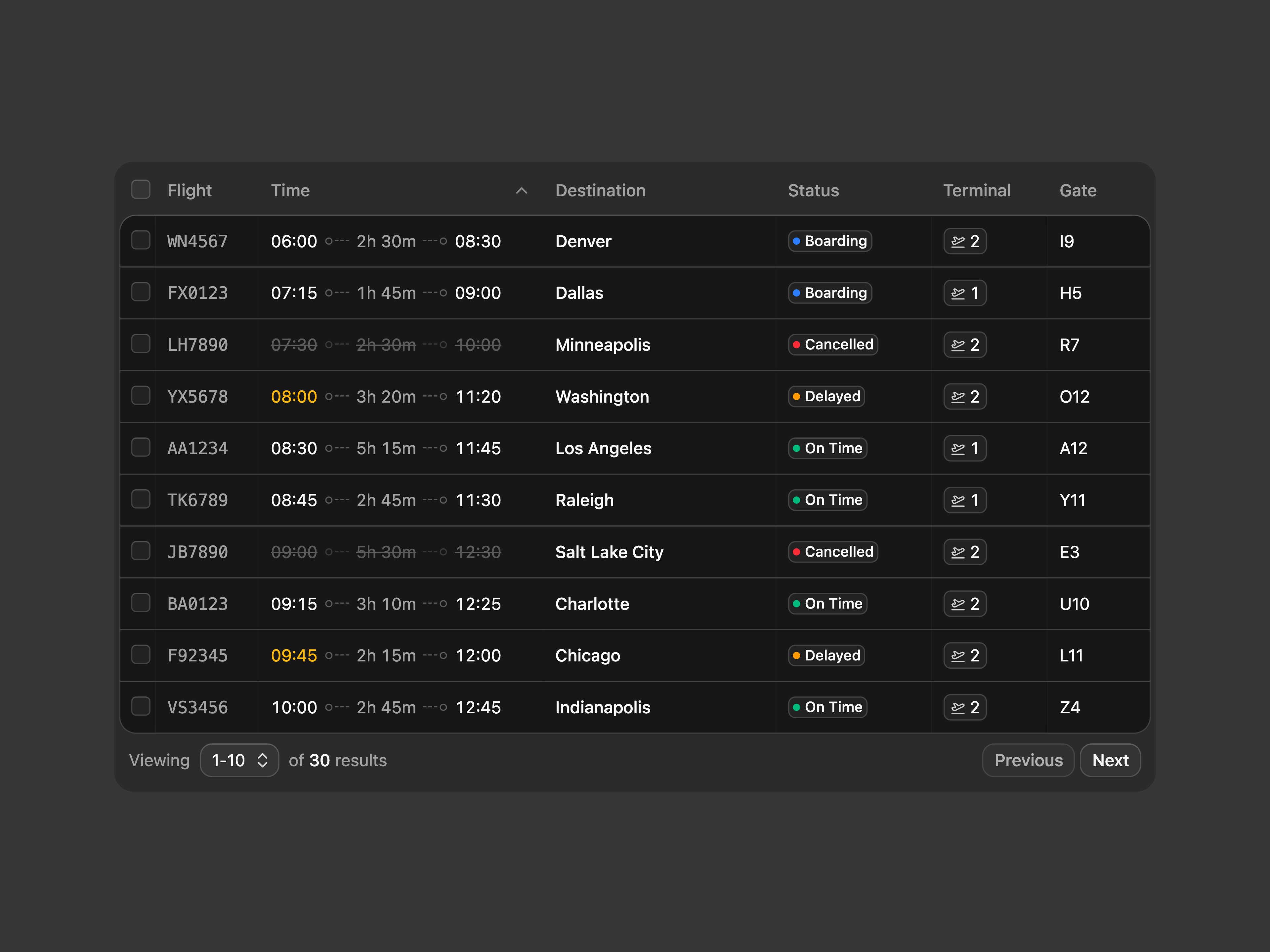
  • Flight Data TableFlight Data Table

    Flight Data Table

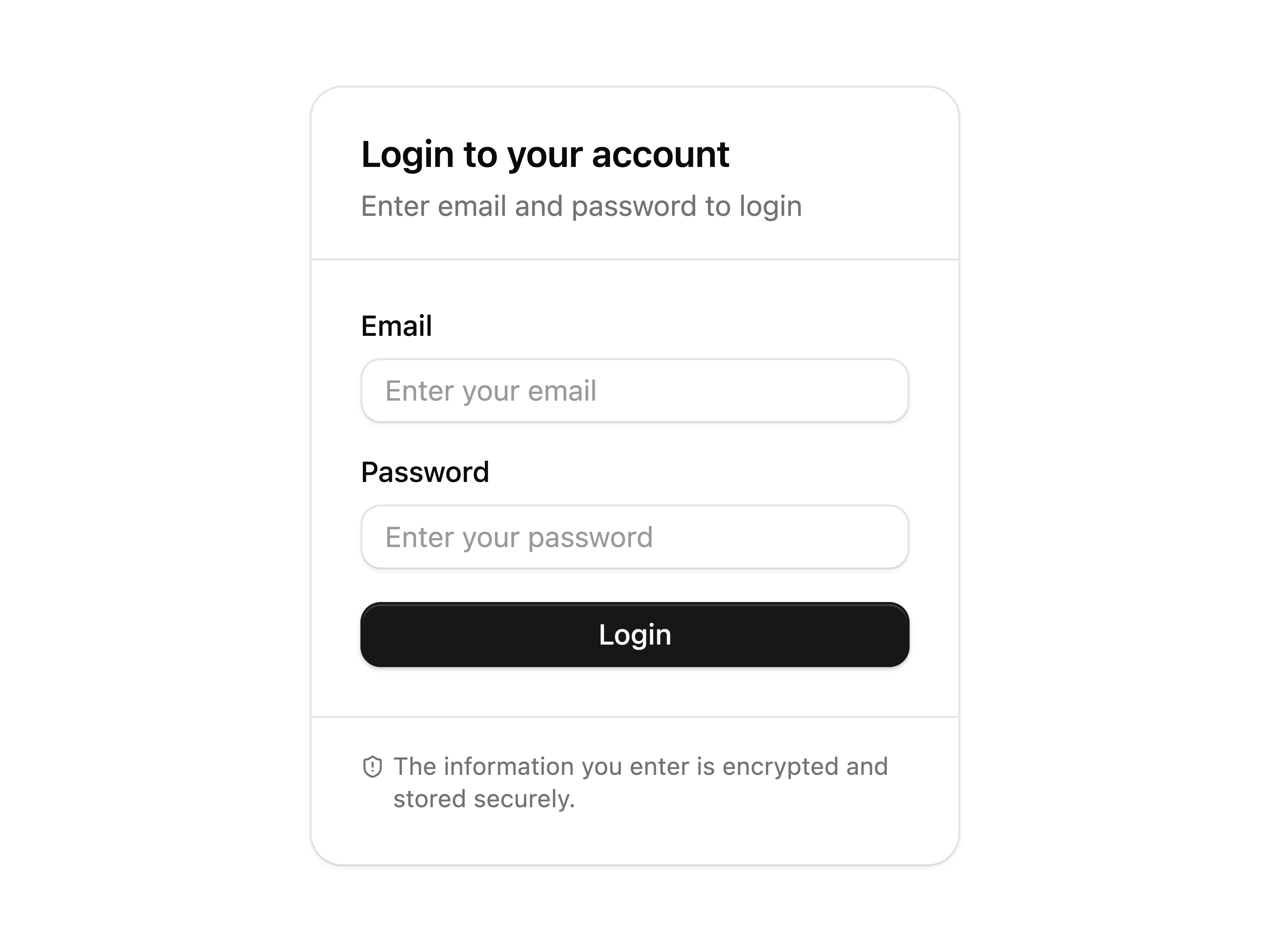
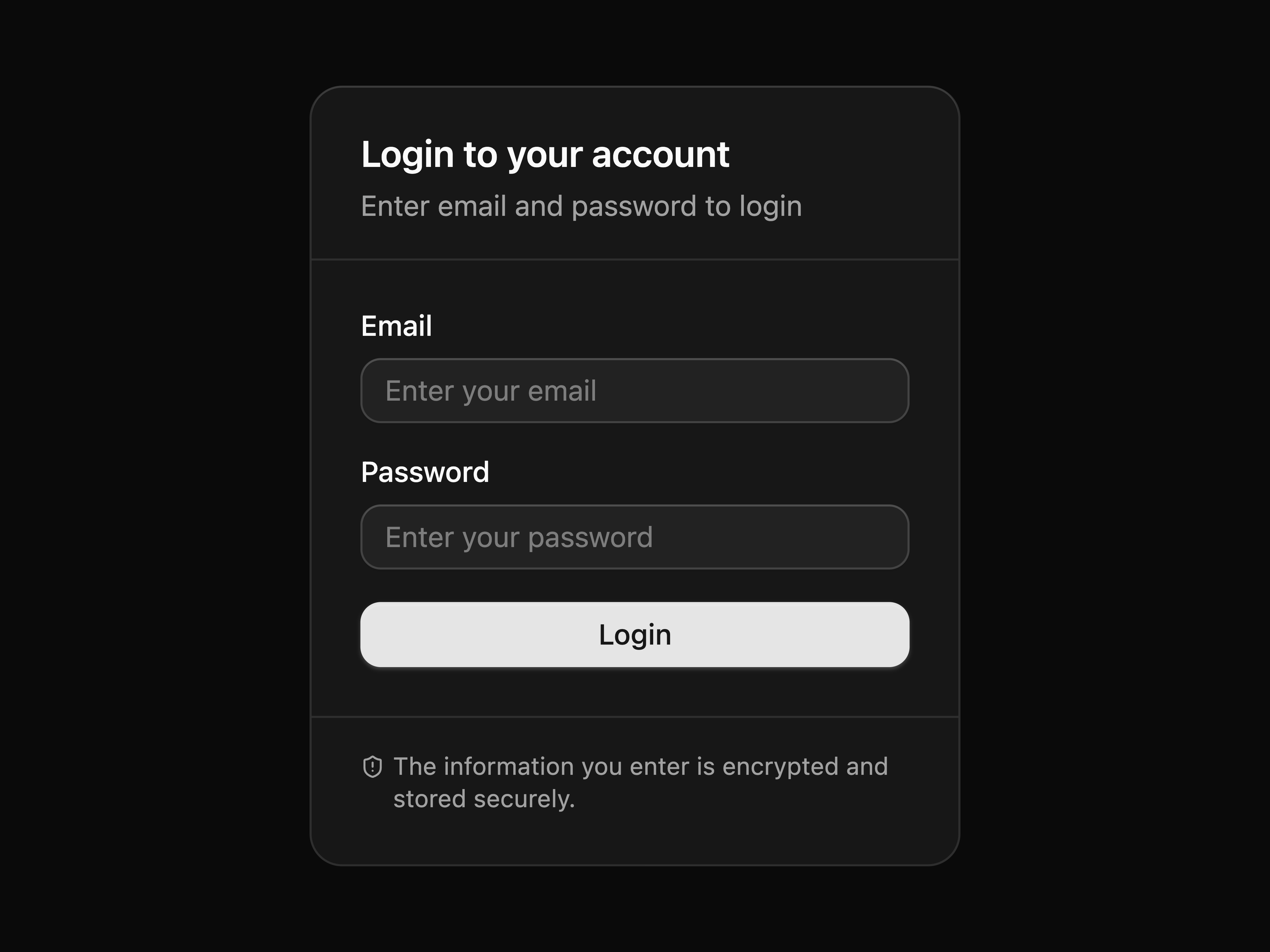
  • Login CardLogin Card

    Login Card

  • Read Only TextareaRead Only Textarea

    Read Only Textarea

  • User Follow List SkeletonUser Follow List Skeleton

    User Follow List Skeleton

  • Separator Link List

    Separator Link List

  • Textarea with Send ButtonTextarea with Send Button

    Textarea with Send Button

  • Pill Number FieldPill Number Field

    Pill Number Field

  • Progress With Label And ValueProgress With Label And Value

    Progress With Label And Value

  • Required Message TextareaRequired Message Textarea

    Required Message Textarea

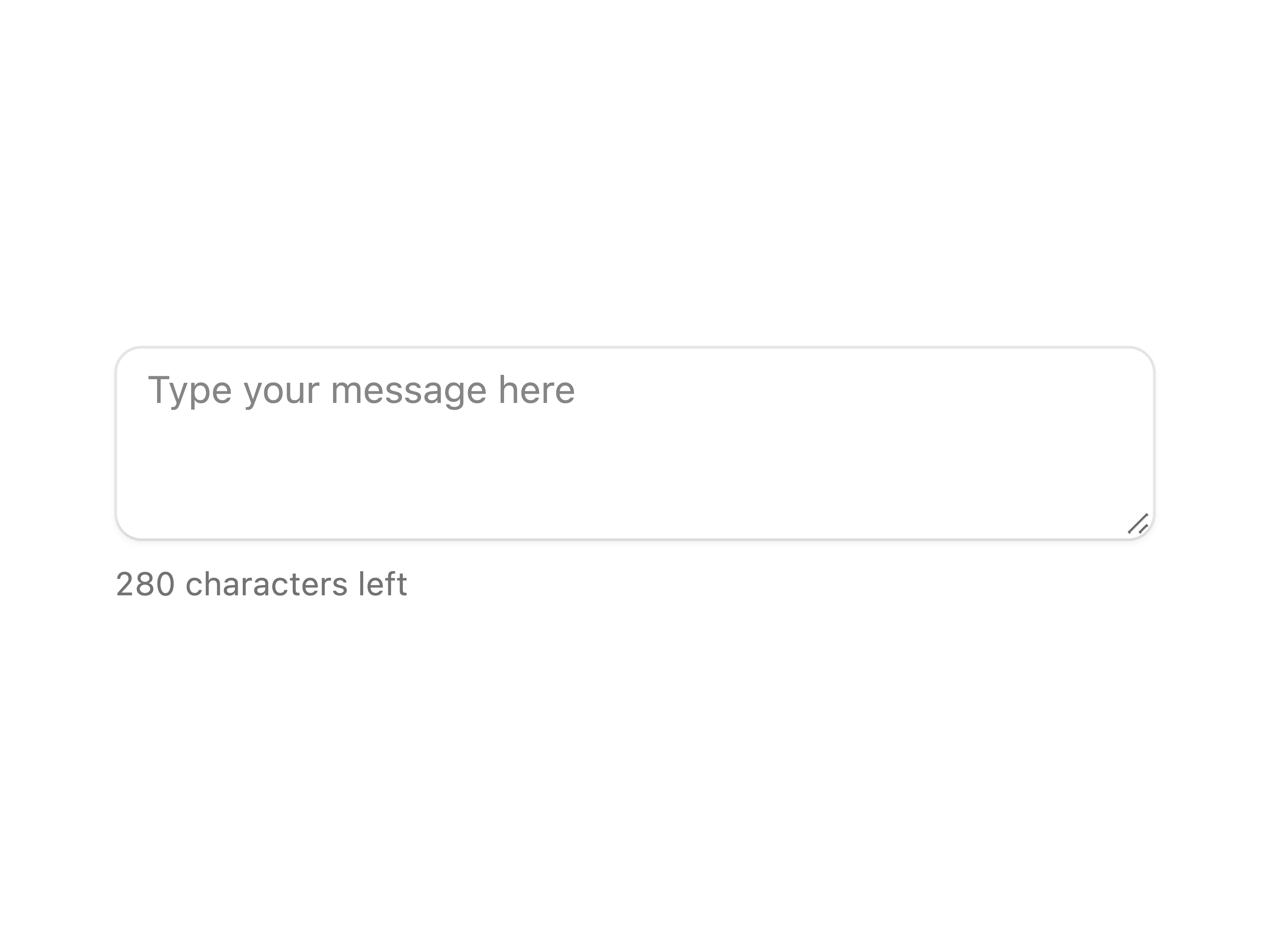
  • Textarea Character CounterTextarea Character Counter

    Textarea Character Counter

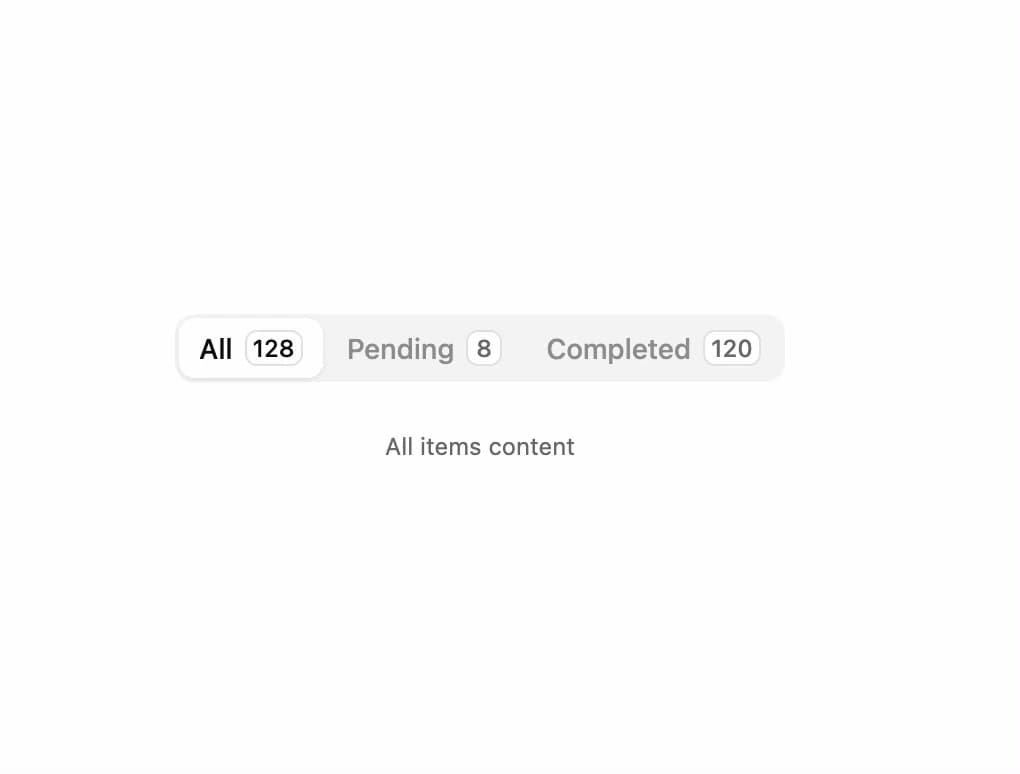
  • Tabs with Count Badge

    Tabs with Count Badge

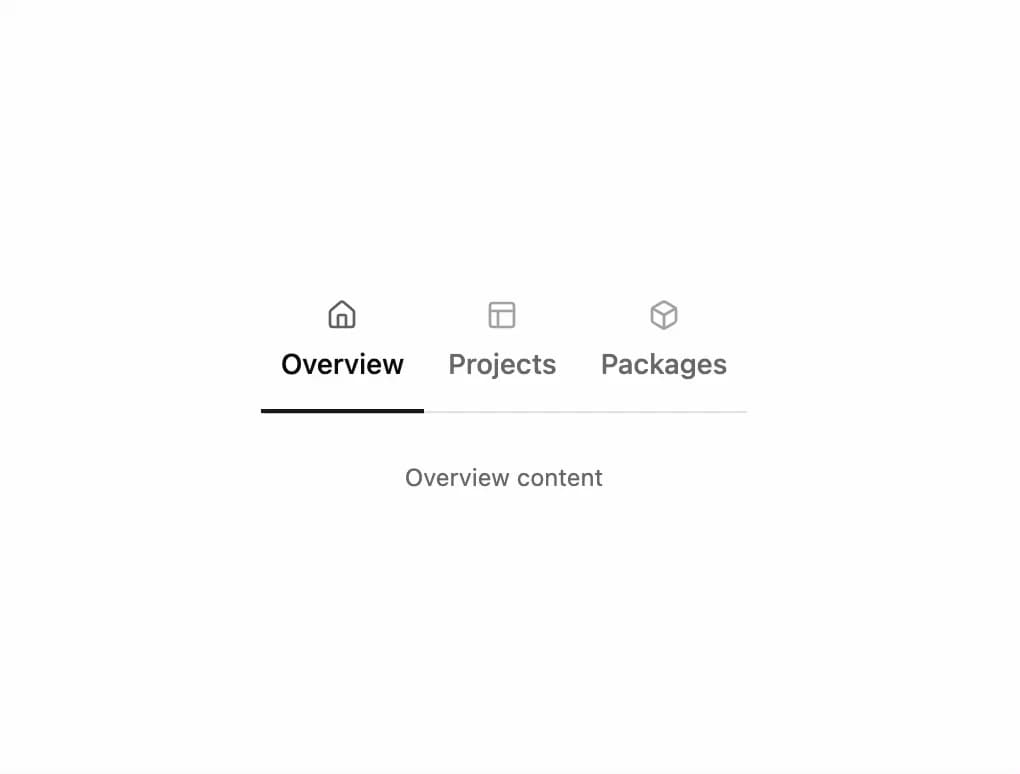
  • Underline Tabs with Icons

    Underline Tabs with Icons

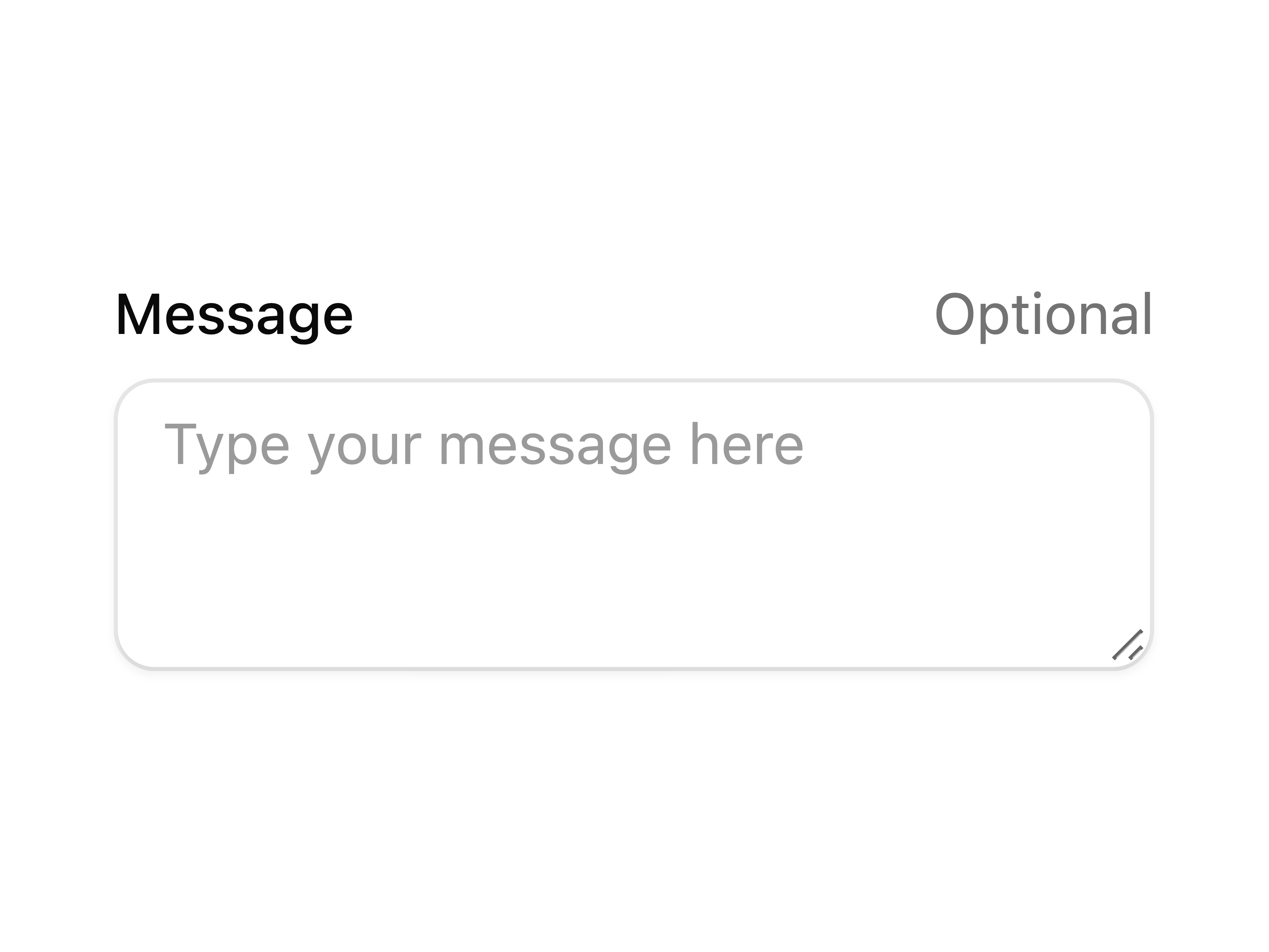
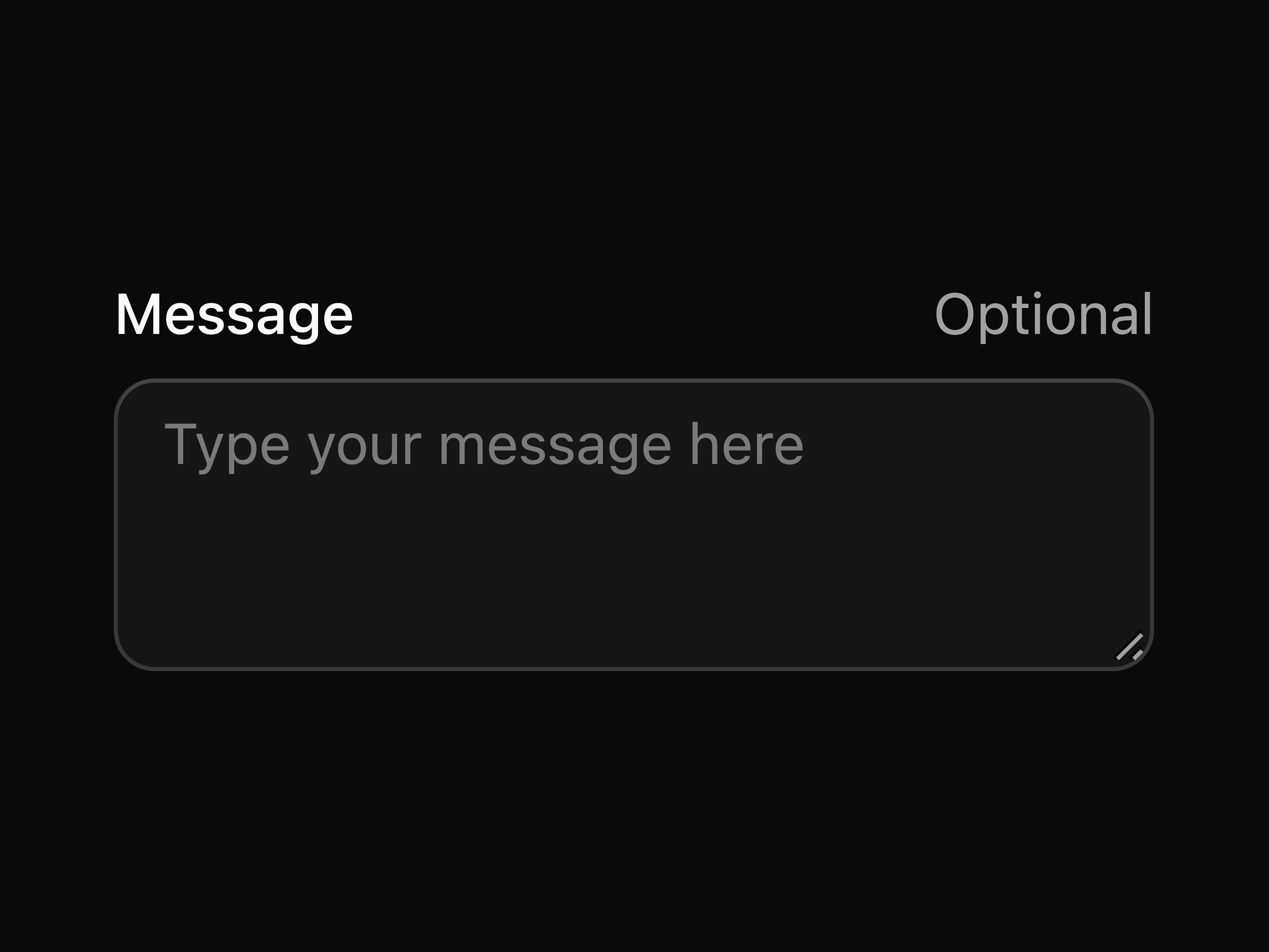
  • Optional Textarea FieldOptional Textarea Field

    Optional Textarea Field

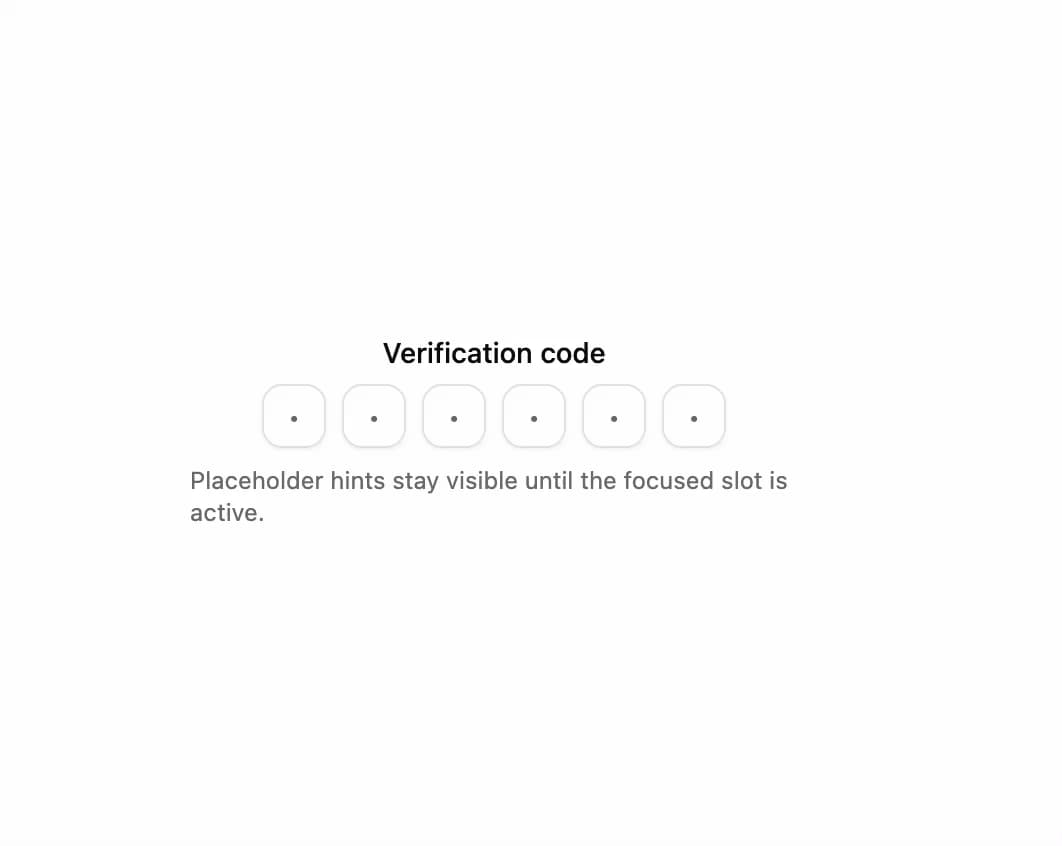
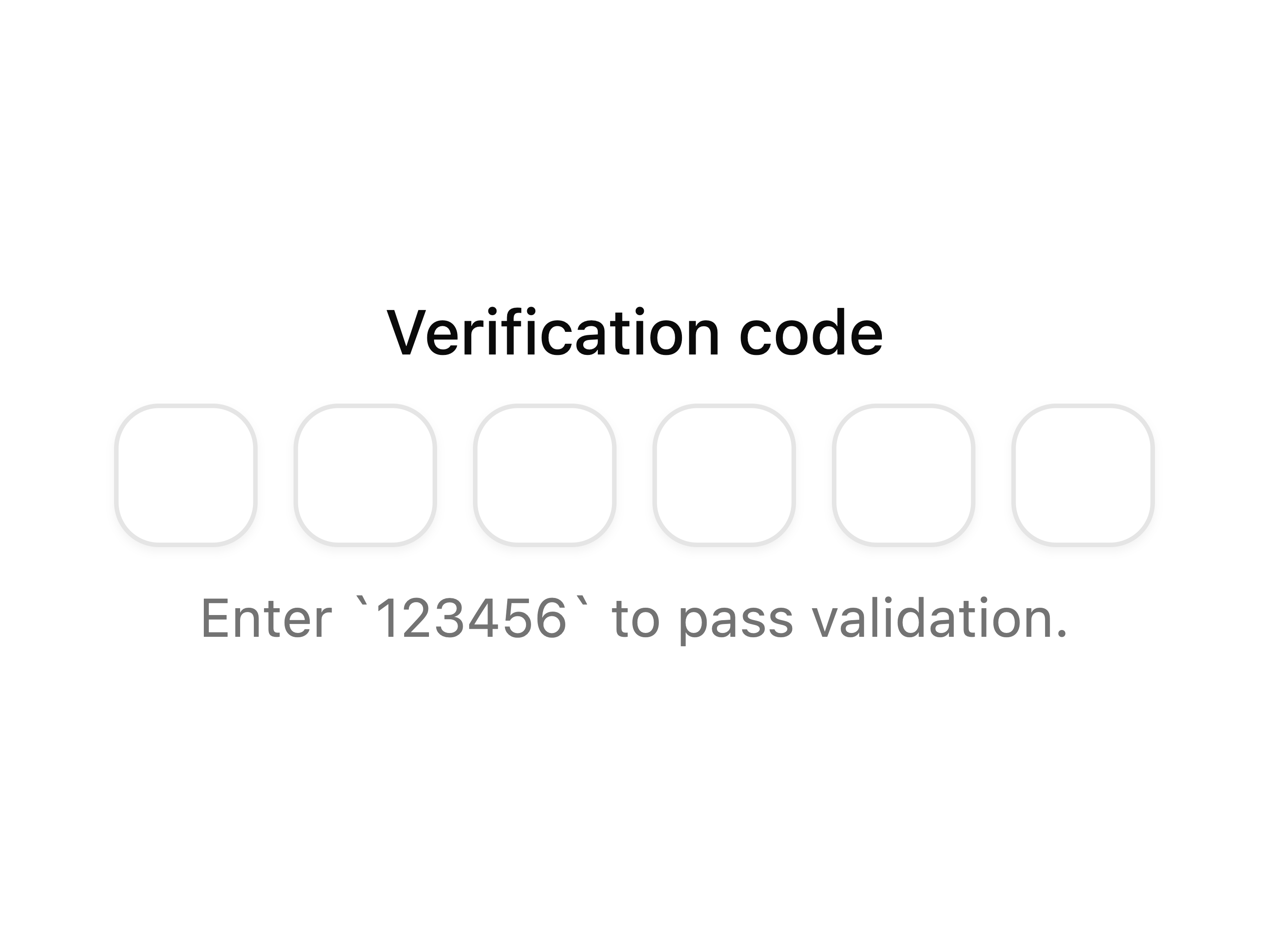
  • OTP Field with Placeholder Hints

    OTP Field with Placeholder Hints

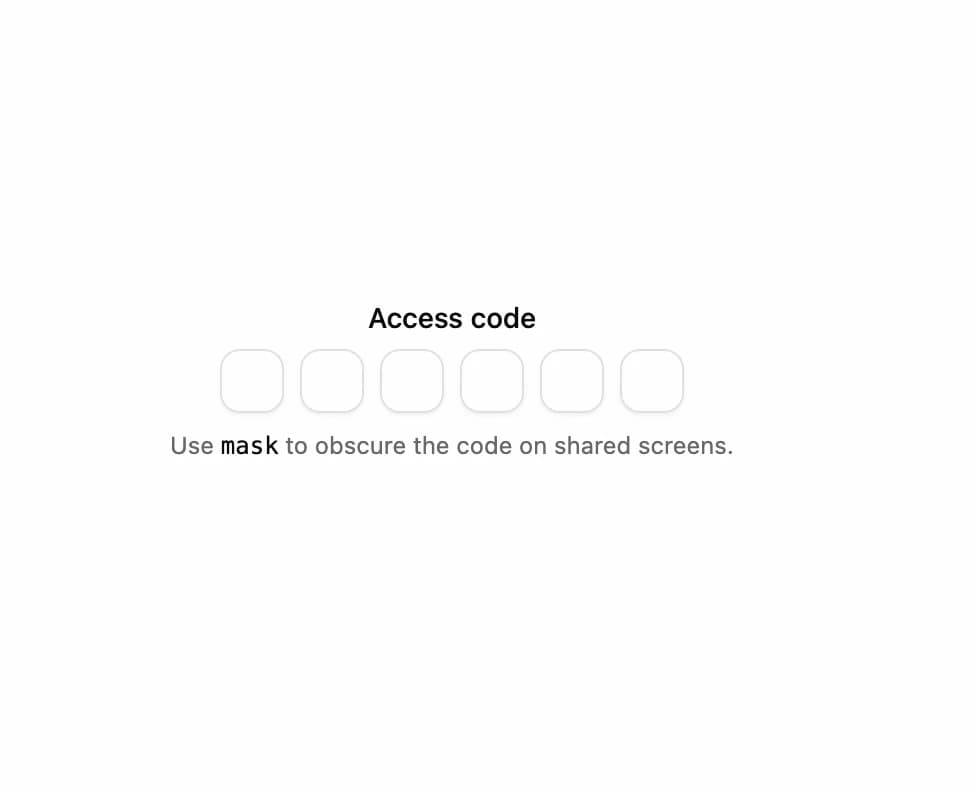
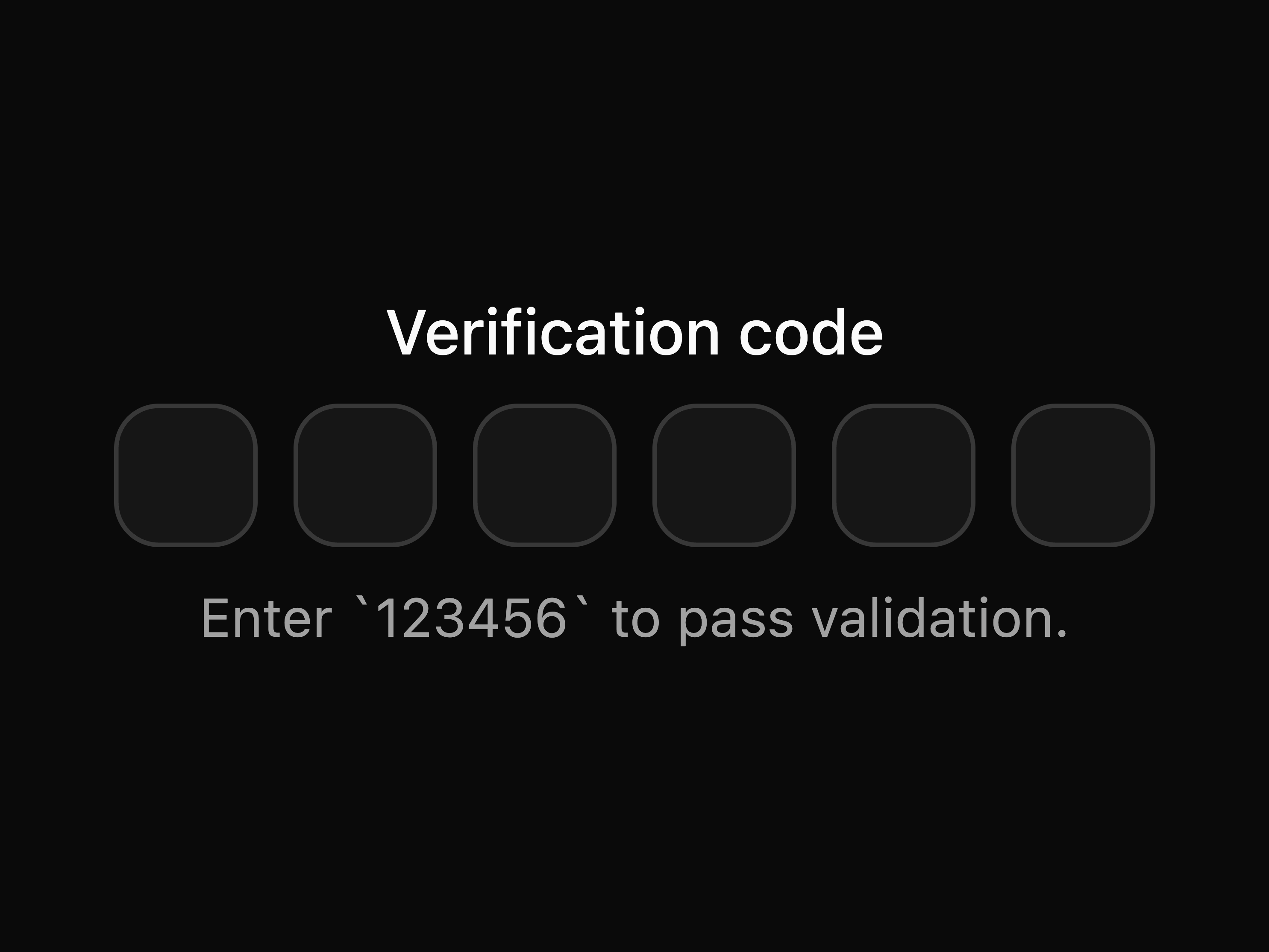
  • Masked OTP Field

    Masked OTP Field

  • OTP Verification FieldOTP Verification Field

    OTP Verification Field

  • OTP Field with Separator

    OTP Field with Separator

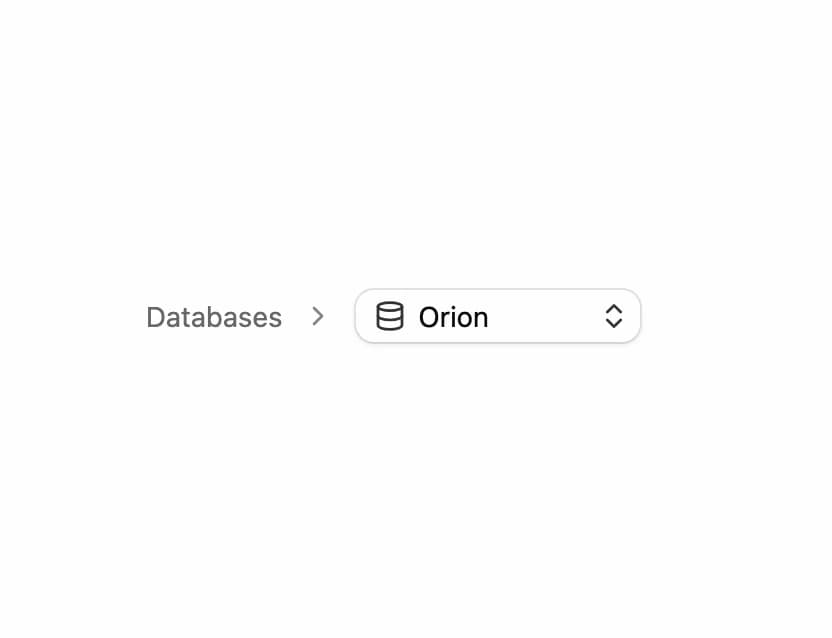
  • Breadcrumb With Select Dropdown

    Breadcrumb With Select Dropdown

  • Basic OTP FieldBasic OTP Field

    Basic OTP Field

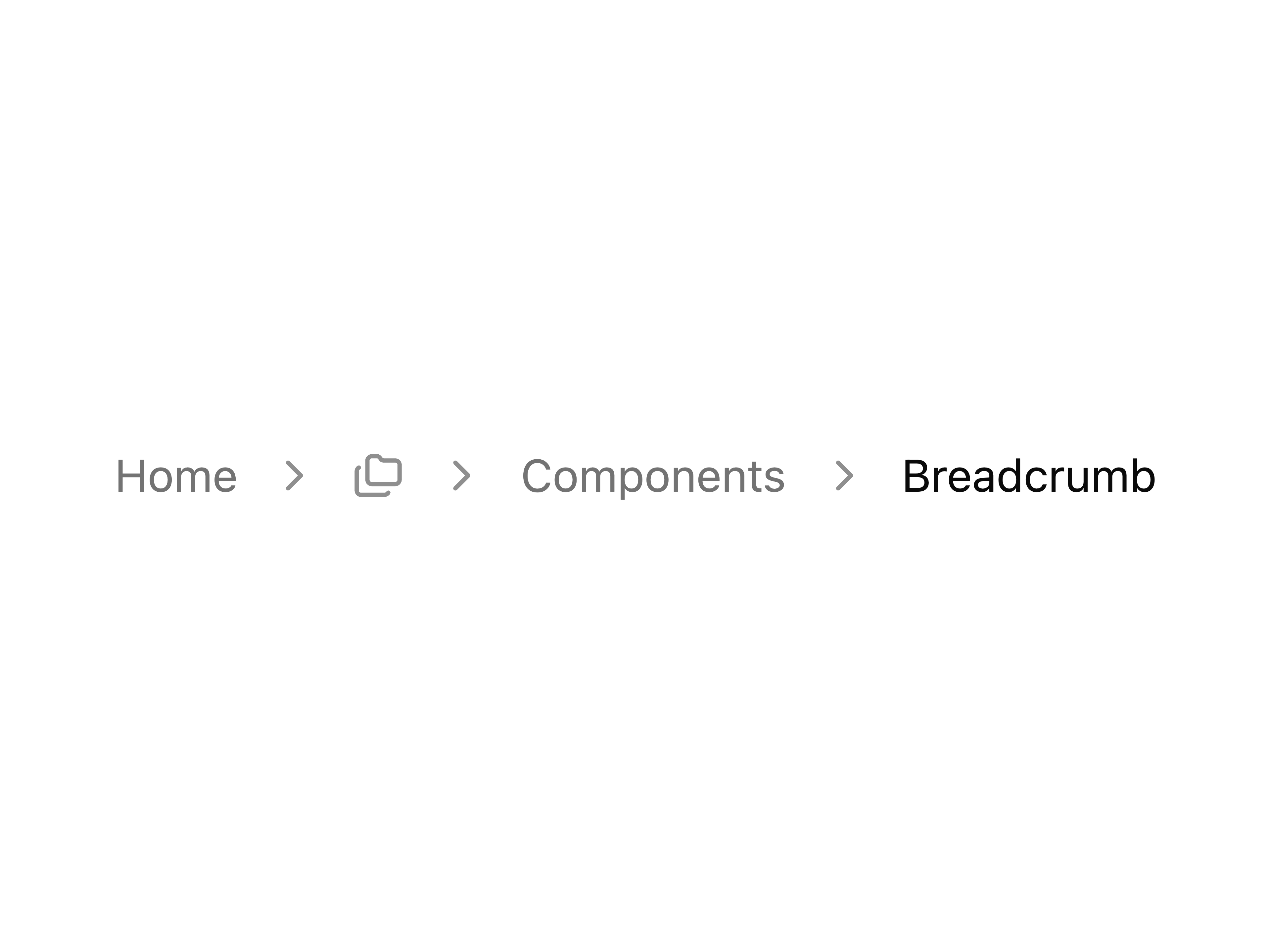
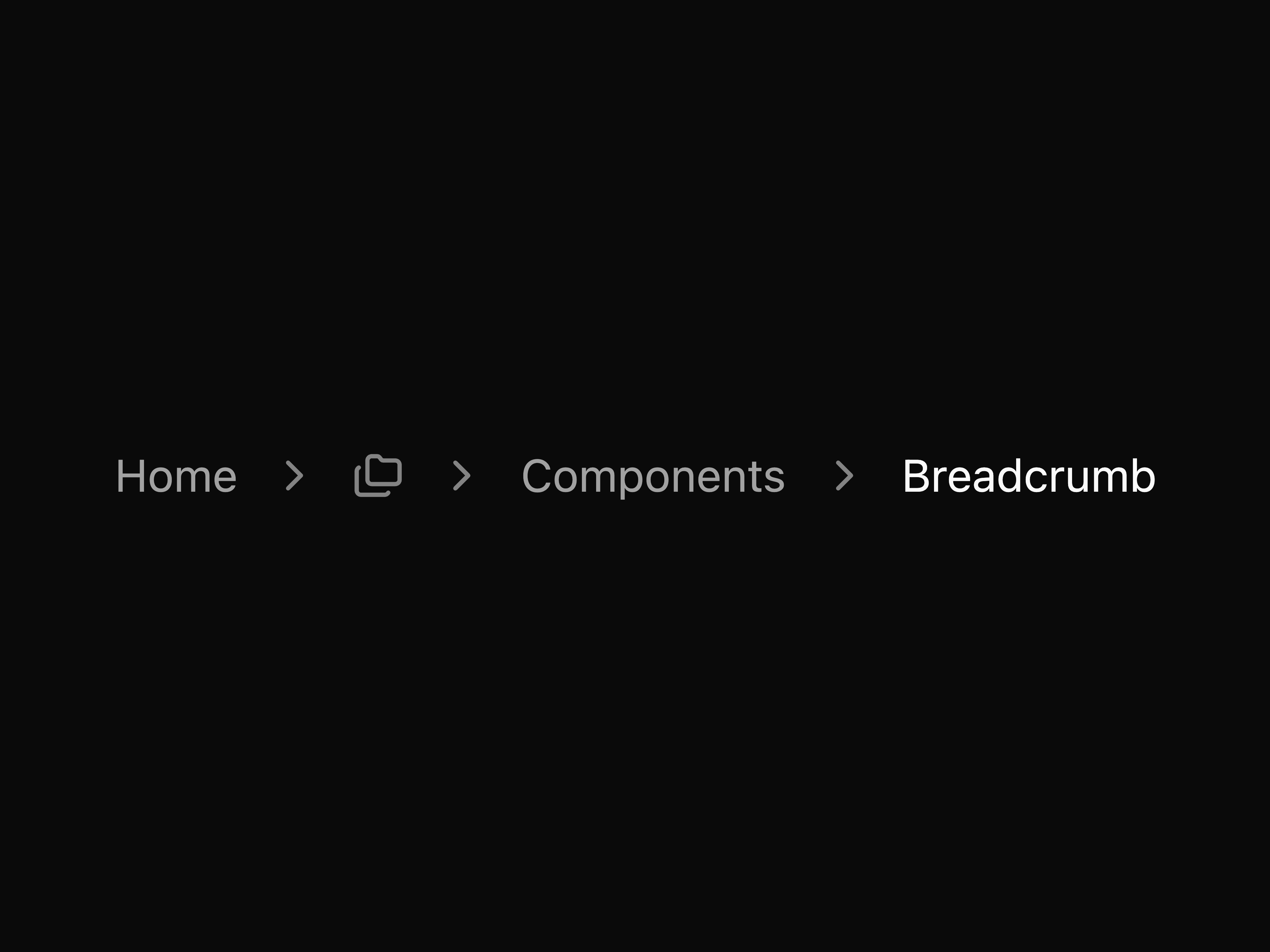
  • Breadcrumb with Folder MenuBreadcrumb with Folder Menu

    Breadcrumb with Folder Menu

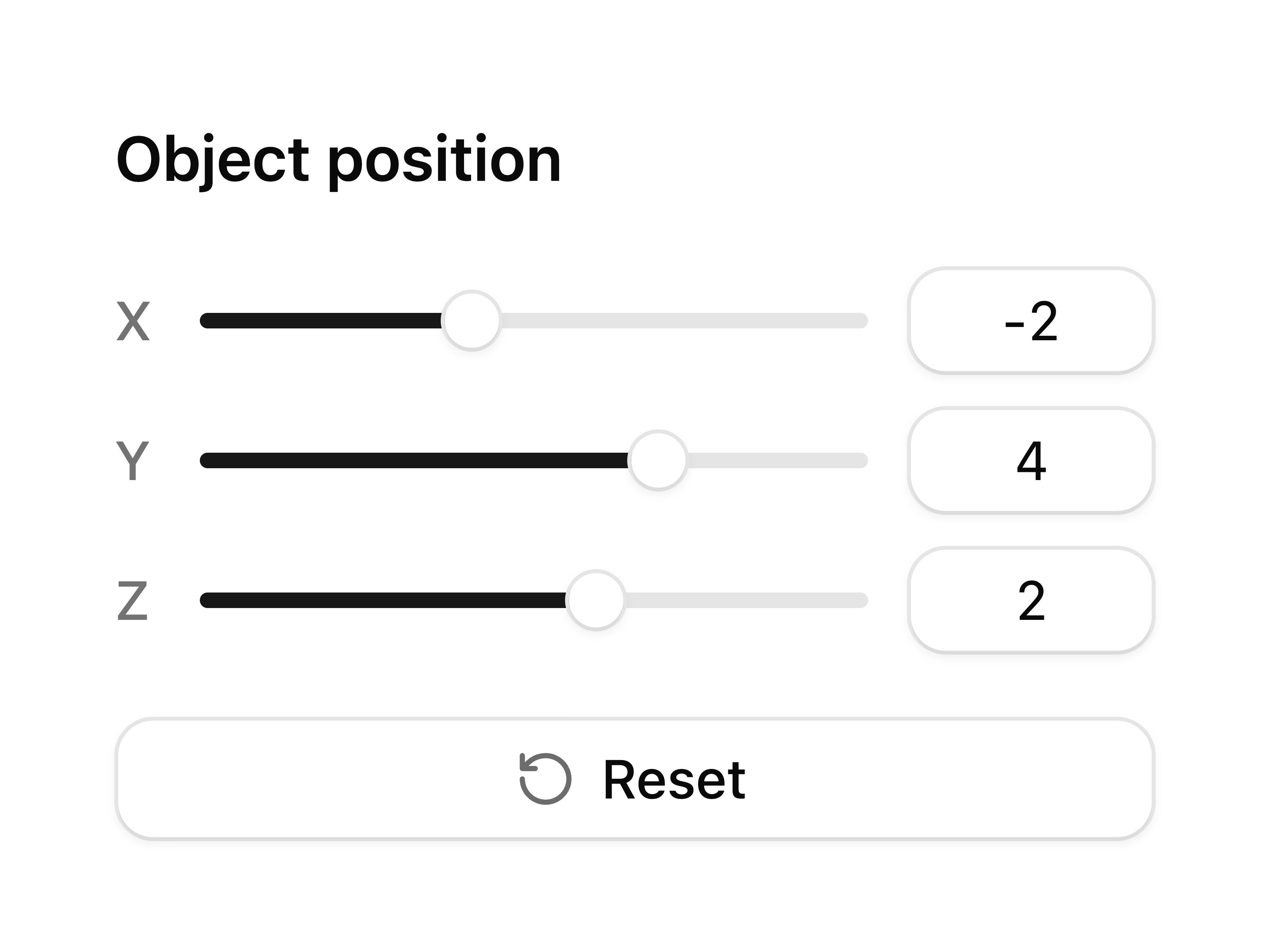
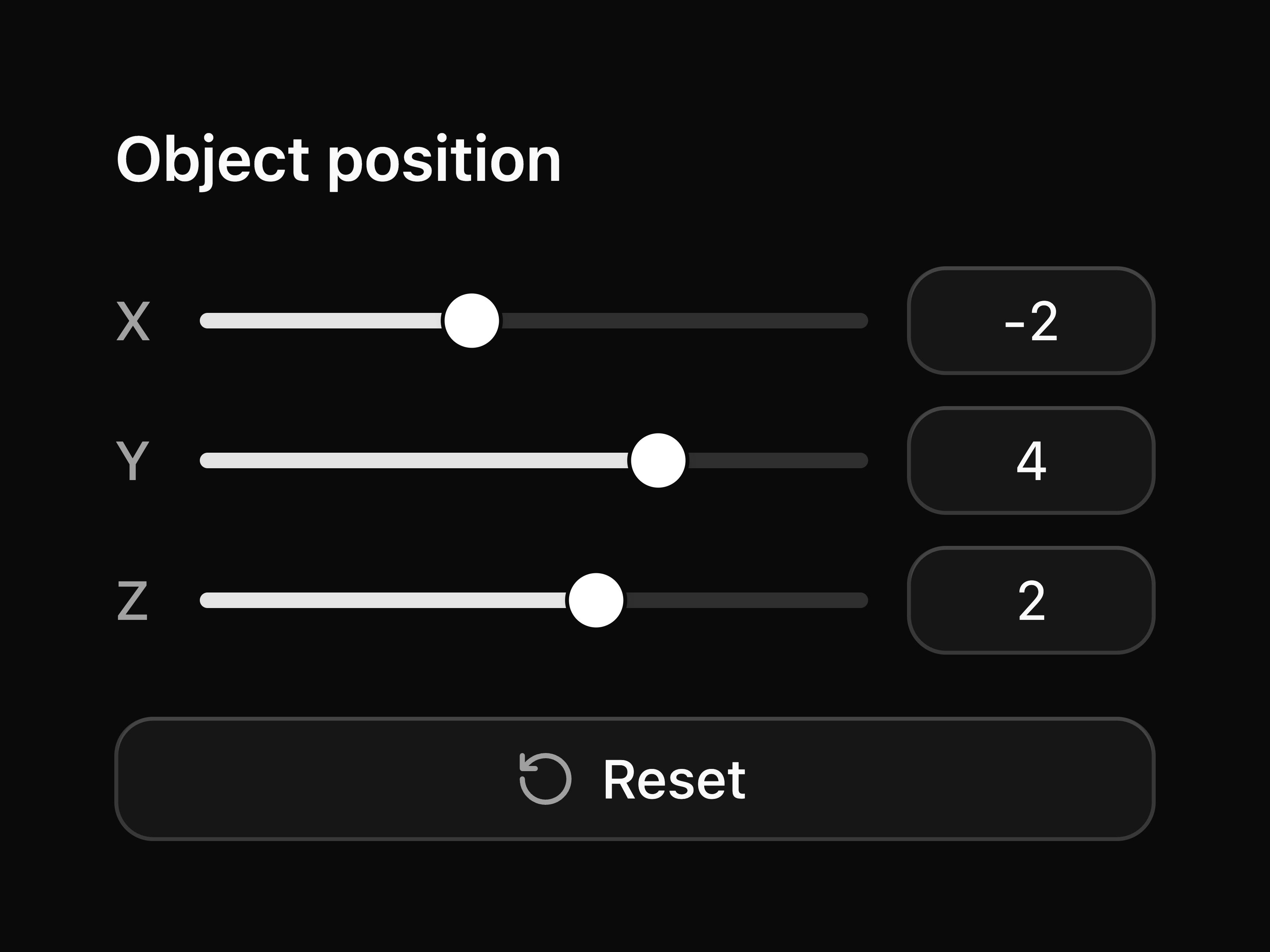
  • Object Position SliderObject Position Slider

    Object Position Slider

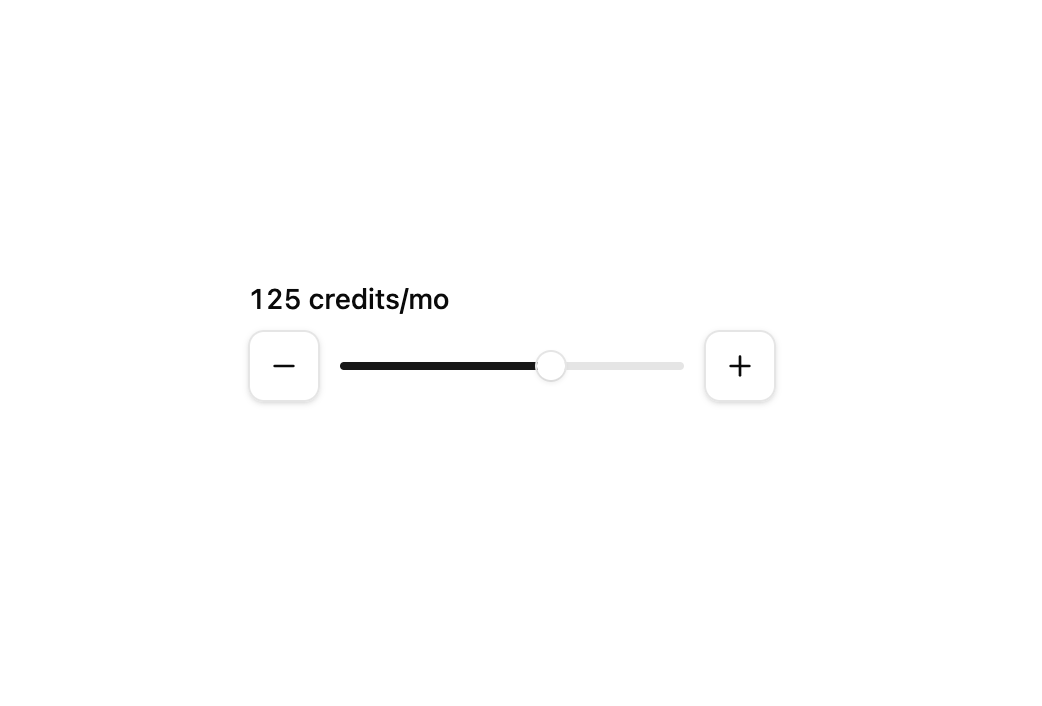
  • Increment Slider

    Increment Slider

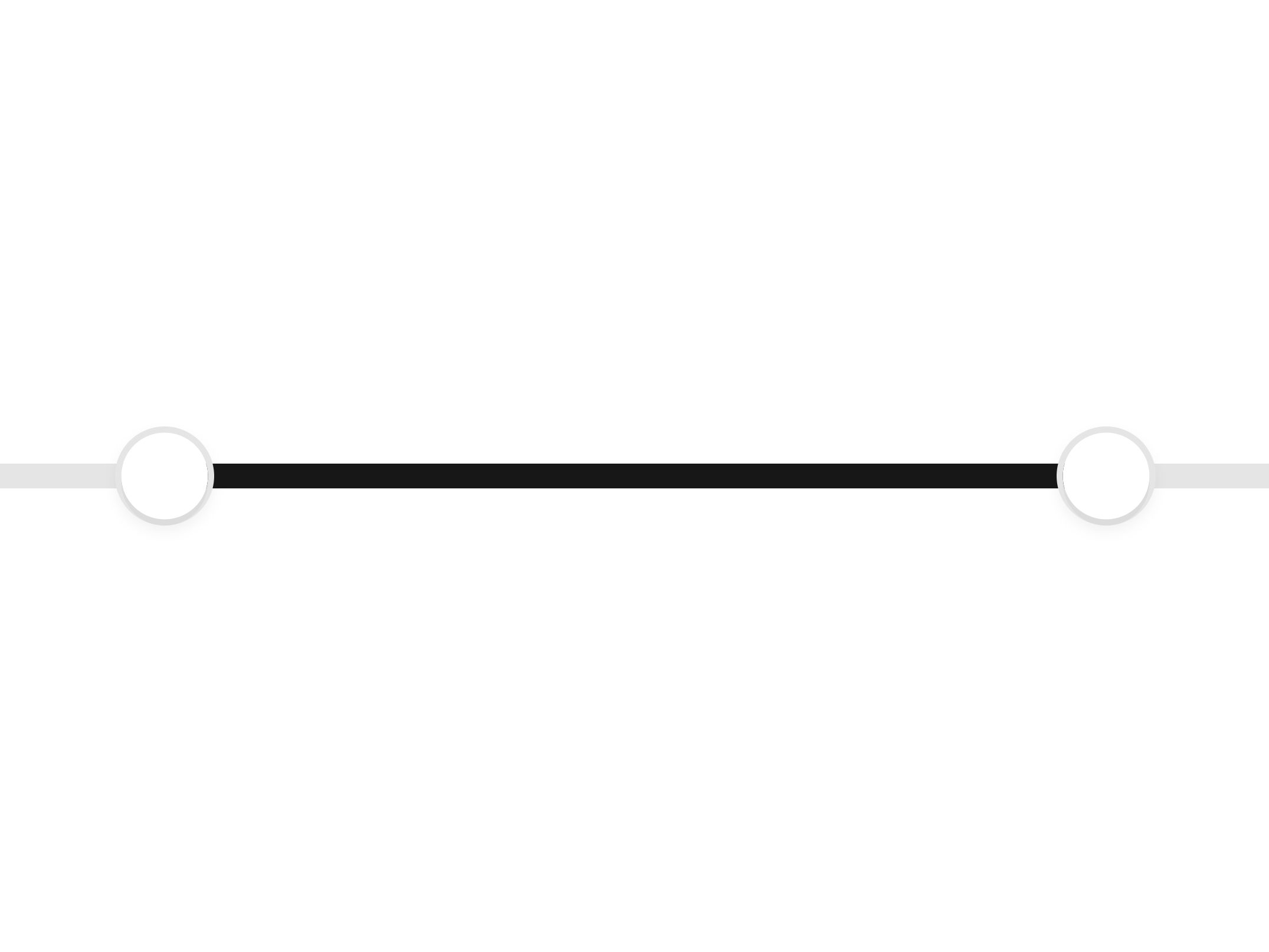
  • Collision Swap Range SliderCollision Swap Range Slider

    Collision Swap Range Slider

  • About coss

    coss publishes a shadcn registry at coss.com, with 362 components installable through the shadcn CLI.

    Components
    362
    GitHub stars
    10,750
    Last commit
    Oct 22, 2026
    Repository
    cosscom/ui

    Also in the coss registry

    Copy a prompt for your agent, copy the install command, or open the docs that ship it.

    • chat

      toolbar, utils
    • composer

      composer-editor
    • empty

      1 file
    • fieldset

      @base-ui/react1 file
    • fonts

      font-sans, font-heading, font-mono
    • group

      @base-ui/react1 file
    • kbd

      1 file
    • meter

      @base-ui/react1 file
    • p-accordion-1

      Basic accordion

      1 file
    • p-accordion-2

      Accordion with one panel open

      1 file
    • p-accordion-3

      Accordion allowing multiple panels open

      1 file
    • p-accordion-4

      Controlled accordion

      1 file
    • p-alert-1

      Basic alert

      1 file
    • p-alert-2

      Alert with icon

      lucide-react1 file
    • p-alert-3

      Alert with icon and action buttons

      lucide-react1 file
    • p-alert-4

      Info alert

      lucide-react1 file
    • p-alert-5

      Success alert

      lucide-react1 file
    • p-alert-6

      Warning alert

      lucide-react1 file
    • p-alert-7

      Error alert

      lucide-react1 file
    • p-alert-dialog-1

      Alert dialog

      1 file
    • p-alert-dialog-2

      Alert dialog with bare footer

      1 file
    • p-autocomplete-1

      Basic autocomplete

      1 file
    • p-autocomplete-10

      Autocomplete with grouped items

      1 file
    • p-autocomplete-11

      Autocomplete with limited number of results

      1 file
    • p-autocomplete-12

      Autocomplete with async items loading

      spinner1 file
    • p-autocomplete-13

      Autocomplete form

      1 file
    • p-autocomplete-14

      Autocomplete form

      1 file
    • p-autocomplete-15

      Pill-shaped autocomplete

      1 file
    • p-autocomplete-16

      Address autocomplete with Google Maps Places API

      lucide-react1 file
    • p-autocomplete-2

      Disabled autocomplete

      1 file
    • p-autocomplete-3

      Small autocomplete

      1 file
    • p-autocomplete-4

      Large autocomplete

      1 file
    • p-autocomplete-5

      Autocomplete with label

      1 file
    • p-autocomplete-6

      Autocomplete autofilling the input with the highlighted item

      1 file
    • p-autocomplete-7

      Autocomplete auto highlighting the first option

      1 file
    • p-autocomplete-8

      Autocomplete with clear button

      1 file
    • p-autocomplete-9

      Autocomplete with trigger and clear buttons

      1 file
    • p-avatar-1

      Avatar with image and fallback

      1 file
    • p-avatar-10

      Avatar with notification badge

      1 file
    • p-avatar-11

      Rounded avatar with notification badge

      1 file
    • p-avatar-12

      Avatar with verified badge

      1 file
    • p-avatar-13

      Small overlapping avatar group

      1 file
    • p-avatar-14

      Large overlapping avatar group

      1 file
    • p-avatar-15

    • p-avatar-16

    • p-avatar-17

    • p-avatar-18

    • p-avatar-19

    • p-avatar-2

      Fallback-only avatar

      1 file
    • p-avatar-20

    • p-avatar-21

    • p-avatar-3

      Avatars with different sizes

      1 file
    • p-avatar-4

      Avatars with different radii

      1 file
    • p-avatar-5

      Overlapping avatar group

      1 file
    • p-avatar-6

      Avatar with user icon fallback

      lucide-react1 file
    • p-avatar-7

      Avatar with emerald status dot

      1 file
    • p-avatar-8

      Avatar with muted status dot

      1 file
    • p-avatar-9

      Rounded avatar with top-right emerald status

      1 file
    • p-badge-1

      Basic badge

      1 file
    • p-badge-10

      Large badge

      1 file
    • p-badge-11

      Badge with icon

      lucide-react1 file
    • p-badge-13

      Badge with count

      1 file
    • p-badge-14

      Full rounded badge (pill)

      1 file
    • p-badge-15

      Badge with number after text

      1 file
    • p-badge-16

      Status badge - Paid

      1 file
    • p-badge-17

      Status badge - Pending

      1 file
    • p-badge-19

      Selectable badge with checkbox

      lucide-react1 file
    • p-badge-2

      Outline badge

      1 file
    • p-badge-20

      Removable badge

      lucide-react1 file
    • p-badge-3

      Secondary badge

      1 file
    • p-badge-4

      Destructive badge

      1 file
    • p-badge-5

      Info badge

      1 file
    • p-badge-6

      Success badge

      1 file
    • p-badge-7

      Warning badge

      1 file
    • p-badge-8

      Error badge

      1 file
    • p-badge-9

      Small badge

      1 file
    • p-breadcrumb-1

      Breadcrumb with menu example

      1 file
    • p-breadcrumb-2

      Breadcrumb with custom separator

      1 file
    • p-breadcrumb-3

      Breadcrumb with home icon for home link only

      lucide-react1 file
    • p-breadcrumb-5

      Breadcrumb with icons before text

      lucide-react1 file
    • p-breadcrumb-6

      Breadcrumb with dot separators

      lucide-react1 file
    • p-button-1

      Default button

      1 file
    • p-button-10

      Large button

      1 file
    • p-button-11

      Extra-large button

      1 file
    • p-button-12

      Disabled button

      1 file
    • p-button-13

      Icon button

      lucide-react1 file
    • p-button-14

      Small icon button

      lucide-react1 file
    • p-button-15

      Large icon button

      lucide-react1 file
    • p-button-16

      Button with icon

      lucide-react1 file
    • p-button-17

      Link rendered as button

      1 file
    • p-button-18

      Custom loading button with manual Spinner

      spinner1 file
    • p-button-19

      Expandable show more/less toggle button

      lucide-react1 file
    • p-button-2

      Outline button

      1 file
    • p-button-20

      Back link button with chevron

      lucide-react1 file
    • p-button-21

      Card-style button with heading and description

      lucide-react1 file
    • p-button-22

      Directional pad control buttons

      lucide-react1 file
    • p-button-23

      Outline like button with count

      lucide-react1 file
    • p-button-24

      Social login icon buttons

      @remixicon/react1 file
    • p-button-26

      Star button with count badge

      lucide-react1 file
    • p-button-27

      Button group with QR code icon and sign in

      lucide-react1 file
    • p-button-28

      Button with avatar

      1 file
    • p-button-29

      Pill-shaped button with rounded-full styling

      1 file
    • p-button-3

      Secondary button

      1 file
    • p-button-30

      Button with animated arrow on hover

      lucide-react1 file
    • p-button-31

      Button with keyboard shortcut indicator

      lucide-react1 file
    • p-button-32

      Button with notification badge

      1 file
    • p-button-33

      Paired buttons (Cancel/Save)

      1 file
    • p-button-34

      Button with animated status dot

      1 file
    • p-button-35

      Icon-only copy button with feedback

      lucide-react1 file
    • p-button-36

      Copy button with feedback

      lucide-react1 file
    • p-button-37

      Rotating icon button (FAB-style toggle)

      lucide-react1 file
    • p-button-38

      Social login buttons (Google, X, GitHub)

      @remixicon/react1 file
    • p-button-39

      Hamburger menu button with animated icon

      1 file
    • p-button-4

      Destructive button

      1 file
    • p-button-40

      Download button with progress and cancel action

      lucide-react1 file
    • p-button-41

      Button using the built-in loading prop

      1 file
    • p-button-5

      Destructive outline button

      1 file
    • p-button-6

      Ghost button

      1 file
    • p-button-7

      Link button

      1 file
    • p-button-8

      Extra-small button

      1 file
    • p-button-9

      Small button

      1 file
    • p-calendar-1

      Basic calendar

      1 file
    • p-calendar-10

      Calendar with rounded range selection style

      date-fns1 file
    • p-calendar-11

      Calendar with right-aligned navigation

      1 file
    • p-calendar-13

      Calendar with year-only combobox dropdown

      1 file
    • p-calendar-14

      Calendar without arrow navigation (dropdown only)

      1 file
    • p-calendar-15

      Calendar with current month button

      date-fns1 file
    • p-calendar-18

      Calendar with time input

      lucide-react1 file
    • p-calendar-19

      Calendar with time slots (appointment picker)

      date-fns1 file
    • p-calendar-2

      Calendar with custom cell size

      1 file
    • p-calendar-20

      Calendar with date presets

      date-fns1 file
    • p-calendar-21

      Range calendar with date presets

      date-fns1 file
    • p-calendar-22

      Two months calendar

      date-fns1 file
    • p-calendar-23

      Three months calendar

      date-fns1 file
    • p-calendar-24

      Pricing calendar with custom day buttons

      date-fns1 file
    • p-calendar-3

      Calendar with date range selection

      1 file
    • p-calendar-4

      Calendar with month/year dropdown navigation

      1 file
    • p-calendar-5

      Calendar with custom Select dropdown for month/year

      1 file
    • p-calendar-6

      Calendar with Combobox dropdown for month/year

      lucide-react1 file
    • p-calendar-8

      Calendar with multiple date selection

      date-fns1 file
    • p-calendar-9

      Calendar with rounded day buttons

      1 file
    • p-card-1

      A basic card with header and footer

      lucide-react1 file
    • p-card-10

      Card within a frame with header and footer

      lucide-react1 file
    • p-card-11

      CardFrame with header action

      lucide-react1 file
    • p-card-2

      Authentication card with actions

      1 file
    • p-card-4

      Framed card with footer

      lucide-react1 file
    • p-card-5

      Framed card with header

      1 file
    • p-card-6

      Framed card with header and footer

      lucide-react1 file
    • p-card-7

      Framed card with no rounded bottom

      lucide-react1 file
    • p-card-8

      Card within a frame and footer

      1 file
    • p-card-9

      Card within a frame and footer

      lucide-react1 file
    • p-checkbox-1

      Basic checkbox

      1 file
    • p-checkbox-2

      Disabled checkbox

      1 file
    • p-checkbox-3

      Checkbox with description

      1 file
    • p-checkbox-4

      Card-style checkbox

      1 file
    • p-checkbox-5

      Checkbox form

      1 file
    • p-checkbox-group-1

      Basic checkbox group

      1 file
    • p-checkbox-group-2

      Checkbox group with disabled items

      1 file
    • p-checkbox-group-3

      Checkbox group with parent checkbox

      1 file
    • p-checkbox-group-4

      Nested checkbox group with parent

      1 file
    • p-checkbox-group-5

      Checkbox group form

      1 file
    • p-collapsible-1

      Basic collapsible

      lucide-react1 file
    • p-combobox-1

      Basic combobox

      1 file
    • p-combobox-10

      Combobox with input inside popup

      lucide-react1 file
    • p-combobox-11

      Combobox form

      1 file
    • p-combobox-12

      Combobox multiple form

      1 file
    • p-combobox-13

      Combobox with start addon

      lucide-react1 file
    • p-combobox-14

      Combobox multiple with start addon

      lucide-react1 file
    • p-combobox-15

      Pill-shaped combobox

      1 file
    • p-combobox-16

      Timezone combobox

      1 file
    • p-combobox-17

      Timezone combobox with search input

      lucide-react1 file
    • p-combobox-18

      Combobox with select trigger

      1 file
    • p-combobox-19

      Combobox multiple with stacked chips

      lucide-react1 file
    • p-combobox-3

      Small combobox

      1 file
    • p-combobox-4

      Large combobox

      1 file
    • p-combobox-5

      Combobox with label

      1 file
    • p-combobox-6

      Combobox auto highlighting the first option

      1 file
    • p-combobox-7

      Combobox with clear button

      1 file
    • p-combobox-8

      Combobox with grouped items

      1 file
    • p-combobox-9

      Combobox with multiple selection

      1 file
    • p-command-1

      Command palette with dialog

      lucide-react1 file
    • p-command-2

      Command palette with AI assistant

      lucide-react1 file
    • p-composer-1

    • p-composer-10

    • p-composer-11

    • p-composer-2

      spinner
    • p-composer-3

    • p-composer-4

    • p-composer-5

    • p-composer-6

    • p-composer-7

    • p-composer-8

    • p-composer-9

    • p-context-menu-1

      Basic context menu

      1 file
    • p-context-menu-2

      Context menu with link items

      1 file
    • p-context-menu-3

      Nested context menu

      1 file
    • p-context-menu-4

      Context menu with checkbox items

      1 file
    • p-context-menu-6

      Context menu with icons

      lucide-react1 file
    • p-context-menu-7

      Context menu with radio group

      1 file
    • p-context-menu-8

      Context menu with switch checkbox items

      1 file
    • p-date-picker-1

      Basic date picker

      date-fns, lucide-react1 file
    • p-date-picker-2

      Date range picker

      date-fns, lucide-react1 file
    • p-date-picker-3

      Date picker with field and dropdown navigation

      date-fns, lucide-react1 file
    • p-date-picker-4

      Date picker with presets

      date-fns, lucide-react1 file
    • p-date-picker-5

      Date picker with input

      date-fns, lucide-react1 file
    • p-date-picker-6

      Date picker that closes on select

      date-fns, lucide-react1 file
    • p-date-picker-7

      Multiple dates picker

      date-fns, lucide-react1 file
    • p-date-picker-8

      Date picker with select-like trigger

      date-fns, lucide-react1 file
    • p-date-picker-9

      Two months calendar with range date

      date-fns, lucide-react1 file
    • p-dialog-1

      Dialog with form

      1 file
    • p-dialog-2

      Dialog opened from menu

      1 file
    • p-dialog-3

      Nested dialogs

      1 file
    • p-dialog-4

      Dialog with close confirmation

      1 file
    • p-dialog-5

      Dialog with long content

      1 file
    • p-dialog-6

      Dialog with bare footer

      1 file
    • p-drawer-10

      Edit profile form with default and bare footer variants

      1 file
    • p-drawer-11

      Mobile menu drawer from the left

      1 file
    • p-drawer-12

      Responsive edit profile: dialog on desktop, drawer on mobile

      use-media-query1 file
    • p-drawer-13

      Responsive actions menu: menu on desktop, drawer on mobile

      lucide-react1 file
    • p-drawer-14

      Left drawer with swipe area

      1 file
    • p-drawer-15

    • p-drawer-2

      Bottom drawer without drag bar

      1 file
    • p-drawer-3

      Drawer with close button

      1 file
    • p-drawer-4

      Inset variant drawers for all four positions

      1 file
    • p-drawer-5

      Straight variant drawers for all four positions

      1 file
    • p-drawer-6

      Scrollable content with terms and conditions

      1 file
    • p-drawer-7

      Nested bottom drawers with centered content

      1 file
    • p-drawer-8

      Nested right drawers with inset variant

      1 file
    • p-drawer-9

      Bottom drawer with snap points

      1 file
    • p-empty-1

      Empty state with icon and actions

      lucide-react1 file
    • p-field-1

      Field with description

      1 file
    • p-field-10

      Field with textarea

      1 file
    • p-field-11

      Field with select

      1 file
    • p-field-12

      Field with checkbox

      1 file
    • p-field-13

      Field with checkbox group

      1 file
    • p-field-14

      Field with radio group

      1 file
    • p-field-15

      Field with toggle switch

      1 file
    • p-field-16

      Field with slider

      1 file
    • p-field-17

      Field with number field

      1 file
    • p-field-18

      Complete form built with field

      1 file
    • p-field-2

      Field with required indicator

      1 file
    • p-field-3

      Field in disabled state

      1 file
    • p-field-4

      Field showing validation error

      1 file
    • p-field-5

      Show field validity state

      1 file
    • p-field-6

      Input group with field

      1 file
    • p-field-7

      Field with autocomplete

      1 file
    • p-field-8

      Field with combobox

      1 file
    • p-field-9

      Field with multiple selection combobox

      1 file
    • p-fieldset-1

      Fieldset with multiple fields

      1 file
    • p-form-1

      Input in a form

      1 file
    • p-form-2

      Form with zod validation

      zod1 file
    • p-frame-1

      Basic frame

      1 file
    • p-frame-2

      Frame with collapsible content and delete button

      lucide-react1 file
    • p-frame-3

      Frame with multiple separated panels

      1 file
    • p-frame-4

      Frame with multiple stacked panels

      1 file
    • p-group-1

      Basic group

      1 file
    • p-group-10

      Nested groups

      1 file
    • p-group-11

      Group with popup

      1 file
    • p-group-12

      Group with input group

      1 file
    • p-group-13

      Group with menu

      1 file
    • p-group-14

      Group with select

      1 file
    • p-group-17

      Group with input and currency text

      1 file
    • p-group-18

      Group with select and input

      1 file
    • p-group-19

      Group with input and select

      1 file
    • p-group-2

      Group with input

      use-copy-to-clipboard1 file
    • p-group-20

      Group with input and text button

      1 file
    • p-group-22

      Group with two number inputs for range

      1 file
    • p-group-23

      Group with filter label, combobox multi-select, and remove button

      1 file
    • p-group-3

      Small group

      1 file
    • p-group-4

      Large group

      1 file
    • p-group-5

      Group with disabled button

      1 file
    • p-group-6

      Group with default button

      1 file
    • p-group-7

      Group with start text

      1 file
    • p-group-8

      Group with end text

      1 file
    • p-group-9

      Vertical group

      1 file
    • p-input-1

      Basic input

      1 file
    • p-input-10

      Input group mimicking a URL bar

      1 file
    • p-input-11

      Input group with keyboard shortcut

      1 file
    • p-input-12

      Input group with start loading spinner

      spinner1 file
    • p-input-13

      Input with label and required indicator

      1 file
    • p-input-14

      Input with optional label

      1 file
    • p-input-15

      Input with custom border and background

      1 file
    • p-input-16

      Input group with end loading spinner

      spinner1 file
    • p-input-17

      Read-only input

      1 file
    • p-input-18

      Input with characters remaining counter

      1 file
    • p-input-19

      Pill-shaped input

      1 file
    • p-input-2

      Small input

      1 file
    • p-input-3

      Large input

      1 file
    • p-input-4

      Disabled input

      1 file
    • p-input-5

      File input

      1 file
    • p-input-6

      Input with label

      1 file
    • p-input-7

      Input with button using Group

      1 file
    • p-input-8

      Input with start text and end tooltip

      1 file
    • p-input-9

      Password input with toggle visibility

      1 file
    • p-input-group-1

      Basic input group

      1 file
    • p-input-group-10

      Input group with badge

      1 file
    • p-input-group-11

      Input group with keyboard shortcut

      1 file
    • p-input-group-12

      Input group with inner label

      1 file
    • p-input-group-13

      Small input group

      1 file
    • p-input-group-14

      Large input group

      1 file
    • p-input-group-15

      Disabled input group

      1 file
    • p-input-group-16

      Input group with loading spinner

      spinner1 file
    • p-input-group-17

      Input group with textarea

      1 file
    • p-input-group-18

      Input group with badge and menu

      lucide-react1 file
    • p-input-group-19

      Mini editor built with input group and toggle

      lucide-react1 file
    • p-input-group-2

      Input group with end icon

      lucide-react1 file
    • p-input-group-20

      Input group with search icon

      lucide-react1 file
    • p-input-group-21

      Input group with start tooltip

      lucide-react1 file
    • p-input-group-22

      Input group with clear button

      lucide-react1 file
    • p-input-group-23

      Search input group with loader and voice button

      lucide-react1 file
    • p-input-group-24

      Input group with character counter

      1 file
    • p-input-group-26

      Password input with strength indicator

      lucide-react1 file
    • p-input-group-27

      Code snippet input with language selector

      lucide-react1 file
    • p-input-group-28

      Message composer with attachment buttons

      lucide-react1 file
    • p-input-group-29

      Chat input with voice and send buttons

      lucide-react1 file
    • p-input-group-3

      Input group with start text

      1 file
    • p-input-group-4

      Input group with end text

      1 file
    • p-input-group-5

      Input group with start and end text

      1 file
    • p-input-group-6

      Input group with number field

      1 file
    • p-input-group-7

      Input group with end tooltip

      lucide-react1 file
    • p-input-group-8

      Input group with icon button

      lucide-react1 file
    • p-input-group-9

      Input group with button

      1 file
    • p-kbd-1

      Keyboard shortcuts display

      1 file
    • p-menu-1

      Basic menu

      1 file
    • p-menu-2

      Menu with hover

      1 file
    • p-menu-3

      Menu with checkbox

      1 file
    • p-menu-4

      Menu with radio group

      1 file
    • p-menu-5

      Menu with link

      1 file
    • p-menu-6

      Menu with group labels

      1 file
    • p-menu-7

      Nested menu

      1 file
    • p-menu-8

      Menu close on click

      1 file
    • p-menu-9

      Menu with checkbox items as switches

      1 file
    • p-meter-1

      Basic meter

      1 file
    • p-meter-3

      Meter with formatted value

      1 file
    • p-meter-4

      Meter with range

      1 file
    • p-navigation-1

      Segmented navigation built with links

      segmented-control1 file

    From the coss readme

    coss.com/ui (formerly Origin UI)

    About the Project

    coss.com/ui is the official Cal.com Design System.

    Repository Overview

    This repository contains multiple products and applications that make up the coss.com ecosystem:

    Apps and Packages

    • apps/www/ - Main coss.com website
    • apps/ui/ - coss ui component library and documentation
    • apps/origin/ - Legacy Origin UI components (pre-acquisition)
    • packages/ui/ - Shared UI components package
    • packages/typescript-config/ - TypeScript configurations
    • biome.json - Shared Biome configuration for linting and formatting

    Each package/app is 100% TypeScript.

    Environment Variables

    This monorepo contains multiple Next.js applications that are designed to link to each other. For the navigation to work correctly, you must set up environment variables for both local development and production deployments.

    Local Development

    For local development, create a .env.local file in each of the app directories with the corresponding variables.

    1. www app

      This app needs to know the URLs of the other apps. Create a file at apps/www/.env.local:

      # apps/www/.env.local
      NEXT_PUBLIC_APP_URL=http://localhost:3000
      NEXT_PUBLIC_COSS_UI_URL=http://localhost:4000/ui
      
    2. ui app

    This app needs to know the URLs of the other apps. Create a file at apps/ui/.env.local:

    # apps/ui/.env.local
    NEXT_PUBLIC_APP_URL=http://localhost:4000/ui
    NEXT_PUBLIC_COSS_URL=http://localhost:3000
    NEXT_PUBLIC_ORIGIN_URL=http://localhost:4001
    
  • origin app

    This app needs to know the URLs of the other apps. Create a file at apps/origin/.env.local:

    # apps/origin/.env.local
    NEXT_PUBLIC_APP_URL=http://localhost:4001/origin
    NEXT_PUBLIC_COSS_URL=http://localhost:3000
    NEXT_PUBLIC_COSS_UI_URL=http://localhost:4000/ui
    
  • [!NOTE] Turborepo is configured to watch for changes in .env* files, so it will automatically invalidate the cache when these variables change.

    Development

    This Turborepo has some additional tools already setup for you:

    • TypeScript for static type checking
    • Biome for linting and formatting

    Build

    To build all apps and packages:

    bun run build
    

    To build a specific app:

    bun run build --filter=www
    bun run build --filter=ui
    bun run build --filter=origin
    

    Develop

    To develop all apps and packages:

    bun run dev
    

    To develop a specific app:

    bun run dev --filter=www
    bun run dev --filter=ui
    bun run dev --filter=origin
    

    coss ui

    coss ui is a collection of beautifully designed, accessible, and composable components for your React apps. Built on top of Base UI and styled with Tailwind CSS, it's designed for you to copy, paste, and own.

    We think Base UI is the best foundation for modern web applications. We've taken its powerful, unstyled primitives and given them a design system that's ready to go, right out of the box.

    This is the component library we'll be progressively adopting for cal.com. We're building it in the open for anyone who wants to create beautiful, reliable user interfaces.

    Origin UI Acquisition

    This repository also includes the Origin UI components as a legacy snapshot. Origin UI was a pre-acquisition collection of Radix-based, shadcn-style components that remains available for use, but with limited support and maintenance. Active development now focuses on the new Particles components built on the coss ui primitives.

    Contributing to coss ui

    We're always looking for contributors to help improve our UI components. Whether it's a bug report, a new feature, or a documentation update, we appreciate your help.

    Please see our Contributing Guidelines for more information on how to get involved.

    Licensing

    This repository uses a mixed licensing approach. The default license for this project is AGPLv3.0.

    • MIT: The apps/origin/ and apps/ui/ directories are licensed under their original MIT license
    • AGPLv3: All other directories are licensed under the GNU Affero General Public License v3.0

    For detailed information, see our Licensing documentation.

    Acknowledgements

    Special thanks to:

    • Tailwind CSS - For the utility-first CSS framework that powers our design system
    • Base UI - For providing the robust, accessible primitives that form the foundation of our components
    • shadcn/ui - For inspiring our copy-paste approach and component philosophy
    • Fumadocs - For providing the documentation framework that powers our component docs

    Read the rest on GitHub →

    What coss builds on

    The packages and primitives its components pull in, counted across the registry.

    spinner10use-copy-to-clipboard5segmented-control3use-media-query3utils2composer-editor1font-heading1font-mono1font-sans1toolbar1

    Hooks and utilities

    • accordion
    • alert
    • alert-dialog
    • avatar
    • badge
    • breadcrumb
    • button
    • calendar
    • card
    • checkbox
    • collapsible
    • combobox
    • command
    • context-menu
    • dialog
    • drawer
    • form
    • input
    • label
    • pagination
    • popover
    • progress
    • radio-group
    • scroll-area
    • select
    • separator
    • sheet
    • sidebar
    • skeleton
    • slider
    • switch
    • table
    • tabs
    • textarea
    • toast
    • toggle
    • toggle-group
    • tooltip

    What coss shipped recently

    Every appearance and removal our crawl has seen in the registry index.

    • p-avatar-15addedOct 19, 2026
    • p-avatar-16addedOct 19, 2026
    • p-avatar-17addedOct 19, 2026
    • p-avatar-18addedOct 19, 2026
    • p-avatar-19addedOct 19, 2026
    • p-avatar-20addedOct 19, 2026
    • p-avatar-21addedOct 19, 2026
    • chataddedOct 13, 2026
    • chat-demoaddedOct 13, 2026
    • composer-clipboardaddedOct 13, 2026
    • composeraddedOct 12, 2026
    • composer-documentaddedOct 12, 2026
    • composer-editoraddedOct 12, 2026
    • composer-queryaddedOct 12, 2026
    • p-composer-1addedOct 12, 2026
    • p-composer-10addedOct 12, 2026
    • p-composer-11addedOct 12, 2026
    • p-composer-2addedOct 12, 2026
    • p-composer-3addedOct 12, 2026
    • p-composer-4addedOct 12, 2026

    Registries like coss

    Magic UI

    Magic UI

    by Dillion Verma

    64

    components

    Motion Primitives

    Motion Primitives

    by Julien Thibeaut

    39

    components

    cult ui

    cult ui

    by cult/ui

    50

    components

    ReUI

    ReUI

    by Sean Hello

    262

    components

    Kokonut UI

    Kokonut UI

    by Kokonut UI

    60

    components

    Dice UI

    Dice UI

    by Dice UI

    19

    components

    Browse every shadcn registry we track →

    1. Components
    2. /
    3. coss
    4. /
    5. coss

    Related libraries

    Ruixen UI

    Ruixen UI

    by Ruixen UI

    347

    components

    Cnippet

    Cnippet

    by Cnippet

    347

    components

    ReUI

    ReUI

    by Sean Hello

    262

    components

    HextaUI

    HextaUI

    by Preet Suthar

    119

    components

    Efferd

    Efferd

    by Efferd

    114

    components

    Geist

    Geist

    by tigran tumasov

    72

    components

    About coss

    coss is a component library on 21st.dev by coss with 74 public React components. Every component ships with a live interactive preview and full TSX source — copy the code, install it through the shadcn CLI, or pull it into Cursor or Claude Code over MCP.

    All 74 coss components

    • Accordion
    • Add Item Group
    • Alert
    • Alert Dialog
    • Async Autocomplete
    • Avatar
    • Badge
    • Badge with Link
    • Basic OTP Field
    • Breadcrumb
    • Breadcrumb
    • Breadcrumb with Folder Menu
    • Breadcrumb With Select Dropdown

    Browse all component libraries →

  • Button
  • Calendar
  • Calendar With Date Input
  • Calendar With Disabled Dates
  • Calendar with Time Autocomplete
  • Calendar With Today Button
  • Checkbox
  • Checkbox Group
  • Collapsible
  • Collision Swap Range Slider
  • Combobox
  • Context Menu with Group Labels
  • Disabled Combobox
  • Drawer
  • Failed Status Badge
  • Field
  • Flight Data Table
  • Flight Data Table
  • Form
  • Frame
  • Increment Slider
  • Input Group
  • Input OTP
  • Loading Button
  • Login Card
  • Masked OTP Field
  • Menu
  • Meter Particle
  • Number Field
  • Object Position Slider
  • Optional Textarea Field
  • OTP Field with Placeholder Hints
  • OTP Field with Separator
  • OTP Verification Field
  • Pill Number Field
  • Progress
  • Progress With Label And Value
  • Project Segmented Navigation
  • Read-only Textarea
  • Required Message Textarea
  • Selectable Budget Table
  • Separator Link List
  • Simple Bottom Drawer
  • Slider
  • Slider Form Field
  • Spinner
  • Stacked Chips Combobox
  • Switch
  • Table
  • Tabs
  • Tabs with Count Badge
  • Textarea
  • Textarea Character Counter
  • Textarea with Send Button
  • Toggle
  • Toolbar
  • Underline Tabs with Icons
  • URL Search Group
  • User Follow List Skeleton
  • Weekly Availability Editor
  • Week Number Calendar