
About
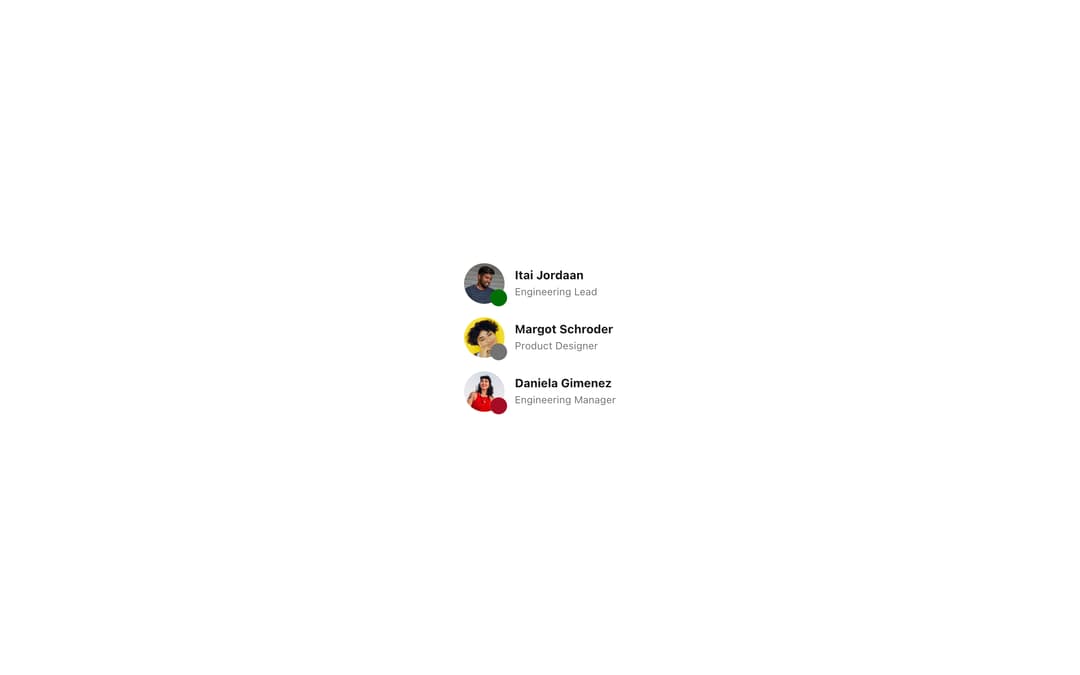
Avatar represents a person or team with a profile photo, initials, or a default icon, from Meta's Astryx design system. Use it in comment headers, contact lists, chat messages, user cards, and anywhere you need to identify someone visually. Includes AvatarStatusDot and AvatarGroup with overflow.
Built with React and Tailwind. Copy the prompt and paste it into Claude Code, Cursor or Lovable: your agent adds Astryx Avatar to your project and fits it to your theme.
Code
How Astryx Avatar is used: the demo's code. The component's own source comes with a free account.
Usage.tsx
'use client';

import Avatar, {AvatarStatusDot} from '@/components/ui/astryx-avatar';
import {Theme} from '@astryxdesign/core/theme';
import {neutralTheme} from '@astryxdesign/theme-neutral/built';
import {Stack} from '@astryxdesign/core/Layout';
import {Text} from '@astryxdesign/core/Text';

const CDN = 'https://lookaside.facebook.com/assets/astryx';

const USERS = [
  {
    name: 'Itai Jordaan',
    src: `${CDN}/DATA-Itai-Jordaan.png`,
    role: 'Engineering Lead',
    variant: 'success' as const,
  },
  {
    name: 'Margot Schroder',
    src: `${CDN}/DATA-Margot-Schroder.png`,
    role: 'Product Designer',
    variant: 'neutral' as const,
  },
  {
    name: 'Daniela Gimenez',
    src: `${CDN}/DATA-Daniela-Gimenez.png`,
    role: 'Engineering Manager',
    variant: 'error' as const,
  },
];

export default function AvatarUserCard() {
  return (
    <Theme theme={neutralTheme}>
      <div
        style={{
          minHeight: '100dvh',
          display: 'grid',
          placeItems: 'center',
          padding: 24,
        }}>
        <Stack direction="vertical" gap={4}>
          {USERS.map(user => (
            <Stack
              key={user.name}
              direction="horizontal"
              gap={3}
              vAlign="center">
              <Avatar
                src={user.src}
                name={user.name}
                size="medium"
                status={
                  <AvatarStatusDot variant={user.variant} label={user.variant} />
                }
              />
              <Stack direction="vertical" gap={0}>
                <Text type="body" weight="bold">
                  {user.name}
                </Text>
                <Text type="supporting" color="secondary">
                  {user.role}
                </Text>
              </Stack>
            </Stack>
          ))}
        </Stack>
      </div>
    </Theme>
  );
}
Dependencies
More by Meta
View all

Astryx Banner
54
Astryx Aspect Ratio
26
Astryx Button Group
22
Astryx Badge
22
Astryx Toggle Button
15
Astryx Avatar Group
7
Astryx Button
4
Astryx Blockquote
3