Sign in Components for React & Next.js
Find 28 sign-in React components built with Tailwind CSS, perfect for secure and stylish authentication flows in your Next.js apps.
Browse components

SignInPage
631

Modern & Stunning sign in
1.6K

Sign In Form
201
Clean & Minimal sign in
616
Sign In
96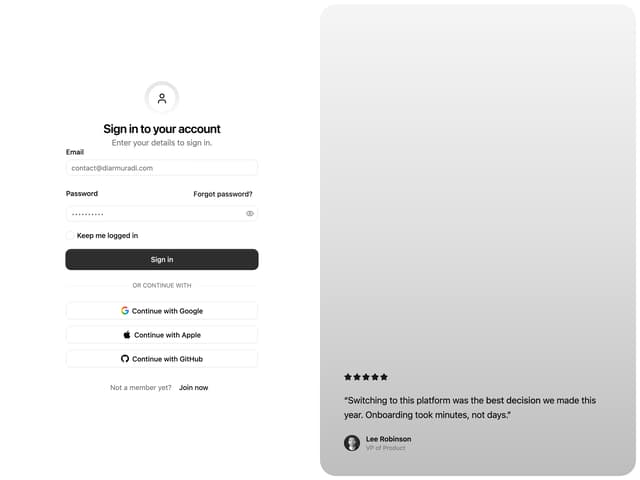

Split Sign In Form
15

Login 2
7
Authentication Card
45
Modern Animated Sign In
1.1K
Login Form Card
12
Sign In Card
18
Sign In Card
2.6K
Login Form
6

Sign In
4.6K
Login Card
32
Travel Connect Signin
660
Sign In Flo
125
Login Card
26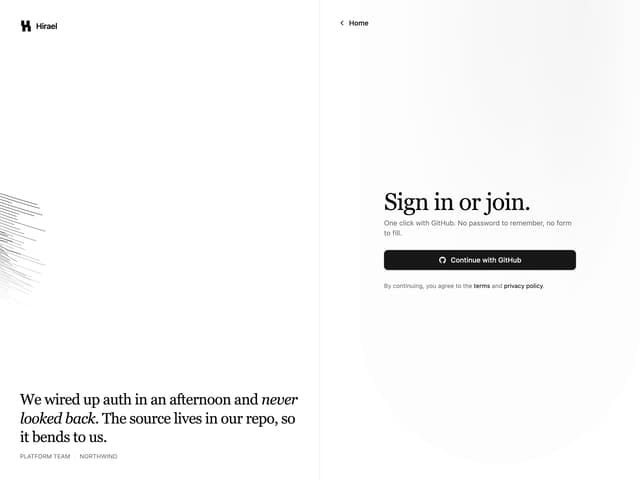
Split Login
60
Sign In
104
Centered Social Login
49
Auth UI
273
Neural Access Login
349

Sign In
118
Social Auth Card
27
Sign-in
229
Modern Login & Signup
1.2K

Auth Page
848

Buttons
33
Sign In Split Screen
68
Login
227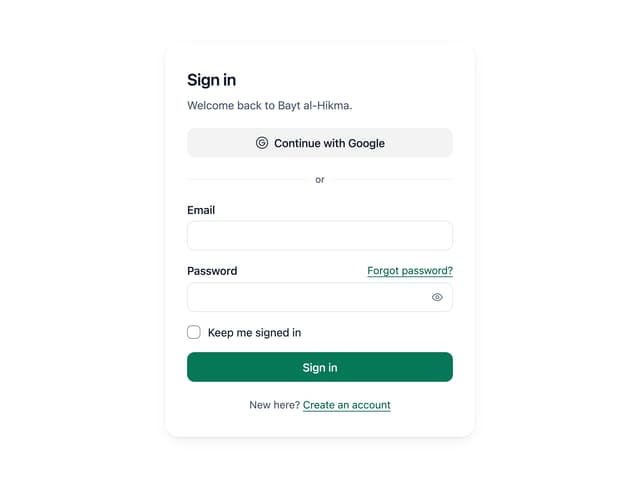
Sign In Auth Card

Login / Signup
194

Login Form
2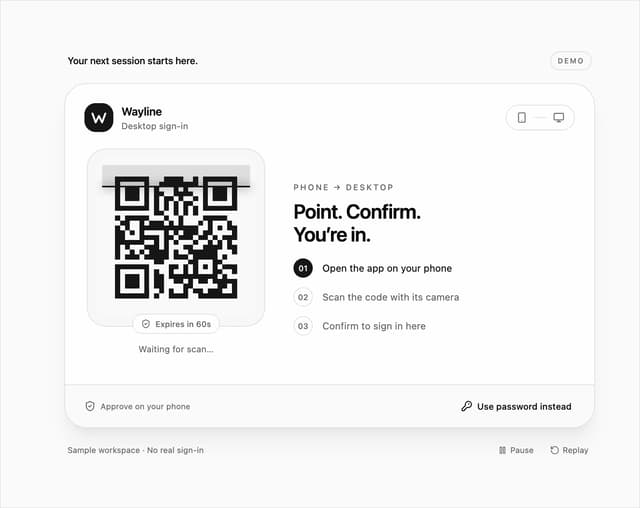

QR Code Scan Login Form with Password Fallback
81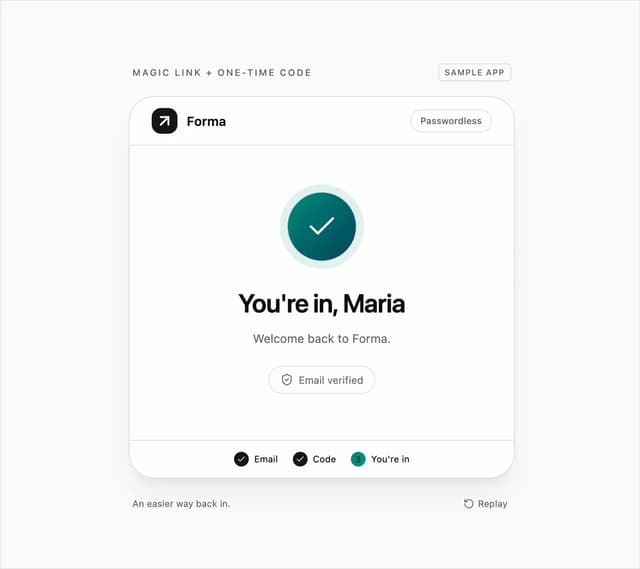
Magic Link and OTP Code Login Form
39
Login & Signup
30
login
79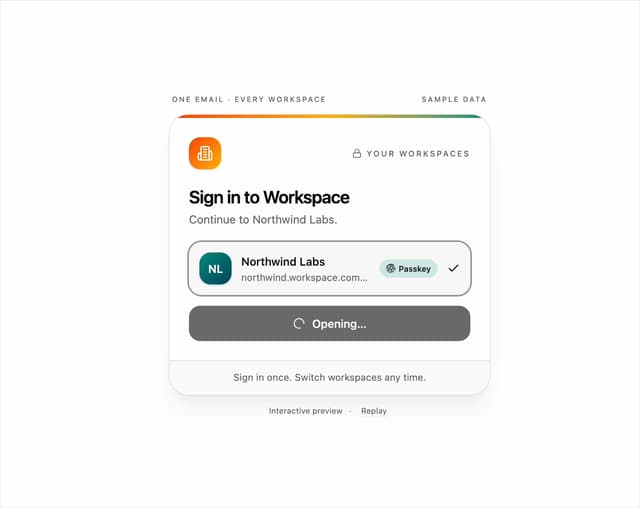
Workspace Picker Login Form
7
Auth Form
13
Sticky Header Navbar
19
Gamified Login Card
73
Image Slider
335
Passkey Sign-In
28
Auth Modal
89
Dialog
231
Auth Modal
91
Button
102


Keep browsing with a free account
See all 12,000+ components, 306 templates, 939 themes and 138 apps, save favourites and copy two prompts a day for free. No card needed
More sign in components
- Login Form by prebuiltui
- Login & Signup by Ephraim Duncan
- Auth Divider by Efferd
- Sign In Form by felipemenezes098
- Minimal Auth Page by Efferd
- Identifier First Login by DHxWhy
- Family Sign In Drawer by uui
- Push Approval Card by felipemenezes098
- Login Card by Mohammad Shehadeh
- One Time Password Sign In Card by Ahmed Mayara
- Terms & Conditions by mvp_Subha
- Auth Form by SO called
- Login Minimal by scrollxui
- Login Page 1 by ShadcnStore
- Login with Email and Password by Ephraim Duncan
- Login by Ephraim Duncan
- Login by Méschac Irung
- HeroUI Button by Hero Ui
- Login Card by Arihant jain
- Dialog by Abraham
- Auth Form by Bankk roll
- Auth Form by Edu Calvo
- Login Page 2 by Méschac Irung
- Auth Form with Spinner by Cnippet
- Login & Signup by Ephraim Duncan
- login by Ephraim Duncan
- Login with SSO by Ephraim Duncan
- Auth Form by Vaibhav Kumar Singh
- Centered Nav Header by Oliver
- Pending by Dice UI
- Login & Signup by Ephraim Duncan
- Login & Signup by Ephraim Duncan
About sign in components
This collection gathers 67 sign-in components for React authentication screens. You'll find compact login cards, split layouts with a form beside artwork, passwordless and magic-link forms, and variants with social provider buttons. Some include remember-me toggles, forgot-password links, and inline error states; others stay stripped down. If you're building a login page or a returning-user flow, these cover the common patterns without you starting the layout from scratch.
Use a simple centered card for most apps, and a split layout when you want branding next to the form. Copy the TSX directly, install via the shadcn CLI with the component's registry URL, or pull one through the Magic MCP from your coding agent. These are Tailwind-based React components that fit into Next.js, so connect the submit handler to your auth provider and you're set.