
About
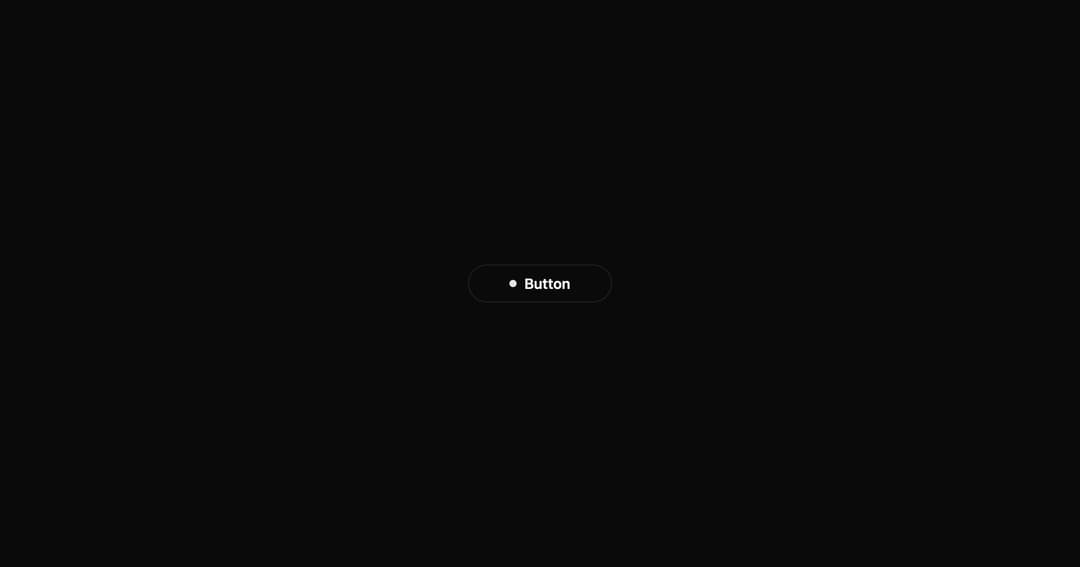
A button with expanding dot animation, loading state with spinner, and success checkmark. Multi-state interactive component.
Built with React and Tailwind. Copy the prompt and paste it into Claude Code, Cursor or Lovable: your agent adds Interactive Hover Button to your project and fits it to your theme.
Code
How Interactive Hover Button is used: the demo's code. The component's own source comes with a free account.
Usage.tsx
import InteractiveHoverButton from "../components/ui/interactive-hover-button";

export default function Demo() {
  return (
    <div className="flex items-center justify-center min-h-screen bg-background">
      <InteractiveHoverButton text="Button" />
    </div>
  );
}
Dependencies
More by Shatlyk1011
View all
Motion Button
885
3D Marquee
713
Hover Border Gradient
622
Team Member Card
568
Link Hover
293
Typing Effect
269
Animated Dropdown
223
Gradient Borders Button
221
More in Buttons
View all

Button
14
Button
34
Texture Button
92
Button Save
46

Button
64

Button Group
3

Notification Button
103

Button

