
About
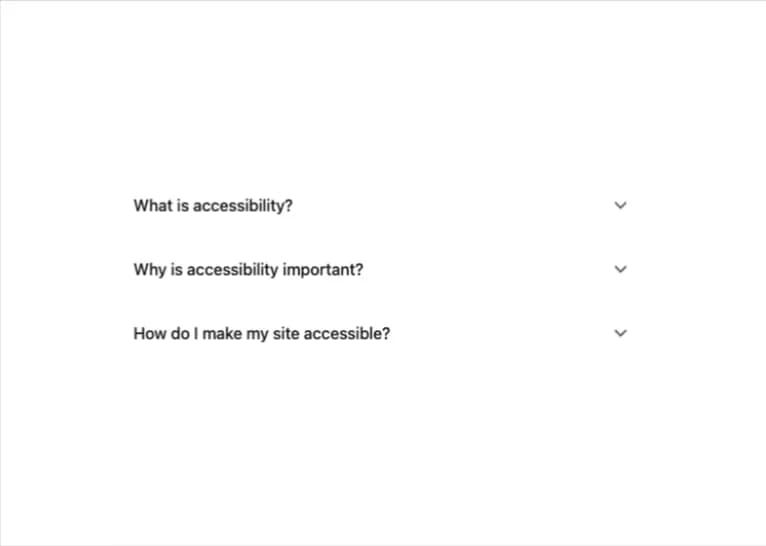
A keyboard-accessible accordion built on native HTML5 details/summary elements, with single- or multi-expand coordination, focus-visible outlines and reduced-motion support — ported to React from A11YPros' a11y-ui web component (credit: Ryan Mack / a11ypros.com).
Built with React and Tailwind. Copy the prompt and paste it into Claude Code, Cursor or Lovable: your agent adds Accessible Accordion to your project and fits it to your theme.
Code
How Accessible Accordion is used: the demo's code. The component's own source comes with a free account.
Usage.tsx
import { Accordion, AccordionItem } from "@/components/ui/a11y-accordion";

export default function AccordionDemo() {
  return (
    <div className="w-full max-w-xl mx-auto p-6">
      <Accordion>
        <AccordionItem id="item-1" title="What is accessibility?">
          <p>
            Accessibility (often abbreviated to a11y) is the practice of making
            your websites usable by as many people as possible. This includes
            people with disabilities, people using mobile devices, and people
            with slow network connections.
          </p>
        </AccordionItem>
        <AccordionItem id="item-2" title="Why is accessibility important?">
          <p>
            Web accessibility is essential for developers and organizations that
            want to create high-quality websites and web tools, and not exclude
            people from using their products and services. It's also legally
            required in many jurisdictions.
          </p>
        </AccordionItem>
        <AccordionItem id="item-3" title="How do I make my site accessible?">
          <p>
            Follow the WCAG (Web Content Accessibility Guidelines) standards.
            Use semantic HTML, provide proper ARIA labels, ensure keyboard
            navigation works, maintain sufficient color contrast, and test with
            screen readers.
          </p>
        </AccordionItem>
      </Accordion>
    </div>
  );
}
More by a11ypros
View all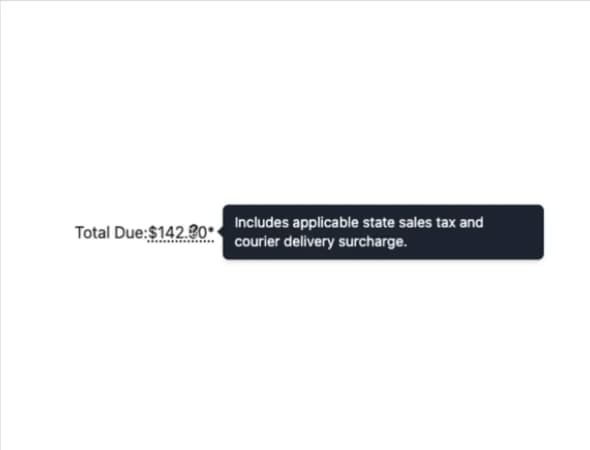
Accessible Tooltip
1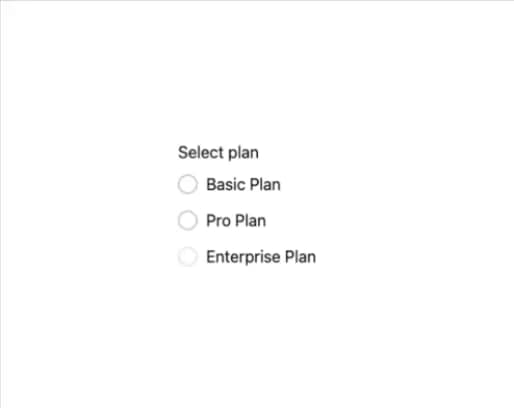
Accessible Radio Group
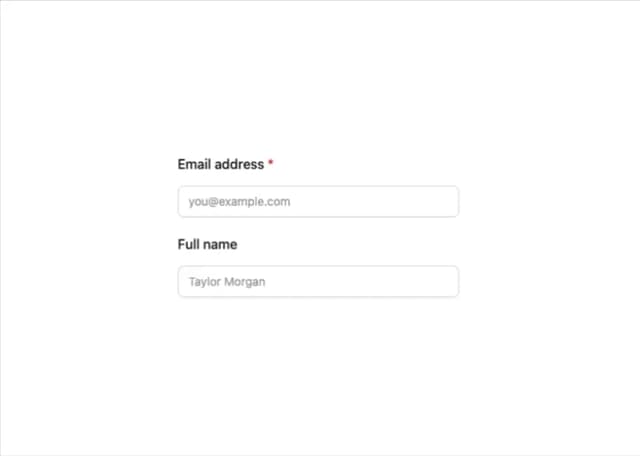
A11y Label