
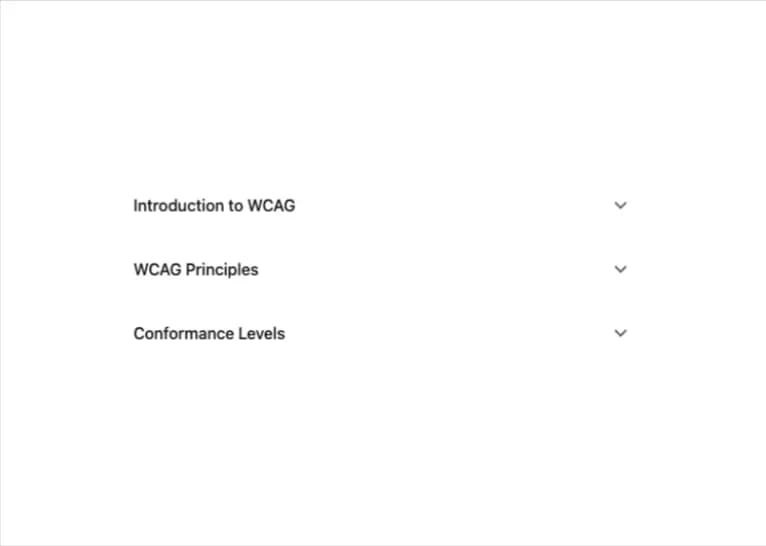
About
A keyboard-accessible accordion built on native HTML5 details/summary elements, with single- or multi-expand coordination, focus-visible outlines and reduced-motion support — ported to React from A11YPros' a11y-ui web component (credit: Ryan Mack / a11ypros.com).
Built with React and Tailwind. Copy the prompt and paste it into Claude Code, Cursor or Lovable: your agent adds Accessible Accordion to your project and fits it to your theme.
Code
How Accessible Accordion is used: the demo's code. The component's own source comes with a free account.
Usage.tsx
import { Accordion, AccordionItem } from "@/components/ui/a11y-accordion";

export default function AccordionRichContentDemo() {
  return (
    <div className="w-full max-w-xl mx-auto p-6">
      <Accordion>
        <AccordionItem id="item-1" title="Introduction to WCAG">
          <p>
            <strong>Web Content Accessibility Guidelines (WCAG)</strong> is
            developed through the W3C process in cooperation with individuals
            and organizations around the world.
          </p>
          <p>
            The goal of WCAG is to provide a single shared standard for web
            content accessibility that meets the needs of individuals,
            organizations, and governments internationally.
          </p>
        </AccordionItem>
        <AccordionItem id="item-2" title="WCAG Principles">
          <h4>The Four Principles (POUR)</h4>
          <ol>
            <li>
              <strong>Perceivable</strong> - Information and user interface
              components must be presentable to users in ways they can perceive.
            </li>
            <li>
              <strong>Operable</strong> - User interface components and
              navigation must be operable.
            </li>
            <li>
              <strong>Understandable</strong> - Information and the operation of
              user interface must be understandable.
            </li>
            <li>
              <strong>Robust</strong> - Content must be robust enough that it
              can be interpreted reliably by a wide variety of user agents.
            </li>
          </ol>
        </AccordionItem>
        <AccordionItem id="item-3" title="Conformance Levels">
          <ul>
            <li>
              <strong>Level A</strong> - Minimum level of conformance
            </li>
            <li>
              <strong>Level AA</strong> - Recommended level (most common target)
            </li>
            <li>
              <strong>Level AAA</strong> - Highest level of conformance
            </li>
          </ul>
          <p>
            Most organizations aim for Level AA compliance as it provides a good
            balance between accessibility and practical implementation.
          </p>
        </AccordionItem>
      </Accordion>
    </div>
  );
}
More by a11ypros
View all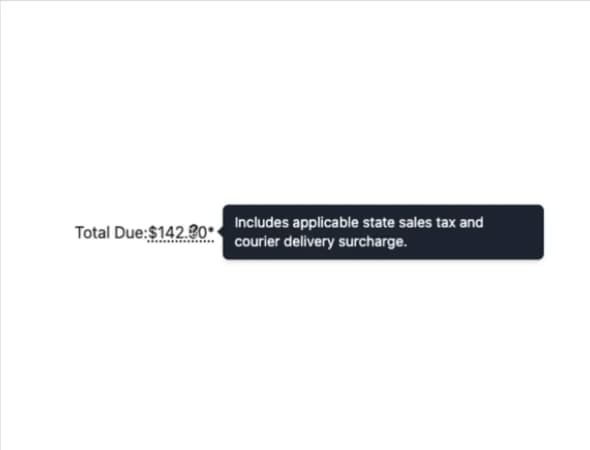
Accessible Tooltip
1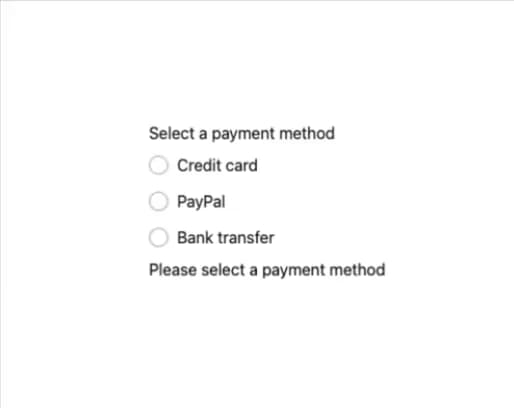
Accessible Radio Group
1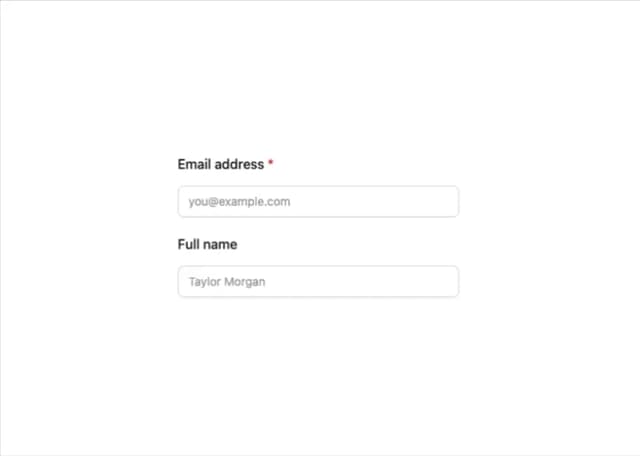
A11y Label