
About
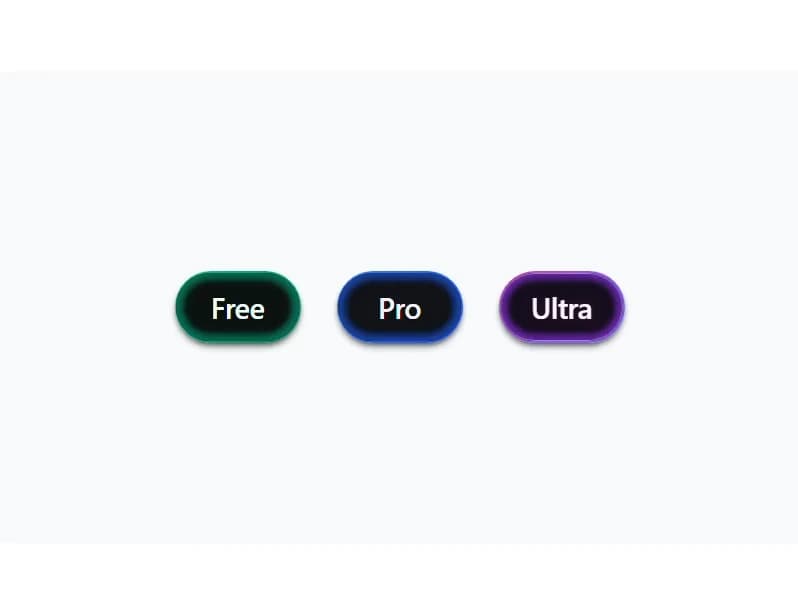
Interactive luminous tier badge pills with radiant curved glow accents
Built with React and Tailwind. Copy the prompt and paste it into Claude Code, Cursor or Lovable: your agent adds Tier Badge to your project and fits it to your theme.
Code
How Tier Badge is used: the demo's code. The component's own source comes with a free account.
Usage.tsx
"use client";

import React, { useState } from "react";
import { TierBadge, type BadgeTier } from "@/components/ui/tier-badge";

export default function Demo() {
  const [selectedTier, setSelectedTier] = useState<BadgeTier>("ultra");

  const tiers: BadgeTier[] = ["free", "pro", "ultra"];

  return (
    <div className="flex min-h-[420px] w-full flex-col items-center justify-center bg-slate-50 dark:bg-[#07090d] p-8 transition-colors">
      {/* Badges in a single horizontal row */}
      <div className="flex flex-row flex-wrap items-center justify-center gap-6 sm:gap-8">
        {tiers.map((tier) => (
          <TierBadge
            key={tier}
            tier={tier}
            size="md"
            isActive={selectedTier === tier}
            onClick={() => setSelectedTier(tier)}
          />
        ))}
      </div>
    </div>
  );
}
Dependencies
More by Syed
View all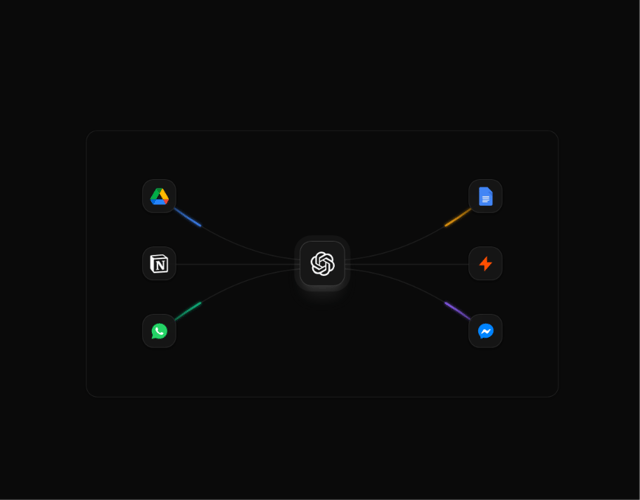
Animated Beam Integration
72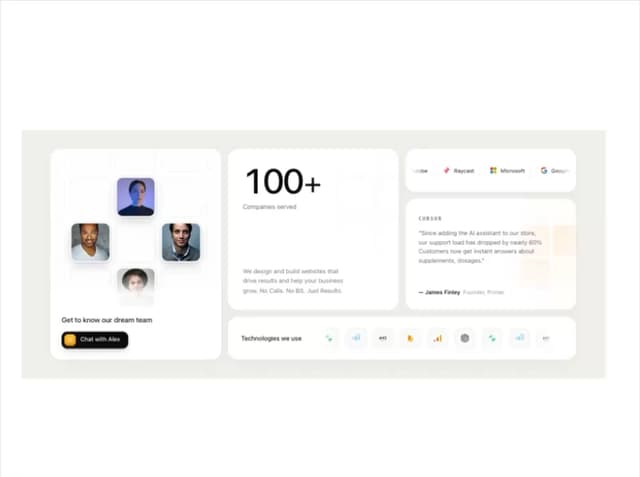
Agency Bento Grid
55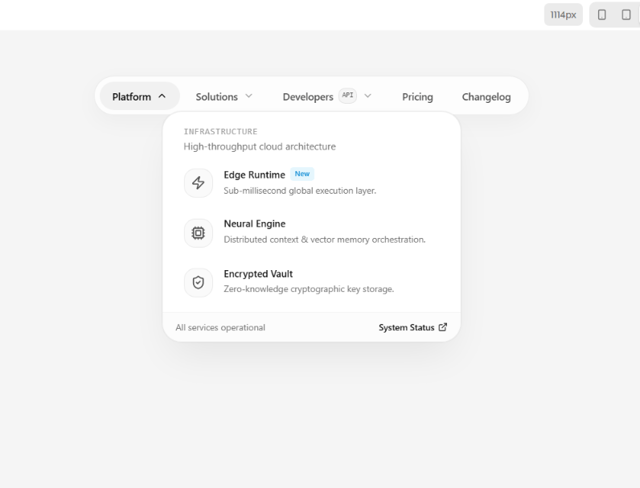
Morphing Island Navbar
42
Animated Tree View
35
Morphing Language Selector
34
Interactive Eye Tracker
29
Orbiting Circles
18
Grid Testimonials Marquee
17