
About
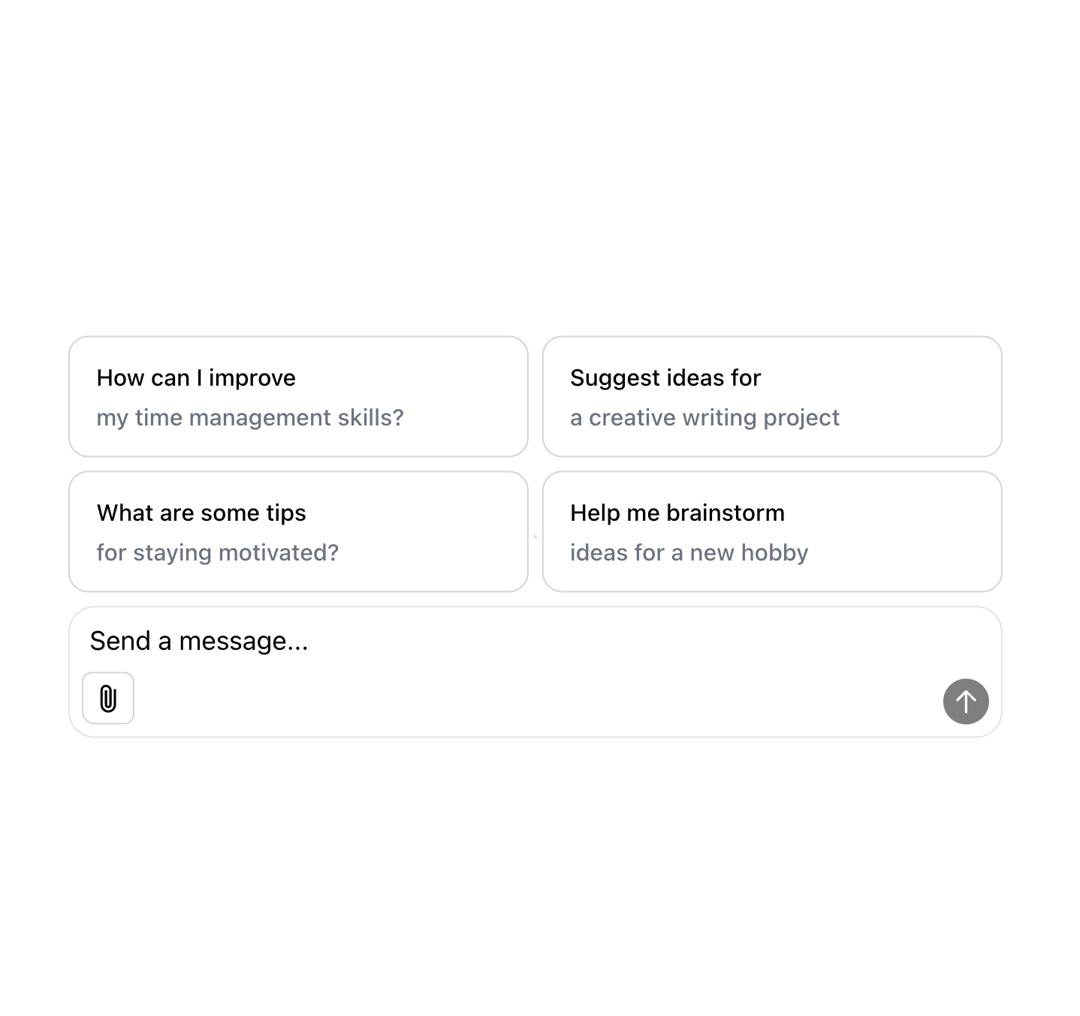
A versatile React component for creating AI chat interfaces. Supports text input and file attachments (images, videos, audio, PDF, etc.) with interactive previews. Includes integrated send and stop buttons, automatic textarea resizing, and optional suggested actions for new conversations. Built using modern hooks and Tailwind CSS for easy styling
Built with React and Tailwind. Copy the prompt and paste it into Claude Code, Cursor or Lovable: your agent adds Multimodal AI Chat Input to your project and fits it to your theme.
Code
How Multimodal AI Chat Input is used: the demo's code. The component's own source comes with a free account.
Usage.tsx
'use client';

import React, { useState, useCallback } from 'react';
import { PureMultimodalInput } from "@/components/ui/multimodal-ai-chat-input"
type VisibilityType = 'public' | 'private' | 'unlisted' | string;

interface Attachment {
    url: string;
    name: string;
    contentType: string;
    size: number;
}

interface UIMessage {
  id: string;
  content: string;
  role: string;
  attachments?: Attachment[];
}

export function PureMultimodalInputOnlyDisplay() {
  // Minimal state and handlers required by PureMultimodalInput
  const [attachments, setAttachments] = useState<Attachment[]>([]);
  const [isGenerating, setIsGenerating] = useState(false); // Control the stop button visibility
  const [chatId] = useState('demo-input-only'); // Dummy chat ID

  const handleSendMessage = useCallback(({ input, attachments }: { input: string; attachments: Attachment[] }) => {
    console.log("--- Simulating Sending Message ---");
    console.log("Input:", input);
    console.log("Attachments:", attachments);
    console.log("---------------------------------");

    setIsGenerating(true);
    setTimeout(() => {
      setIsGenerating(false);
      // In a real app, you'd clear attachments after successful send
      // setAttachments([]);
    }, 2000); // Simulate a 2 second response time

  }, []);

  const handleStopGenerating = useCallback(() => {
    console.log("Stop button clicked (simulated).");
    setIsGenerating(false);
  }, []);

  // Other necessary props for PureMultimodalInput
  const canSend = true; // Always allow sending in this minimal demo
  const messages: UIMessage[] = []; // Provide an empty array as required by type, though not used for context here
  const selectedVisibilityType: VisibilityType = 'private'; // Dummy visibility

  return (
    // Added a simple container div for basic centering/padding if needed
    // but the focus is on the input component itself
    <div className="w-full max-w-3xl mx-auto p-4">
      <PureMultimodalInput
        chatId={chatId}
        messages={messages} // Empty array
        attachments={attachments}
        setAttachments={setAttachments}
        onSendMessage={handleSendMessage}
        onStopGenerating={handleStopGenerating}
        isGenerating={isGenerating}
        canSend={canSend} // True
        selectedVisibilityType={selectedVisibilityType} // 'private'
      />
    </div>
  );
}
Dependencies
More by SO called
View all

Developer Sign-In Flow
3.2K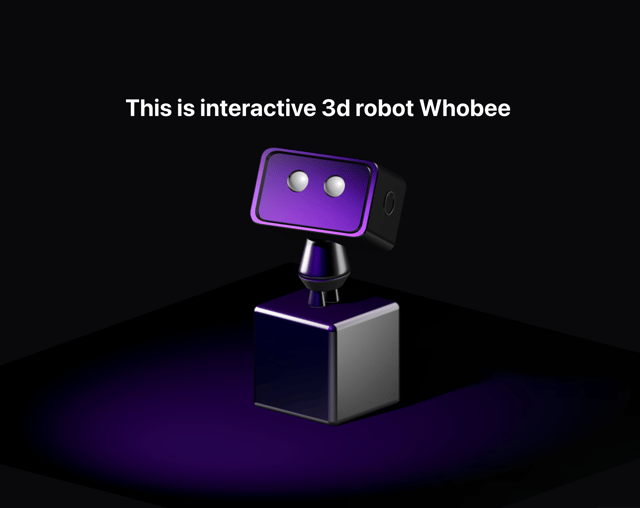
Interactive 3D Robot
2.1K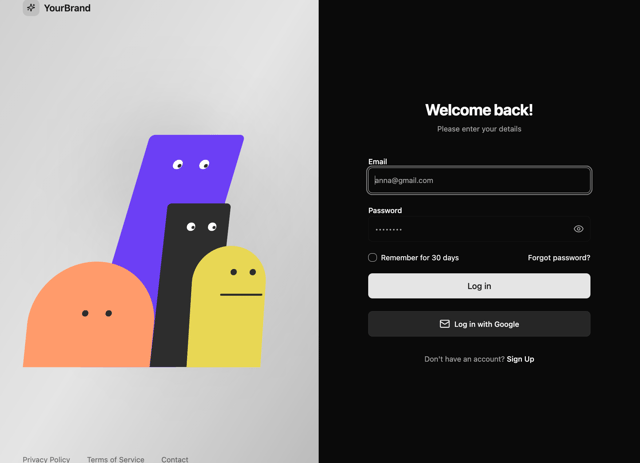
Animated Characters Login Page
1.6K
Interactive Galaxy Hero
1.4K
Product Mockup Section
1.4K
3D Boxes Hero
995
Expandable Content Card
990
AI Prompt Input
617