
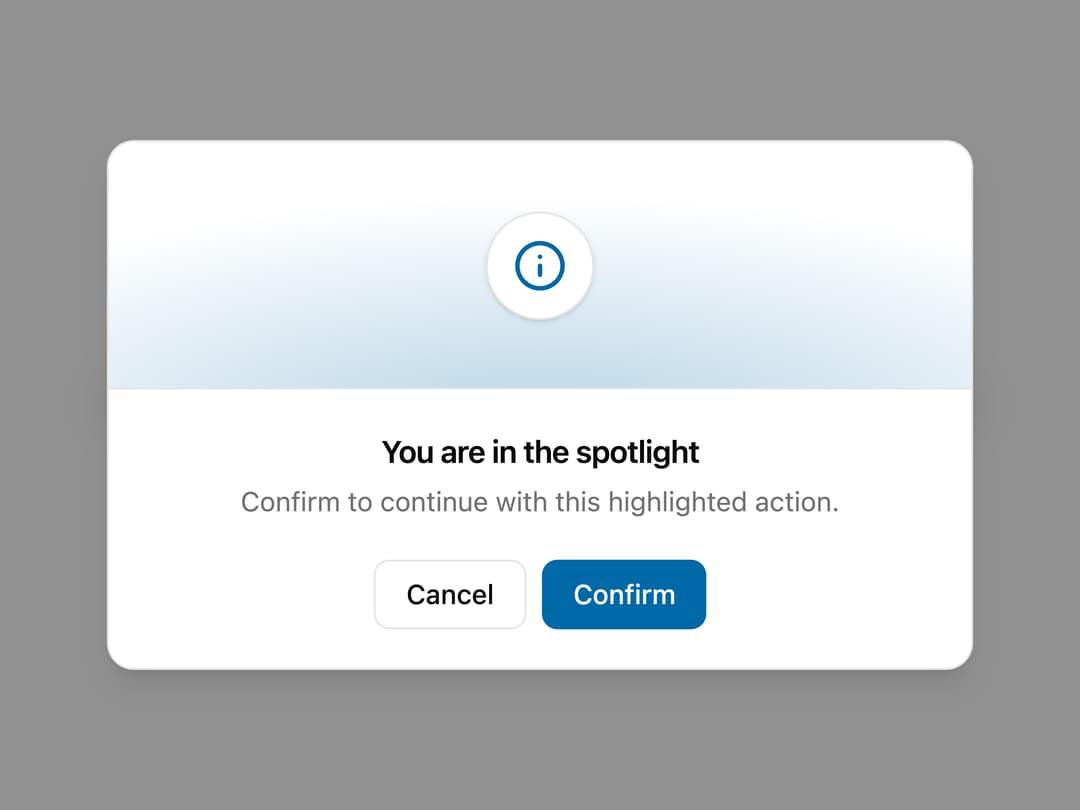
About
A confirmation modal with a large decorative illustration region (spotlight, badge, rings, gradient band or banner) above the title and actions, for delete/confirm prompts that need more visual weight than a plain alert dialog.
Built with React and Tailwind. Copy the prompt and paste it into Claude Code, Cursor or Lovable: your agent adds Illustration Alert Dialog to your project and fits it to your theme.
Code
How Illustration Alert Dialog is used: the demo's code. The component's own source comes with a free account.
Usage.tsx
import {
  SpotlightAlert,
  BadgeAlert,
  CircleAlert,
  GradientAlert,
  BannerAlert,
} from "@/components/ui/alert-dialog-illustration";

export default function AlertDialogIllustrationDemo() {
  return (
    <div className="flex min-h-screen w-full flex-wrap items-center justify-center gap-3 bg-background p-8 text-foreground">
      <SpotlightAlert
        trigger={
          <button className="inline-flex h-9 items-center justify-center rounded-md border border-border bg-secondary px-4 text-sm font-medium text-secondary-foreground transition-colors hover:bg-secondary/80">
            Spotlight
          </button>
        }
      />
      <BadgeAlert
        trigger={
          <button className="inline-flex h-9 items-center justify-center rounded-md border border-border bg-secondary px-4 text-sm font-medium text-secondary-foreground transition-colors hover:bg-secondary/80">
            Badge
          </button>
        }
      />
      <CircleAlert
        trigger={
          <button className="inline-flex h-9 items-center justify-center rounded-md border border-border bg-secondary px-4 text-sm font-medium text-secondary-foreground transition-colors hover:bg-secondary/80">
            Circle
          </button>
        }
      />
      <GradientAlert
        trigger={
          <button className="inline-flex h-9 items-center justify-center rounded-md border border-border bg-secondary px-4 text-sm font-medium text-secondary-foreground transition-colors hover:bg-secondary/80">
            Gradient
          </button>
        }
      />
      <BannerAlert
        trigger={
          <button className="inline-flex h-9 items-center justify-center rounded-md border border-border bg-secondary px-4 text-sm font-medium text-secondary-foreground transition-colors hover:bg-secondary/80">
            Delete
          </button>
        }
      />
    </div>
  );
}
Dependencies
More by ai 2
View all
Ripple Buttons
31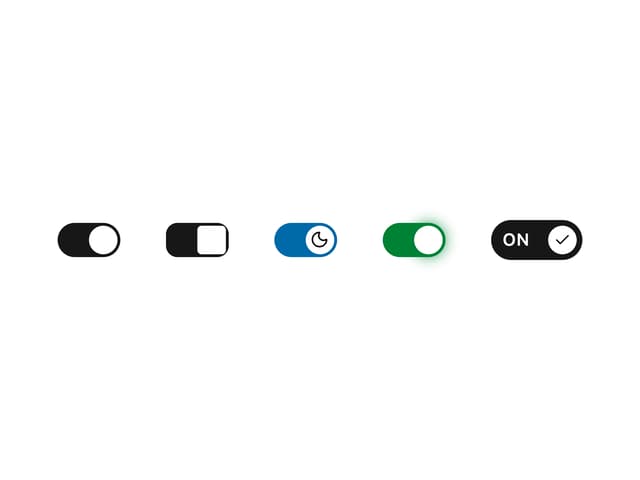
Styled Toggle Switches
14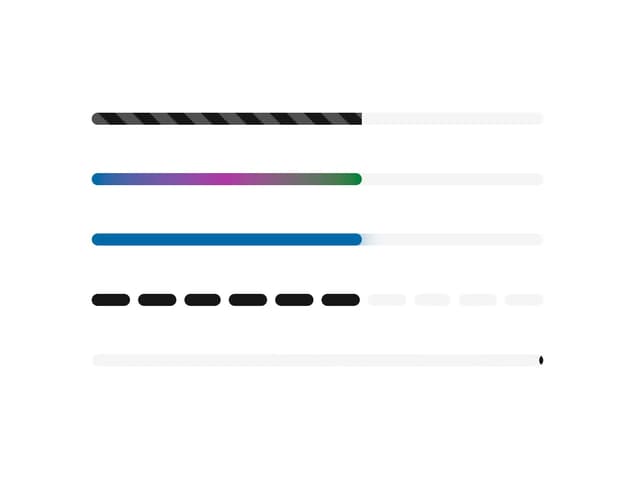
Styled Progress Bars
14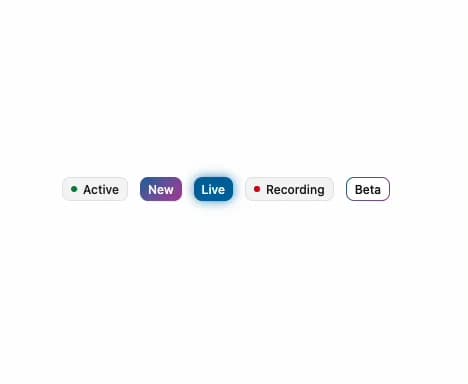
Styled Badges
10
OTP Pin Input
8
Particle Toggles
7
Input Group Glass
6
File Input
6