
About
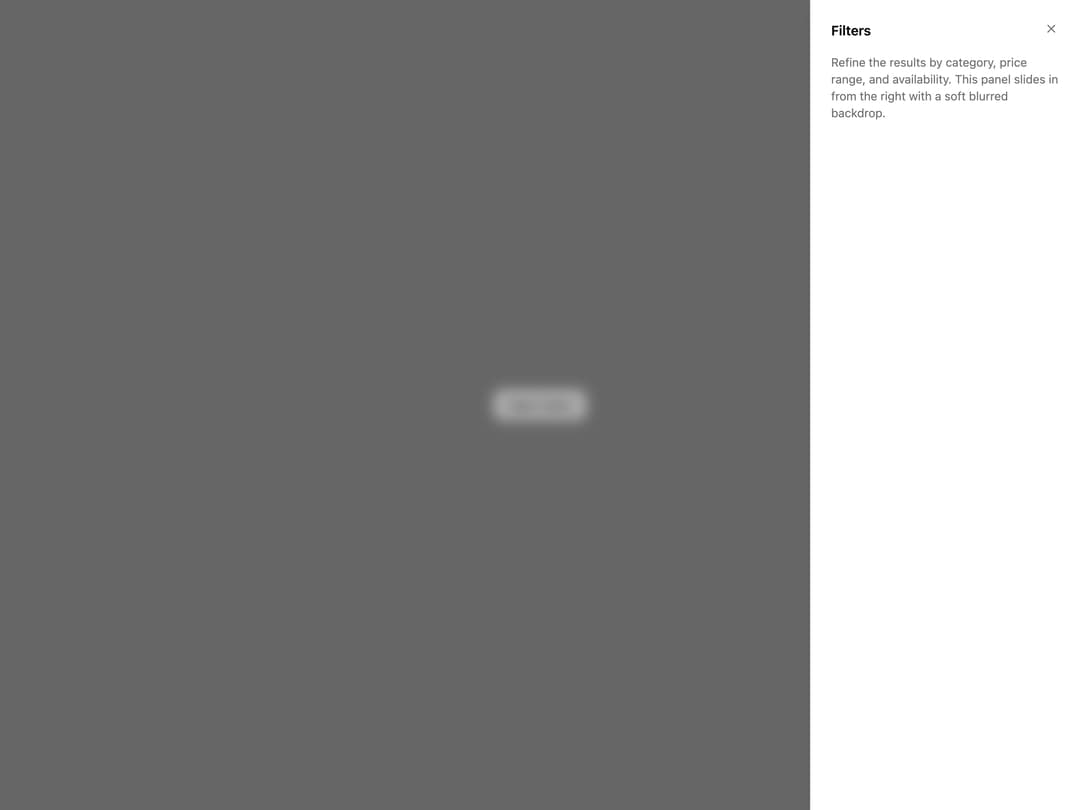
A slide-in side panel with a blurred backdrop, offered in five decorative variants (soft, heavy, dark, tinted, gradient blur) for modals like filters, cart previews, or settings drawers.
Built with React and Tailwind. Copy the prompt and paste it into Claude Code, Cursor or Lovable: your agent adds Blur Sheet to your project and fits it to your theme.
Code
How Blur Sheet is used: the demo's code. The component's own source comes with a free account.
Usage.tsx
import { SoftBlurSheet } from "@/components/ui/sheet-blur";

export default function SheetBlurDemo() {
  return (
    <div className="flex min-h-[420px] w-full items-center justify-center">
      <SoftBlurSheet
        title="Filters"
        trigger={
          <button className="inline-flex h-9 items-center justify-center rounded-lg border border-border bg-secondary px-4 text-sm font-medium text-secondary-foreground">
            Open sheet
          </button>
        }
      >
        <p>
          Refine the results by category, price range, and availability. This
          panel slides in from the right with a soft blurred backdrop.
        </p>
      </SoftBlurSheet>
    </div>
  );
}
Dependencies
More by ai 2
View all
Ripple Buttons
31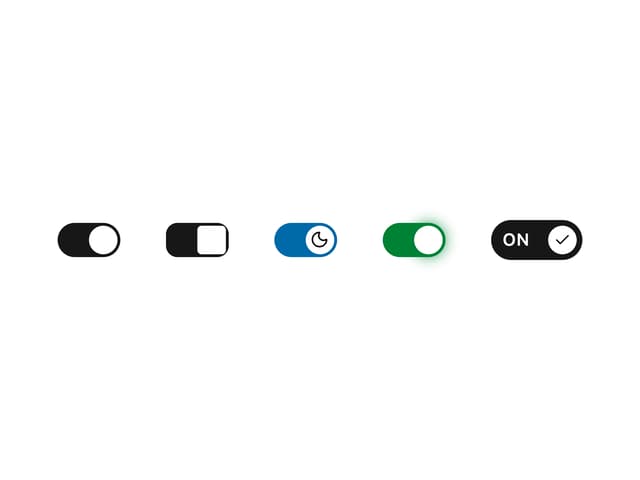
Styled Toggle Switches
14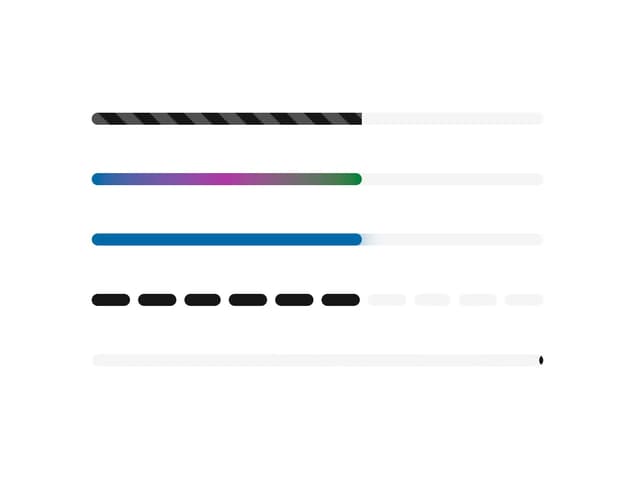
Styled Progress Bars
14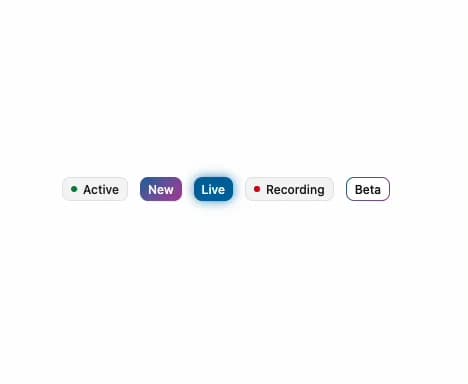
Styled Badges
10
OTP Pin Input
8
Particle Toggles
7
Input Group Glass
6
File Input
6