
About
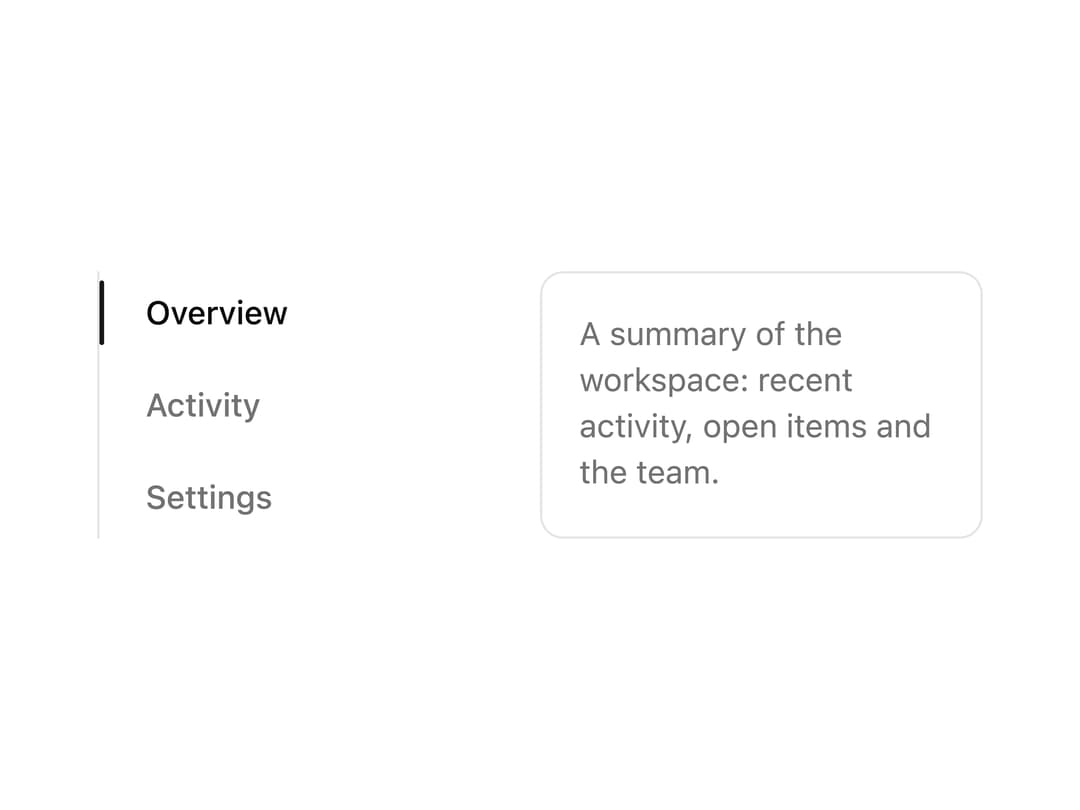
A vertical tab navigation with a sliding active-tab indicator, keyboard arrow navigation and five style variants (left, right, card, rail, compact) for sidebars and settings pages.
Built with React and Tailwind. Copy the prompt and paste it into Claude Code, Cursor or Lovable: your agent adds Vertical Tabs to your project and fits it to your theme.
Code
How Vertical Tabs is used: the demo's code. The component's own source comes with a free account.
Usage.tsx
import TabsVertical from "@/components/ui/tabs-vertical";

export default function TabsVerticalDemo() {
  return (
    <div className="flex w-full max-w-md items-center justify-center p-8">
      <TabsVertical />
    </div>
  );
}
Dependencies
More by ai 2
View all
Ripple Buttons
31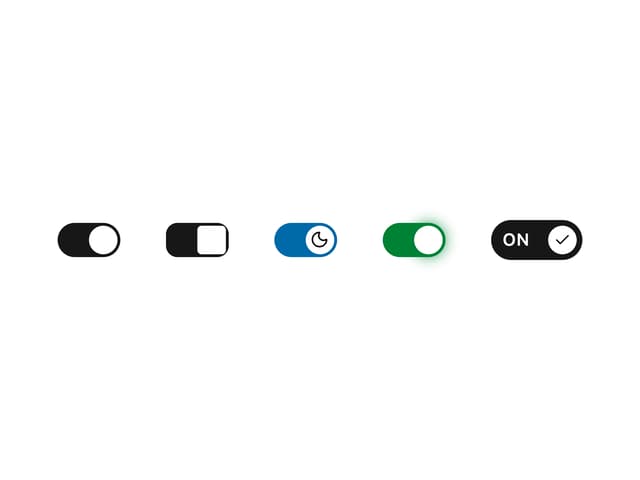
Styled Toggle Switches
14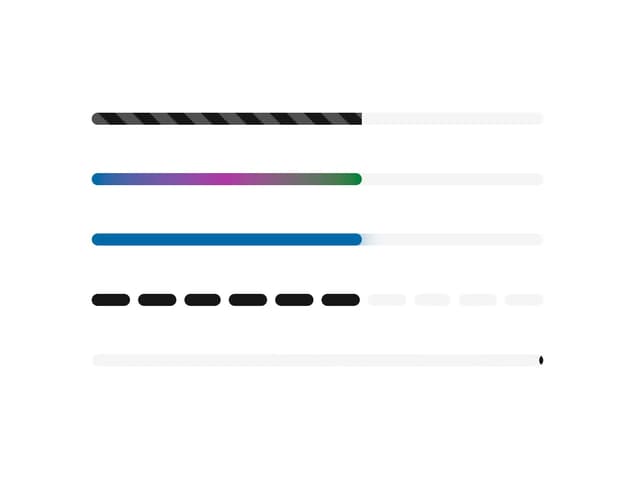
Styled Progress Bars
14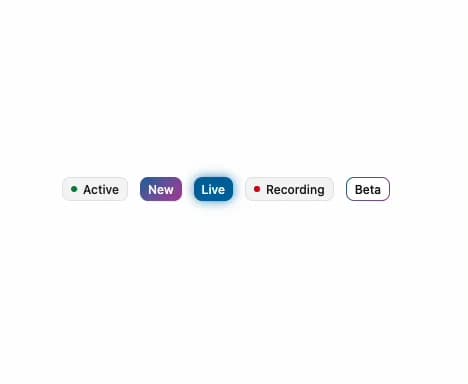
Styled Badges
10
OTP Pin Input
8
Particle Toggles
7
Input Group Glass
6
File Input
6
More in Navigation
View all

Sidebar
235
Navbar with Theme Toggle
43

Sidebar
339

Tabs
60
Numberless Pagination with Text
11
Oversized 404 Numeral
50
Footer
446
Pagination
43


