About
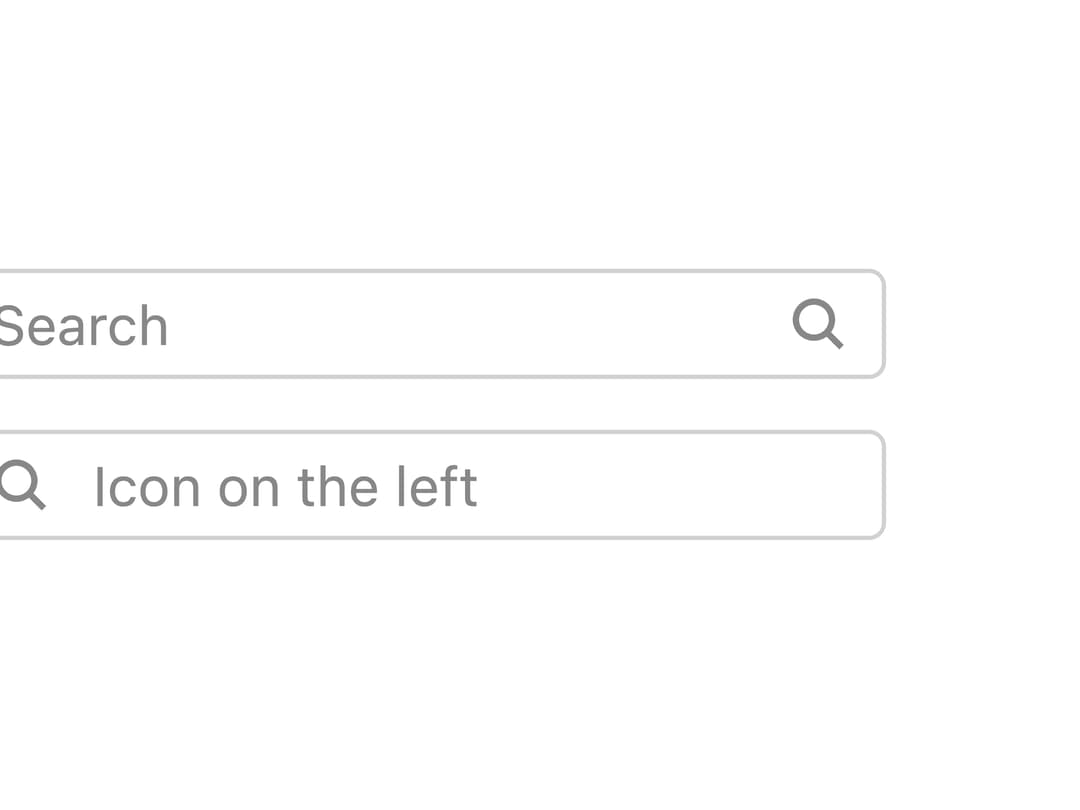
A GTK-styled text input field with an optional label, leading/trailing icon, size variants, and an inline validation error message.
Built with React and Tailwind. Copy the prompt and paste it into Claude Code, Cursor or Lovable: your agent adds Wtk Input to your project and fits it to your theme.
Code
How Wtk Input is used: the demo's code. The component's own source comes with a free account.
Usage.tsx
import type { FC } from "react";
import WtkInput from "@/components/ui/wtk-input";

const SearchIcon: FC = () => (
  <svg viewBox="0 0 16 16" fill="none" stroke="currentColor" strokeWidth="1.5">
    <circle cx="7" cy="7" r="4.25" />
    <path d="M10.2 10.2L13.5 13.5" />
  </svg>
);

export default function WtkInputIconDemo() {
  return (
    <div className="flex flex-wrap items-center gap-3">
      <WtkInput
        icon={<SearchIcon />}
        placeholder="Search"
        wrapperClassName="max-w-[220px]"
      />
      <WtkInput
        icon={<SearchIcon />}
        iconPosition="left"
        placeholder="Icon on the left"
        wrapperClassName="max-w-[220px]"
      />
    </div>
  );
}
More by albertarakelyan
View all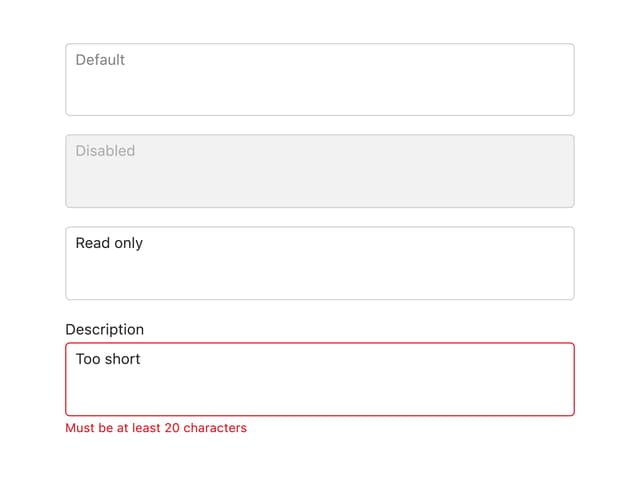

Wtk Textarea
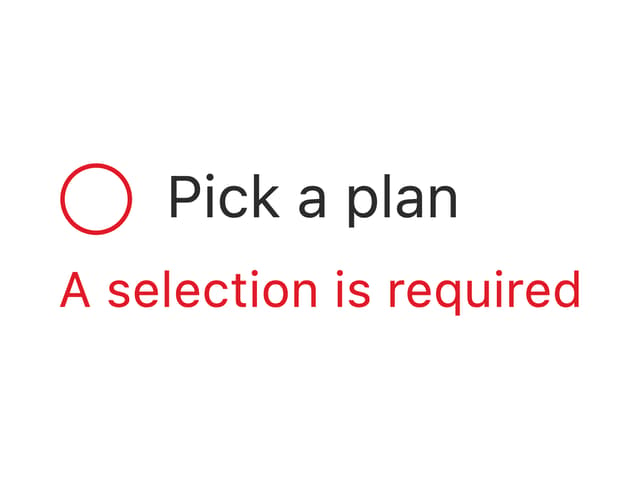
GTK Radio Button
More in Forms
View all

Premium Auth
500

Login 1
52
Authentication Card
47

Book A Demo 3
83
Book A Demo 1
69

Contact Card
1K

Login Card
32

Login 2
7
