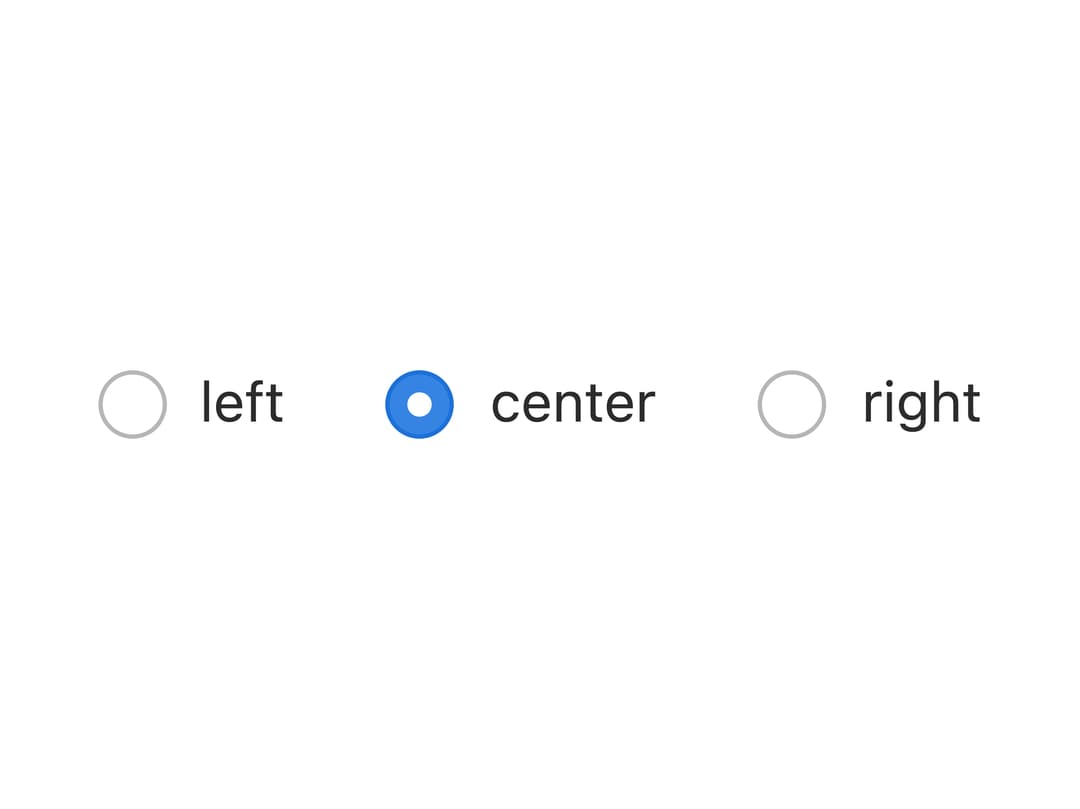
About
A radio input with a label, error text, and disabled state styled like a native GTK3 desktop toolkit control, for use in Tauri/Electron apps or radio groups needing that native desktop look.
Built with React and Tailwind. Copy the prompt and paste it into Claude Code, Cursor or Lovable: your agent adds GTK Radio Button to your project and fits it to your theme.
Code
How GTK Radio Button is used: the demo's code. The component's own source comes with a free account.
Usage.tsx
import React from "react";
import WtkRadio from "@/components/ui/wtk-radio";

export default function ControlledWtkRadioDemo() {
  const [zone, setZone] = React.useState("center");

  return (
    <div className="flex items-center gap-6">
      {["left", "center", "right"].map((value) => (
        <WtkRadio
          key={value}
          name="demo-zone"
          value={value}
          label={value}
          checked={zone === value}
          onChange={(event) => setZone(event.target.value)}
        />
      ))}
    </div>
  );
}
More by albertarakelyan
View all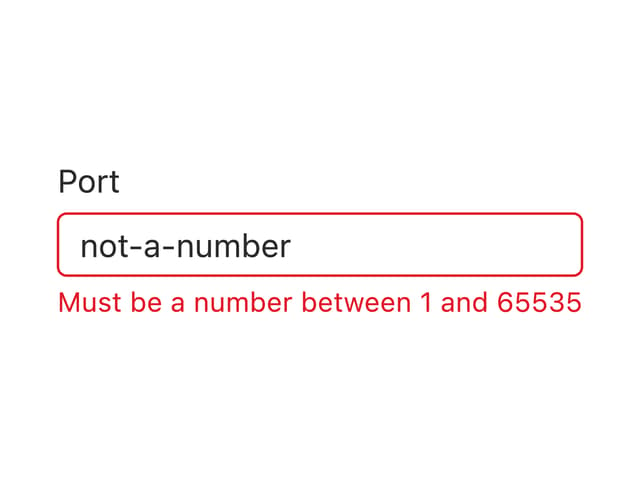

Wtk Input
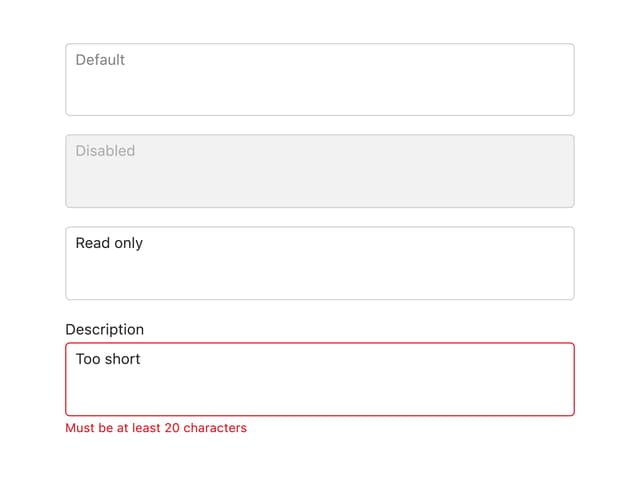
Wtk Textarea
More in Forms
View all

Premium Auth
500

Login 1
52

Book A Demo 3
83
Authentication Card
47
Book A Demo 1
69

Contact Card
1K

Login Card
32

Login 2
7
