
About
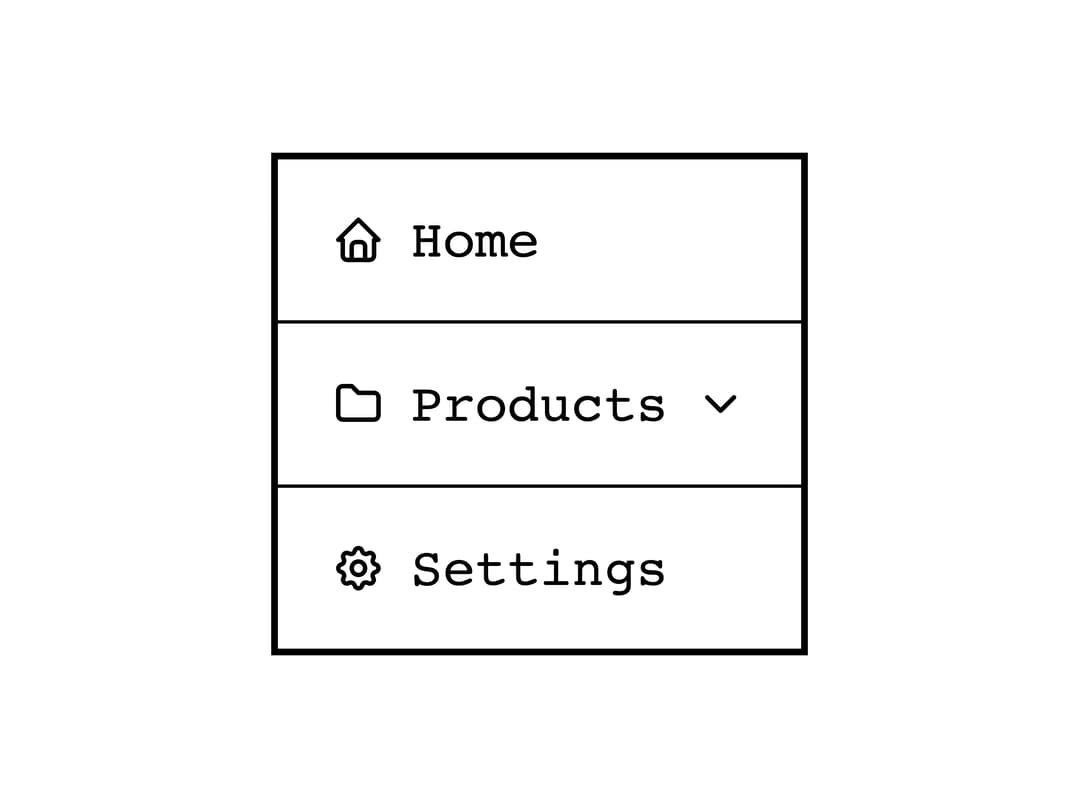
A keyboard-accessible vertical or horizontal navigation list with nested submenus, built for monochrome e-ink style interfaces.
Built with React and Tailwind. Copy the prompt and paste it into Claude Code, Cursor or Lovable: your agent adds Navigation to your project and fits it to your theme.
Code
How Navigation is used: the demo's code. The component's own source comes with a free account.
Usage.tsx
import { Navigation } from "@/components/ui/navigation";
import { useState } from "react";

export default function NavigationWithSelectCallbackDemo() {
  const [selected, setSelected] = useState<{
    target: string;
    index: number;
  } | null>(null);

  return (
    <div
      style={{
        backgroundColor: "var(--eink-color-background, #ffffff)",
        color: "var(--eink-color-primary, #000000)",
        padding: 24,
        display: "flex",
        flexDirection: "column",
        gap: 16,
        fontFamily: "monospace",
      }}
    >
      <Navigation onSelect={(target, index) => setSelected({ target, index })}>
        <Navigation.Item target="/" icon="home" label="Home" />
        <Navigation.Item target="/reports" icon="file" label="Reports" />
        <Navigation.Item label="Team" icon="users">
          <Navigation.Item target="/team/members" label="Members" />
          <Navigation.Item target="/team/roles" label="Roles" />
        </Navigation.Item>
      </Navigation>
      <div>
        Selected:{" "}
        {selected ? `${selected.target} (index ${selected.index})` : "none"}
      </div>
    </div>
  );
}
More by alexisroe
View all
E-Ink Progress Bar
Pill
Notification
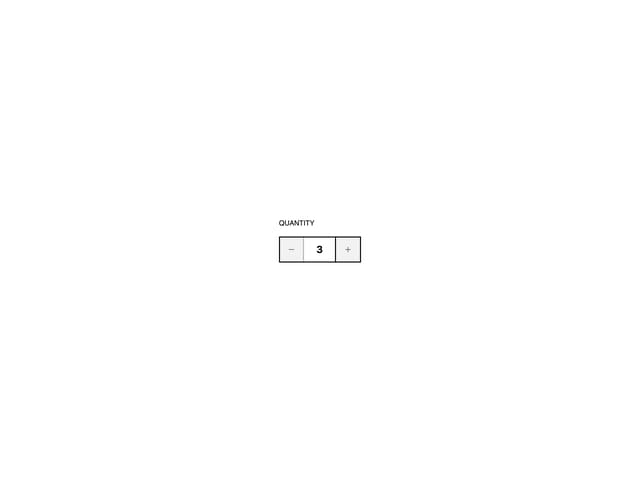
Number Stepper
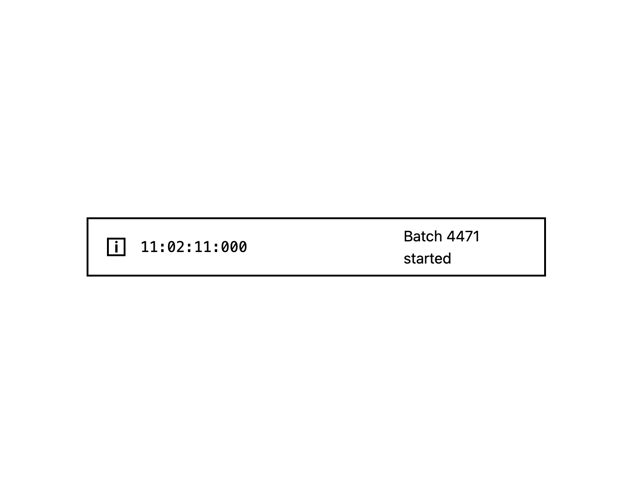
Log
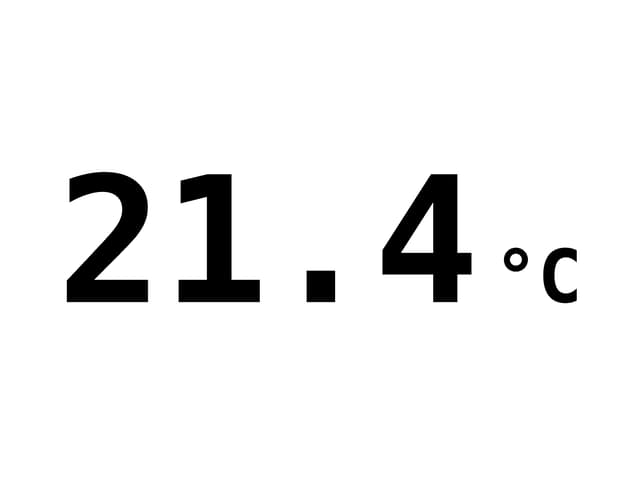
Value Display
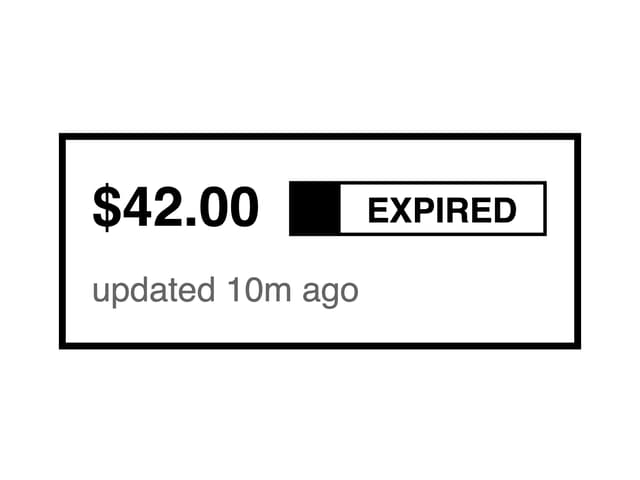
Last Updated
List
More in Navigation
View all

Sidebar
230

Tabs
60
Progress Bar Stepper
36
Newsletter Signup Footer
15

Footer 2
200
Navbar with Theme Toggle
43
Numberless Pagination with Text
11

Navbar
71
