
About
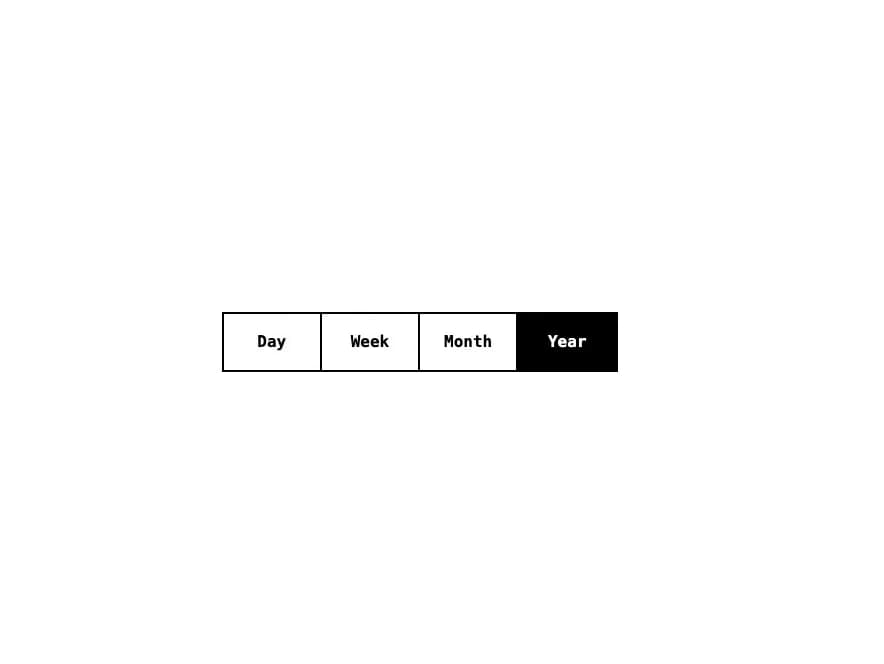
A segmented tab-style control that highlights the selected option among a row of mutually-exclusive buttons, for switching between views like day/week/month/year.
Built with React and Tailwind. Copy the prompt and paste it into Claude Code, Cursor or Lovable: your agent adds Segmented Control to your project and fits it to your theme.
Code
How Segmented Control is used: the demo's code. The component's own source comes with a free account.
Usage.tsx
import Segmented from "@/components/ui/segmented";

export default function SegmentedDemo() {
  return (
    <div className="flex items-center justify-center w-full min-h-[200px] bg-white p-8">
      <Segmented defaultId="year">
        <Segmented.Item id="day">Day</Segmented.Item>
        <Segmented.Item id="week">Week</Segmented.Item>
        <Segmented.Item id="month">Month</Segmented.Item>
        <Segmented.Item id="year">Year</Segmented.Item>
      </Segmented>
    </div>
  );
}
More by alexisroe
View all
E-Ink Progress Bar
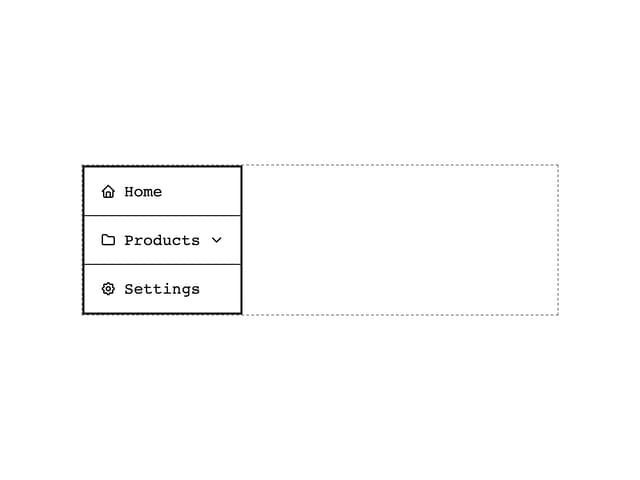
Navigation
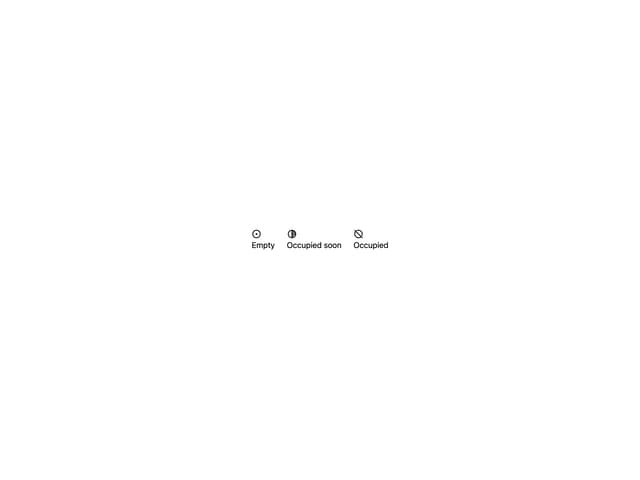
Pill
Notification
Number Stepper
Log
Value Display
Last Updated