
About
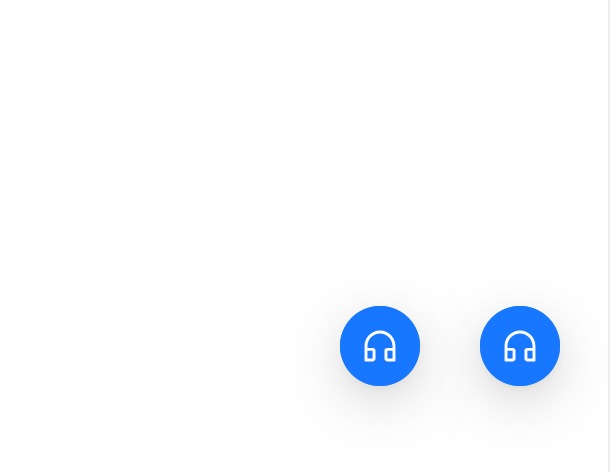
Here is FloatButton component
Built with React and Tailwind. Copy the prompt and paste it into Claude Code, Cursor or Lovable: your agent adds FloatButton to your project and fits it to your theme.
Code
How FloatButton is used: the demo's code. The component's own source comes with a free account.
Usage.tsx
import React from 'react';
import { CommentOutlined, CustomerServiceOutlined } from '@ant-design/icons';
import { FloatButton } from 'antd';

const App: React.FC = () => (
  <>
    <FloatButton.Group
      trigger="click"
      type="primary"
      style={{ insetInlineEnd: 24 }}
      icon={<CustomerServiceOutlined />}
    >
      <FloatButton />
      <FloatButton icon={<CommentOutlined />} />
    </FloatButton.Group>
    <FloatButton.Group
      trigger="hover"
      type="primary"
      style={{ insetInlineEnd: 94 }}
      icon={<CustomerServiceOutlined />}
    >
      <FloatButton />
      <FloatButton icon={<CommentOutlined />} />
    </FloatButton.Group>
  </>
);

export default App;
Dependencies
More by antdesign
View all
Menu
22
Pagination Ant
16
Dropdown
15
Breadcrumb
10
Button Ant
5
Floating Action Menu
More in Buttons
View all
Button Save
46

Button
20

Eclipse Button
5

Button
32

Button
6

Button
14

Button Group
37
Split Button
32

