
About
Here is QR Code component
Built with React and Tailwind. Copy the prompt and paste it into Claude Code, Cursor or Lovable: your agent adds QR Code to your project and fits it to your theme.
Code
How QR Code is used: the demo's code. The component's own source comes with a free account.
Usage.tsx
"use client";

import { QrCode } from "@ark-ui/react/qr-code";

export default function Sizes() {
  const sizes = [
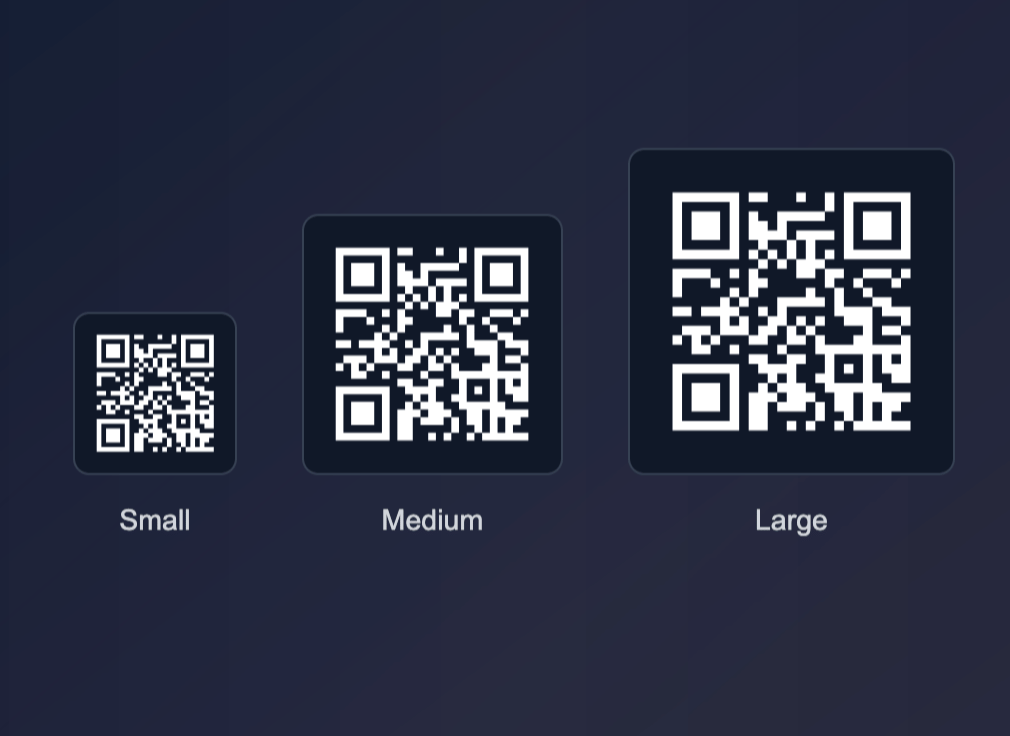
    { size: "w-20 h-20", padding: "p-2", label: "Small", pixelSize: 2 },
    { size: "w-32 h-32", padding: "p-3", label: "Medium", pixelSize: 3 },
    { size: "w-40 h-40", padding: "p-4", label: "Large", pixelSize: 4 },
  ];

  return (
    <div className="flex items-end justify-center space-x-8">
      {sizes.map(({ size, padding, label, pixelSize }) => (
        <div key={label} className="flex flex-col items-center space-y-3">
          <QrCode.Root value="https://tarkui.com" pixelSize={pixelSize}>
            <QrCode.Frame
              className={`${size} bg-white dark:bg-gray-900 border border-gray-200 dark:border-gray-700 rounded-lg ${padding}`}
            >
              <QrCode.Pattern className="fill-gray-900 dark:fill-white" />
            </QrCode.Frame>
          </QrCode.Root>
          <span className="text-sm font-medium text-gray-700 dark:text-gray-300">
            {label}
          </span>
        </div>
      ))}
    </div>
  );
}