
About
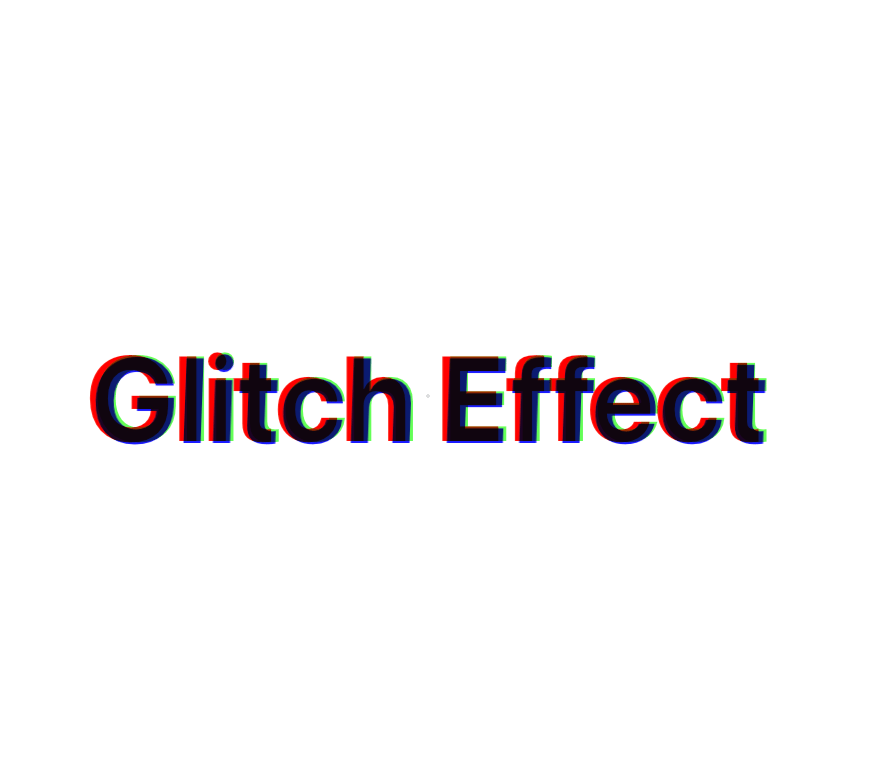
Animated Glitch Text
Built with React and Tailwind. Copy the prompt and paste it into Claude Code, Cursor or Lovable: your agent adds Animated Glitch Text to your project and fits it to your theme.
Code
How Animated Glitch Text is used: the demo's code. The component's own source comes with a free account.
Usage.tsx
import { GlitchText } from "@/components/ui/animated-glitch-text"

function DefaultDemo() {
  return <GlitchText text="Glitch Effect" />
}

function CustomColorsDemo() {
  return (
    <GlitchText
      text="Custom Colors"
      colors={{
        red: "#ff00ff",
        green: "#00ffff",
        blue: "#ffff00"
      }}
    />
  )
}

function CustomStyleDemo() {
  return (
    <GlitchText
      text="Custom Style"
      textClassName="text-8xl font-black"
      className="bg-gradient-to-r from-purple-500/20 to-pink-500/20"
    />
  )
}

function SmallDemo() {
  return (
    <GlitchText
      text="Small Glitch"
      textClassName="text-2xl"
      className="min-h-[100px]"
    />
  )
}

export {
  DefaultDemo,
  CustomColorsDemo,
  CustomStyleDemo,
  SmallDemo
}
Dependencies
More by Anurag Mishra
View all
Dock
2.2K
Interactive Bento Gallery
2.1K
Progress Indicator
1.3K
Circular Reveal Heading
837
Animated Underline Text
817
Testimonial
775
Animated Shiny Text
721
Animated Loading Skeleton
545
More in Text
View all

Vertical Cut Reveal Characters
103
Motion Blur Text
36

NeonRGBTextEffect
144
Text Reveal
27
Random Letter Swap
46

Rainbow Text Effect
47
Text Color
545

Blur Reveal
300