
About
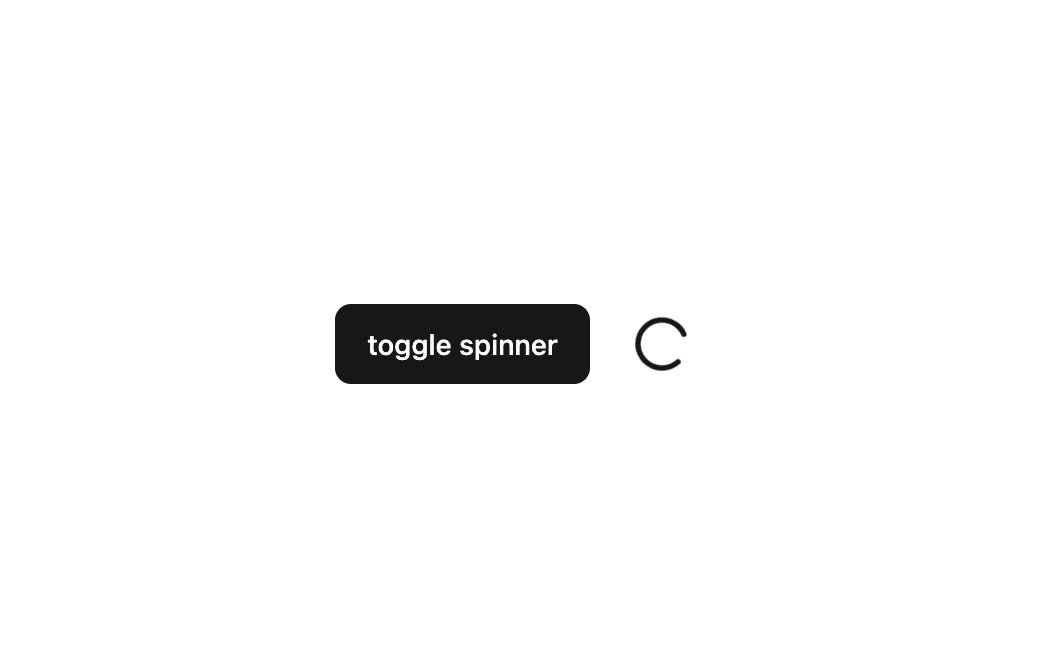
Here is Spinner component
Built with React and Tailwind. Copy the prompt and paste it into Claude Code, Cursor or Lovable: your agent adds Spinner to your project and fits it to your theme.
Code
How Spinner is used: the demo's code. The component's own source comes with a free account.
Usage.tsx
"use client";
import React, { useState } from "react";
import { Spinner } from "@/components/ui/spinner";
import { Button } from "@/components/ui/button";

const SpinnerToggle = () => {
  const [show, setShow] = useState(false);

  return (
    <div className="flex items-center gap-5">
      <Button onClick={() => setShow((pre) => !pre)}>toggle spinner</Button>
      <Spinner show={show} />
    </div>
  );
};

export default SpinnerToggle;
Dependencies
More by Arihant jain
View all
Footer section
1.9K
Multistep Form
698
Animated Drawer
686
Status Badge
495
Stacked Circular Footer
413
Input Modal
316
Large Name Footer
193
Profile Dropdown
187
More in Buttons
View all
Button Save
46

Button
20

Eclipse Button
5

Button
6

Button
14

Button Group
37

Button
32
Split Button
32

