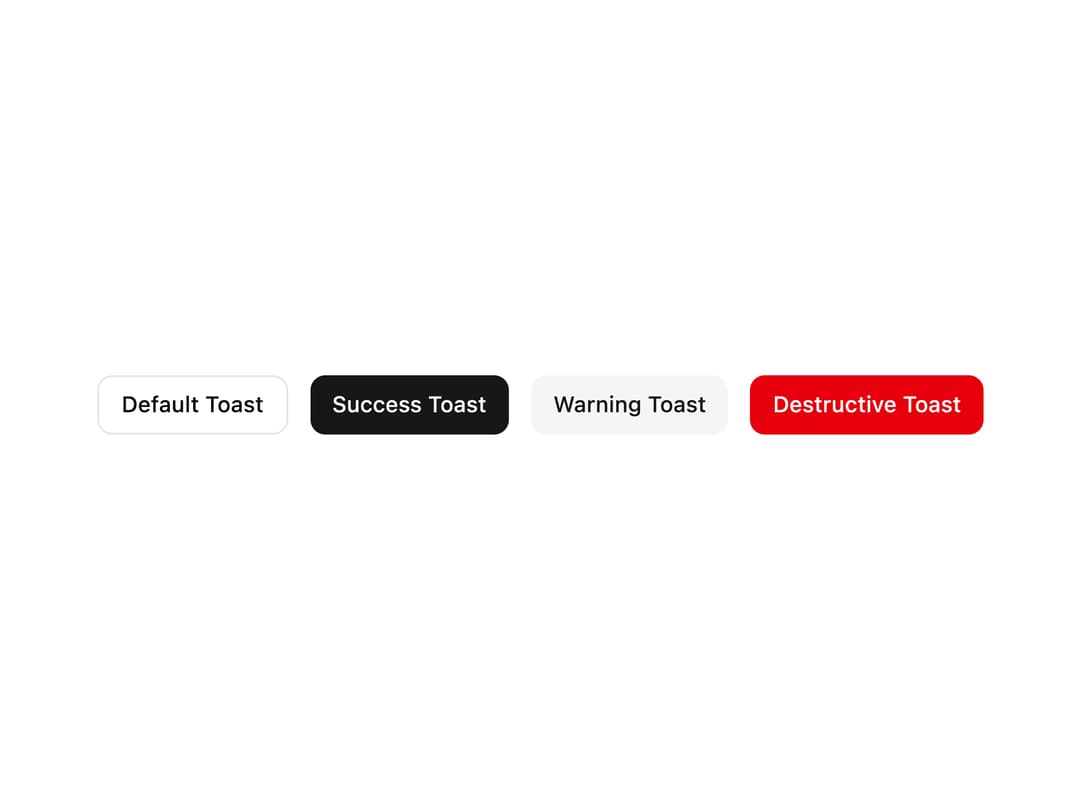
About
A toast notification system for showing temporary, non-disruptive alerts (default, success, warning, destructive) with a provider, manager hook, and dismissible cards.
Built with React and Tailwind. Copy the prompt and paste it into Claude Code, Cursor or Lovable: your agent adds Toast to your project and fits it to your theme.
Code
How Toast is used: the demo's code. The component's own source comes with a free account.
Usage.tsx
"use client";

import { ToastProvider, useToastManager } from "@/components/ui/toast";
import { Button } from "@/components/ui/toast-utils/button-index";
import * as ReactLib from "react";

function ToastTriggerButtons() {
  const toastManager = useToastManager();
  const [count, setCount] = ReactLib.useState(0);

  const showToast = (
    variant: "default" | "success" | "warning" | "destructive",
  ) => {
    setCount((prev: number) => prev + 1);
    toastManager.add({
      title: `${variant.toUpperCase()} Notification #${count + 1}`,
      description: `This is a ${variant} toast message generated via Base UI toast manager.`,
      variant,
    } as any);
  };

  return (
    <div className="flex flex-wrap gap-3 items-center justify-center">
      <Button variant="outline" size="sm" onClick={() => showToast("default")}>
        Default Toast
      </Button>
      <Button variant="primary" size="sm" onClick={() => showToast("success")}>
        Success Toast
      </Button>
      <Button
        variant="secondary"
        size="sm"
        onClick={() => showToast("warning")}
      >
        Warning Toast
      </Button>
      <Button
        variant="destructive"
        size="sm"
        onClick={() => showToast("destructive")}
      >
        Destructive Toast
      </Button>
    </div>
  );
}

export default function ToastDemo() {
  return (
    <ToastProvider>
      <div className="py-6 flex justify-center">
        <ToastTriggerButtons />
      </div>
    </ToastProvider>
  );
}
More by awaiden
View all

Drawer
Form
Combobox