

About
A text block clamped to a few lines with a "Show more/less" toggle button that appears only when the content actually overflows.
Built with React and Tailwind. Copy the prompt and paste it into Claude Code, Cursor or Lovable: your agent adds Expandable Text to your project and fits it to your theme.
Code
How Expandable Text is used: the demo's code. The component's own source comes with a free account.
Usage.tsx
import { ExpandableText } from "@/components/ui/expandable-text";

export default function ExpandableTextDemo() {
  return (
    <ExpandableText
      lines={3}
      className="max-w-sm text-sm leading-6 text-muted-foreground"
    >
      Balick UI started as the set of sections behind a handful of client sites.
      Every block is built on the same Section, Container and SectionHeader
      primitives, so a hero from one page and a pricing table from another still
      look like they belong together. The composer turns that into a workflow:
      pick the blocks, preview the page at any width, then install everything
      with a single command.
    </ExpandableText>
  );
}
More by Théo Balick
View all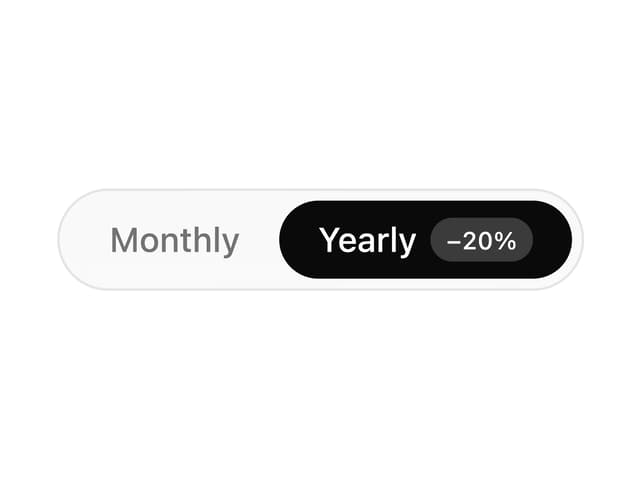
Segmented Control
52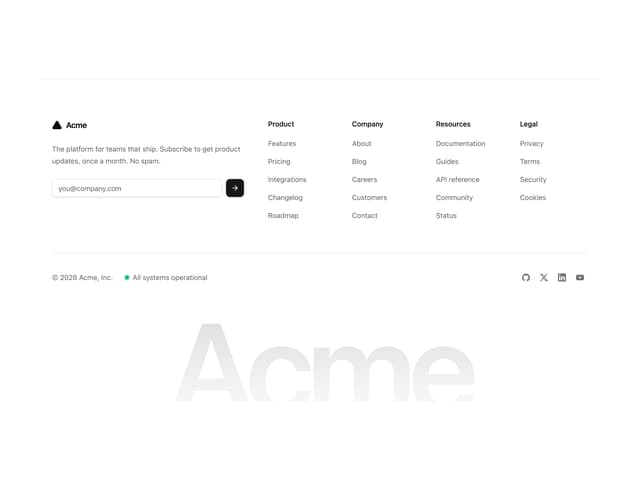
Footer With Newsletter
41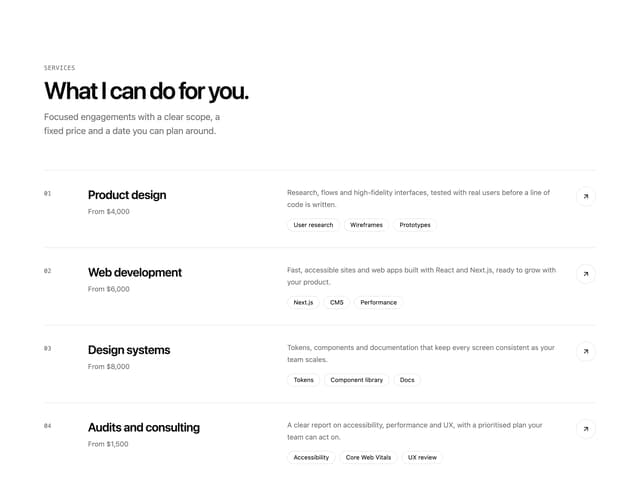
Services List
23
Interactive Grid
18
Underline Link
9
Wave Lines
6
Newsletter Signup Card
5
Expand Button
3