
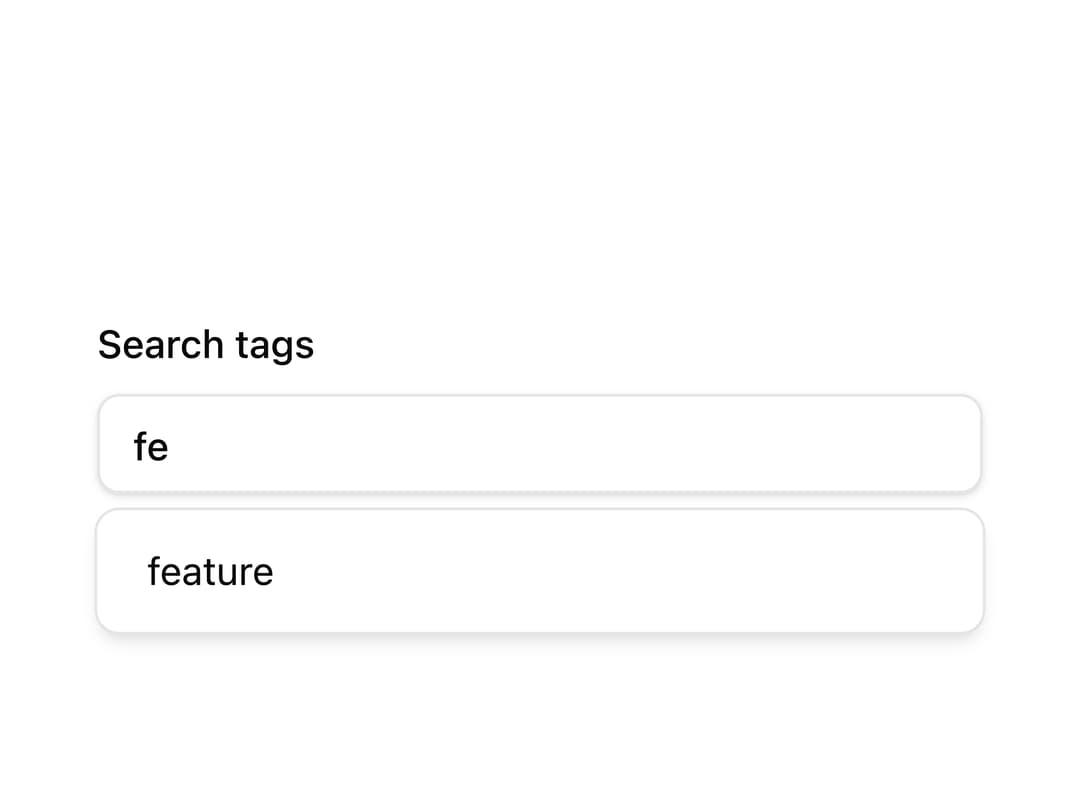
About
A text input that suggests matching options in a dropdown as the user types, with support for grouping, clearing and auto-highlighting matches.
Built with React and Tailwind. Copy the prompt and paste it into Claude Code, Cursor or Lovable: your agent adds Autocomplete to your project and fits it to your theme.
Code
How Autocomplete is used: the demo's code. The component's own source comes with a free account.
Usage.tsx
"use client";

import {
  Autocomplete,
  AutocompleteInput,
  AutocompleteItem,
  AutocompleteList,
  AutocompletePopup,
  AutocompletePositioner,
} from "@/components/ui/autocomplete";

interface Tag {
  id: string;
  value: string;
}

const tags: Tag[] = [
  { id: "t1", value: "feature" },
  { id: "t2", value: "fix" },
  { id: "t3", value: "bug" },
  { id: "t4", value: "docs" },
  { id: "t5", value: "internal" },
  { id: "t6", value: "mobile" },
];

export default function AutocompleteDemo() {
  return (
    <div className="w-full max-w-xs">
      <Autocomplete items={tags}>
        <label className="block text-sm font-medium text-foreground">
          Search tags
          <AutocompleteInput placeholder="e.g. feature" className="mt-2" />
        </label>
        <AutocompletePositioner sideOffset={6}>
          <AutocompletePopup>
            <AutocompleteList>
              {(tag: Tag) => (
                <AutocompleteItem key={tag.id} value={tag}>
                  {tag.value}
                </AutocompleteItem>
              )}
            </AutocompleteList>
          </AutocompletePopup>
        </AutocompletePositioner>
      </Autocomplete>
    </div>
  );
}
Dependencies
More by Base UI
View all

Drawer (Base UI)
3
Form (TanStack Form)