
About
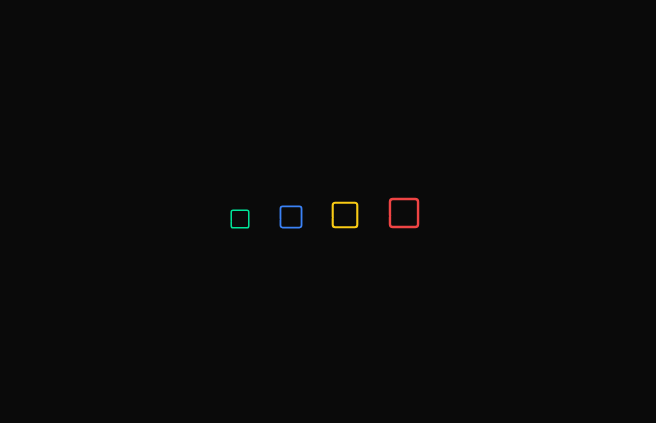
Here is modern minimalistic checkbox component
Built with React and Tailwind. Copy the prompt and paste it into Claude Code, Cursor or Lovable: your agent adds Checkbox to your project and fits it to your theme.
Code
How Checkbox is used: the demo's code. The component's own source comes with a free account.
Usage.tsx
"use client";

import { useState } from "react";
import { CheckBox } from "@/components/ui/checkbox";

const CheckBoxPreview = () => {
  const [states, setStates] = useState(Array(4).fill(false));

  const toggle = (index: number) => {
    const updated = [...states];
    updated[index] = !updated[index];
    setStates(updated);
  };

  return (
    <div className="flex gap-6 items-end">
      <CheckBox checked={states[0]} onClick={() => toggle(0)} size={20} />
      <CheckBox
        checked={states[1]}
        onClick={() => toggle(1)}
        size={24}
        color="#3b82f6"
      />
      <CheckBox
        checked={states[2]}
        onClick={() => toggle(2)}
        size={28}
        color="#facc15"
      />
      <CheckBox
        checked={states[3]}
        onClick={() => toggle(3)}
        size={32}
        color="#ef4444"
      />
    </div>
  );
};

export default CheckBoxPreview;
Dependencies
More by Berlix UI
View all

Input
769
Menu Vertical
730
Split Text
135
More in Forms
View all

Premium Auth
495
Authentication Card
44

Login 1
52

Login 2
7

Form
32

Card Studio
41

Form
136

Login Card
32
