
About
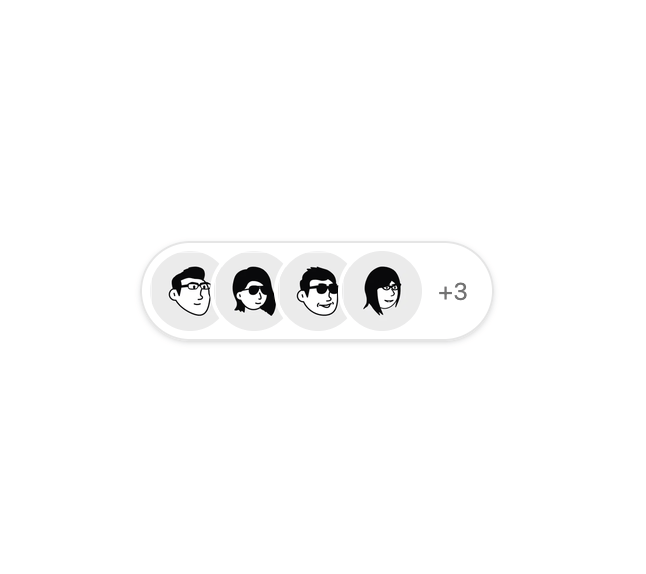
Here is Avatar component
Built with React and Tailwind. Copy the prompt and paste it into Claude Code, Cursor or Lovable: your agent adds Basic Avatar to your project and fits it to your theme.
Code
How Basic Avatar is used: the demo's code. The component's own source comes with a free account.
Usage.tsx
import { Avatar, AvatarFallback, AvatarImage } from '@/components/ui/avatar'

const avatars = [
  {
    src: 'https://cdn.21st.dev/assets/mirror/2f/2fcafa6e39ea7272850e186aa5d39db75cba438a6a1194b908bc5a1385dd41bf.png',
    fallback: 'OS',
    name: 'Olivia Sparks'
  },
  {
    src: 'https://cdn.21st.dev/assets/mirror/79/79d0a07346424d3ca0fd8850624b410cf9c115262b36426ef875f6dfda226242.png',
    fallback: 'HL',
    name: 'Howard Lloyd'
  },
  {
    src: 'https://cdn.21st.dev/assets/mirror/ec/ec81be4cc810190ce4d240fcc57295965c5cebaa8751558595ade91eb62c09a4.png',
    fallback: 'HR',
    name: 'Hallie Richards'
  },
  {
    src: 'https://cdn.21st.dev/assets/mirror/7c/7ceb72f7fcb0798a3d72f071c2bfe1251de0d16007bc9ad20f246dde57d5d092.png',
    fallback: 'JW',
    name: 'Jenny Wilson'
  }
]

const AvatarGroupOutlineDemo = () => {
  return (
    <div className='bg-background flex items-center rounded-full border p-1 shadow-sm'>
      <div className='flex -space-x-2'>
        {avatars.map((avatar, index) => (
          <Avatar key={index} className='ring-background ring-2'>
            <AvatarImage src={avatar.src} alt={avatar.name} />
            <AvatarFallback className='text-xs'>{avatar.fallback}</AvatarFallback>
          </Avatar>
        ))}
      </div>
      <span className='text-muted-foreground hover:text-foreground flex items-center justify-center rounded-full bg-transparent px-2 text-xs shadow-none hover:bg-transparent'>
        +3
      </span>
    </div>
  )
}

export default AvatarGroupOutlineDemo
More by Clevision
View all

Calendar
106
Card Studio
99
Collapsible
43
Button Group
37
Buttons
33
Radio Group 1
30
Combobox
27
Switch
23