
About
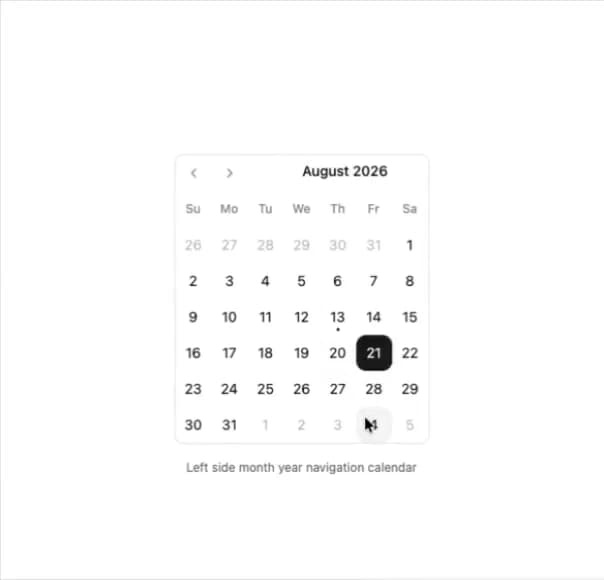
Here is Calendar component
Built with React and Tailwind. Copy the prompt and paste it into Claude Code, Cursor or Lovable: your agent adds Calendar to your project and fits it to your theme.
Code
How Calendar is used: the demo's code. The component's own source comes with a free account.
Usage.tsx
'use client'

import { useState } from 'react'

import { Calendar } from '@/components/ui/calendar'

const CalendarLeftYearMonthDemo = () => {
  const [date, setDate] = useState<Date | undefined>(new Date())

  return (
    <div>
      <Calendar
        mode='single'
        selected={date}
        defaultMonth={date}
        onSelect={setDate}
        className='rounded-md border'
        classNames={{
          month_caption: 'flex items-center h-8 justify-end',
          nav: 'flex justify-start absolute w-full items-center'
        }}
      />
      <p className='text-muted-foreground mt-4 text-center text-xs' role='region'>
        Left side month year navigation calendar
      </p>
    </div>
  )
}

export default CalendarLeftYearMonthDemo
More by Clevision
View all

Card Studio
99
Collapsible
43
Button Group
37
Buttons
33
Radio Group 1
30
Combobox
27
Basic Avatar
24
Switch
23
More in Navigation
View all

Sidebar
234

Tabs
60
Newsletter Signup Footer
16
Progress Bar Stepper
36

Footer 2
201
Navbar with Theme Toggle
43

Navbar
71

Pagination
86
