

About
Infinite brand logo marquee with light and dark mode support
Built with React and Tailwind. Copy the prompt and paste it into Claude Code, Cursor or Lovable: your agent adds Brand Slider to your project and fits it to your theme.
Code
How Brand Slider is used: the demo's code. The component's own source comes with a free account.
Usage.tsx
'use client';

import React from 'react';
import BrandSlider, { DEFAULT_BRANDS } from '@/components/ui/brand-slider';

export default function BrandSliderDemo() {
  return (
    <div className="flex min-h-[400px] w-full flex-col items-center justify-center bg-zinc-50 p-6 text-zinc-900 transition-colors dark:bg-zinc-950 dark:text-zinc-100">
      <div className="mb-8 text-center">
        <span className="inline-block rounded-full bg-zinc-200/60 px-3 py-1 text-xs font-semibold uppercase tracking-wider text-zinc-600 dark:bg-zinc-800/80 dark:text-zinc-400">
          Infinite Logo Marquee
        </span>
        <h2 className="mt-3 text-2xl font-bold tracking-tight sm:text-3xl">
          Trusted by high-growth product teams
        </h2>
        <p className="mt-1 text-sm text-zinc-500 dark:text-zinc-400">
          Seamless infinite loop with edge masks, hover pause, and automatic light/dark mode adaptation.
        </p>
      </div>

      <div className="w-full max-w-5xl rounded-xl border border-zinc-200 bg-white shadow-sm dark:border-zinc-800 dark:bg-zinc-900/50">
        <BrandSlider
          brands={DEFAULT_BRANDS}
          speed={20}
          pauseOnHover={true}
          className="border-none bg-transparent dark:bg-transparent"
        />
      </div>
    </div>
  );
}
More by cohenwebstudio
View all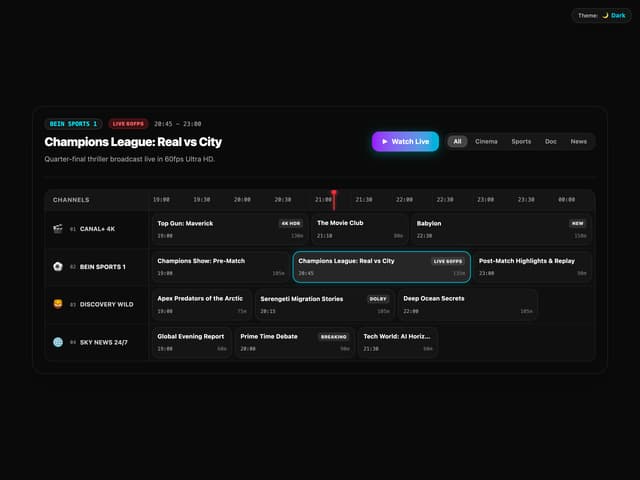

InteractiveEpgGrid
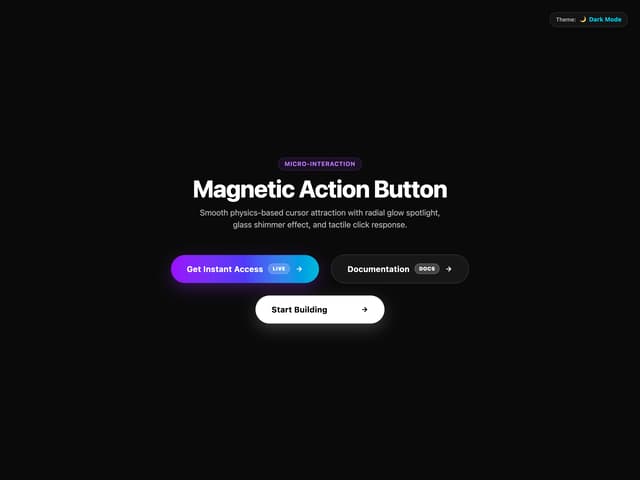
MagneticButton
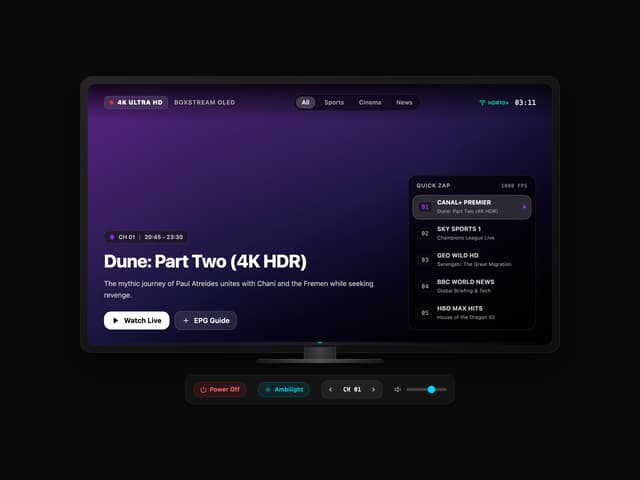
Interactive TV Mockup

Ai Agent Switch Demo
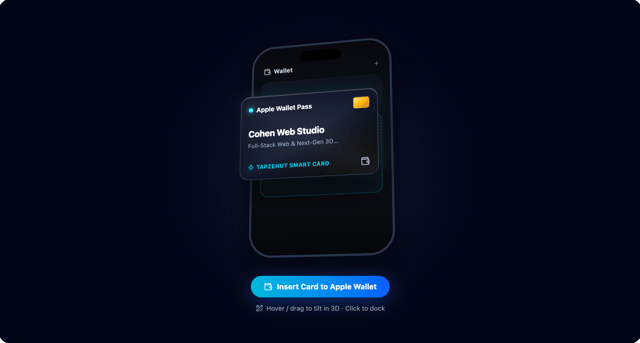
Interactive Wallet3D
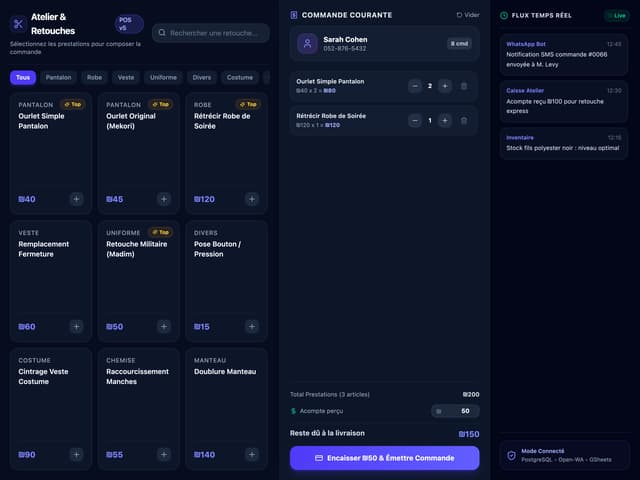
POS Interface