
About
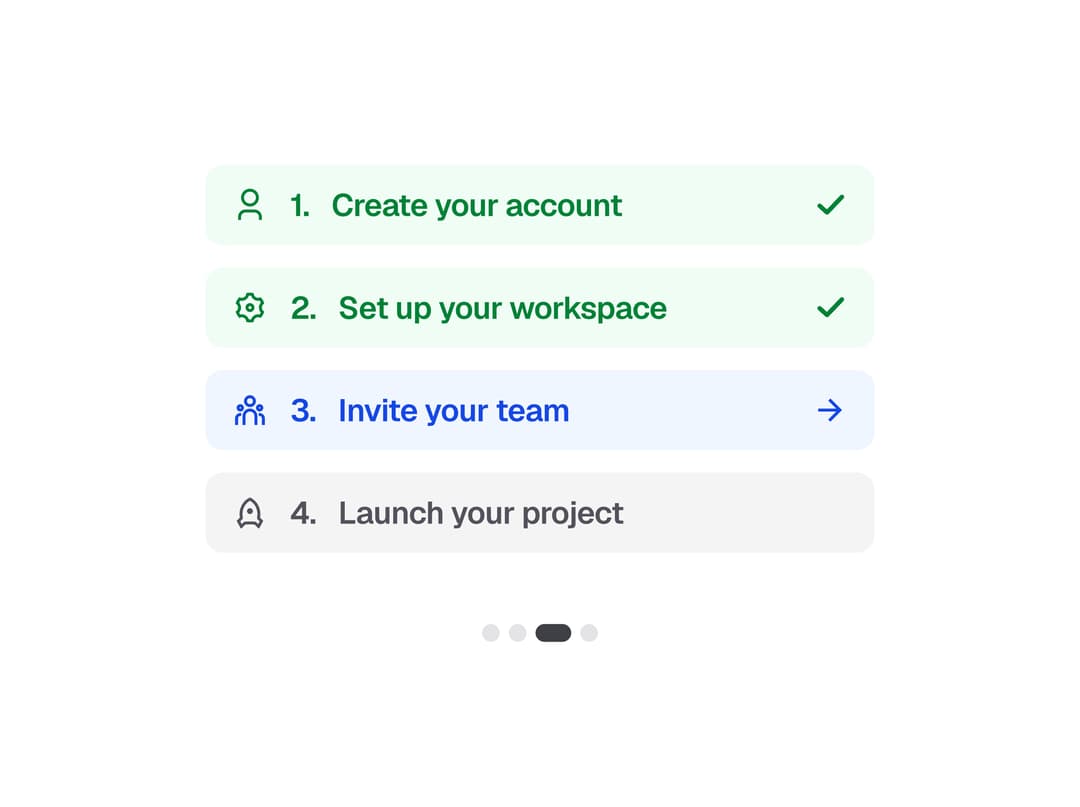
A stepper from the Create UI design system for onboarding and checkout flows. Badge steps with completed, active, error and locked states, lead icons, two sizes, and dot indicators in circle, pill and bar shapes.
Built with React and Tailwind. Copy the prompt and paste it into Claude Code, Cursor or Lovable: your agent adds Stepper to your project and fits it to your theme.
Code
How Stepper is used: the demo's code. The component's own source comes with a free account.
Usage.tsx
"use client"

import * as React from "react"
import {
  RiRocketLine,
  RiSettings3Line,
  RiTeamLine,
  RiUser3Line,
} from "@create-ui/assets/icons"

import {
  Stepper,
  StepperBadgeItem,
  StepperDots,
} from "@/components/ui/stepper"

const steps = [
  { icon: <RiUser3Line />, title: "Create your account" },
  { icon: <RiSettings3Line />, title: "Set up your workspace" },
  { icon: <RiTeamLine />, title: "Invite your team" },
  { icon: <RiRocketLine />, title: "Launch your project" },
]

export default function StepperShowcase() {
  const [active, setActive] = React.useState(2)

  return (
    <div className="flex flex-col items-center gap-8">
      <Stepper layout="badge" className="w-[300px]">
        {steps.map((step, i) => (
          <StepperBadgeItem
            key={step.title}
            status={
              i < active ? "completed" : i === active ? "active" : "locked"
            }
            leadIcon={step.icon}
            number={`${i + 1}.`}
            title={step.title}
            onClick={() => setActive(i)}
            className="cursor-pointer"
          />
        ))}
      </Stepper>
      <StepperDots
        shape="pill"
        count={steps.length}
        activeIndex={active}
        onActiveIndexChange={setActive}
      />
    </div>
  )
}
Dependencies
More by Create UI
View all

Avatar
App Store Badge
Social Login Button
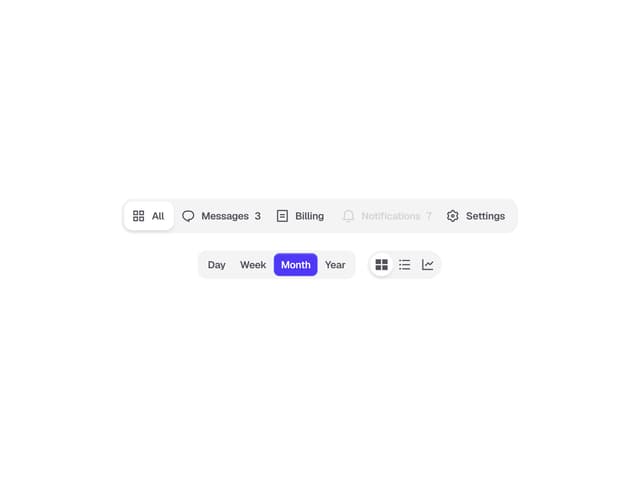
Segmented Control