About
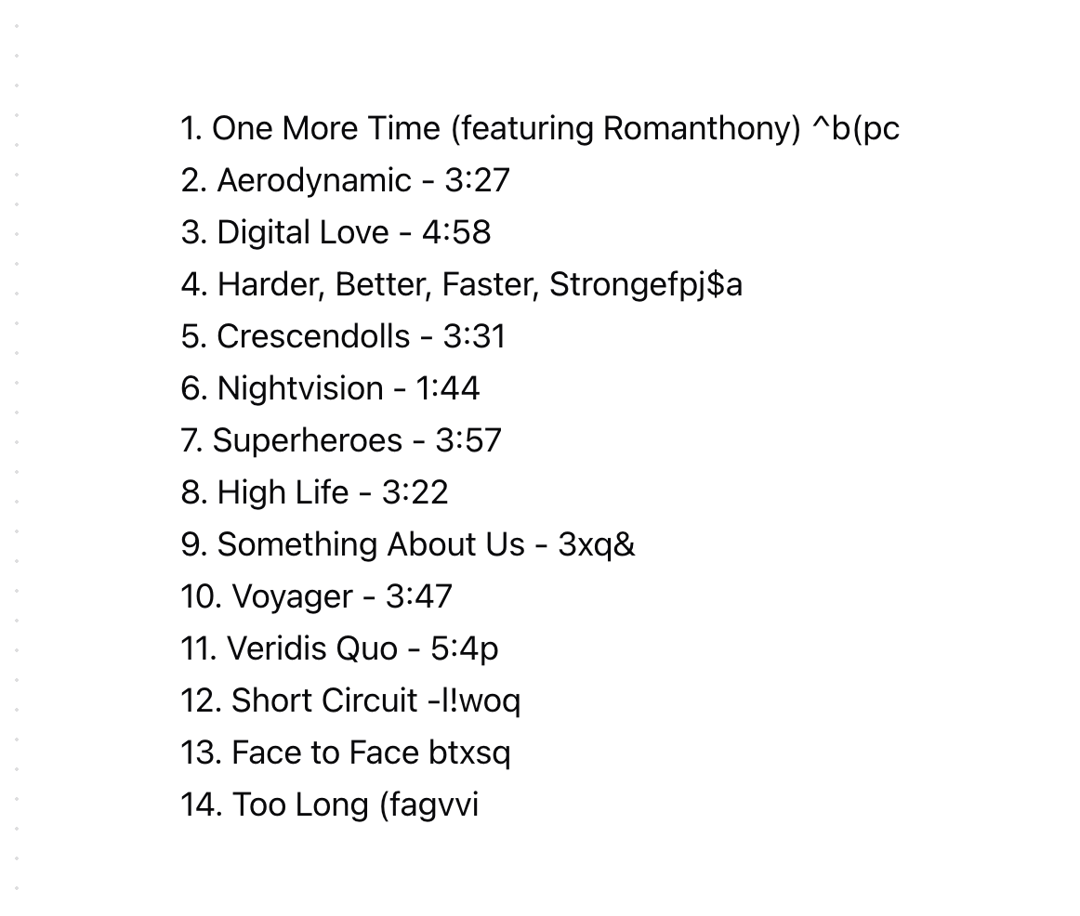
A text component that reveals the text with a scrambled part in front. With the autoStart prop, you can start the animation automatically. But there is also a start and reset method exposed via a ref if you need to control the animation from outside of the component, as you see in the demo above.
Built with React and Tailwind. Copy the prompt and paste it into Claude Code, Cursor or Lovable: your agent adds Scramble In to your project and fits it to your theme.
Code
How Scramble In is used: the demo's code. The component's own source comes with a free account.
Usage.tsx
import { useEffect, useRef } from "react"

import { ScrambleIn, ScrambleInHandle } from "@/components/ui/scramble-in"

function Preview() {
  const titles = [
    "1. One More Time (featuring Romanthony) - 5:20",
    "2. Aerodynamic - 3:27",
    "3. Digital Love - 4:58",
    "4. Harder, Better, Faster, Stronger - 3:45",
    "5. Crescendolls - 3:31",
    "6. Nightvision - 1:44",
    "7. Superheroes - 3:57",
    "8. High Life - 3:22",
    "9. Something About Us - 3:51",
    "10. Voyager - 3:47",
    "11. Veridis Quo - 5:44",
    "12. Short Circuit - 3:26",
    "13. Face to Face (featuring Todd Edwards) - 3:58",
    "14. Too Long (featuring Romanthony) - 10:00",
  ]

  const scrambleRefs = useRef<(ScrambleInHandle | null)[]>([])

  useEffect(() => {
    titles.forEach((_, index) => {
      const delay = index * 50
      setTimeout(() => {
        scrambleRefs.current[index]?.start()
      }, delay)
    })
  }, [])

  return (
    <div className="w-full h-full flex flex-col text-sm md:text-lg lg:text-lg xl:text-xl justify-start items-start bg-background font-normal overflow-hidden py-16 px-8 sm:px-16 md:px-20 lg:px-24 text-center">
      {titles.map((model, index) => (
        <ScrambleIn
          key={index}
          ref={(el) => {
            scrambleRefs.current[index] = el
          }}
          text={model}
          scrambleSpeed={25}
          scrambledLetterCount={5}
          autoStart={false}
        />
      ))}
    </div>
  )
}

export { Preview }More by Daniel Petho
View all
Parallax Floating
2.2K
Text Rotate
2.1K
Typewriter
1.9K
Marquee Along SVG Path
1.4K
Image Trail
1.4K
Animated Gradient With SVG
884
Text Cursor Proximity
781
Pixel Trail
645
More in Text
View all
Motion Blur Text
36

Vertical Cut Reveal Characters
103

NeonRGBTextEffect
144
Text Reveal
27
Random Letter Swap
46

Rainbow Text Effect
47
Text Color
545

Blur Reveal
300