
About
Here is Modal component
Built with React and Tailwind. Copy the prompt and paste it into Claude Code, Cursor or Lovable: your agent adds Modal Drop to your project and fits it to your theme.
Code
How Modal Drop is used: the demo's code. The component's own source comes with a free account.
Usage.tsx
"use client"

import React, { useState } from "react"
import Modal from "@/components/ui/modal-drop"

import { Button } from "@/components/ui/button"

export default function ModalNoOverlayCloseDemo() {
  const [isEasyCloseOpen, setIsEasyCloseOpen] = useState(false)
  const [isNoEasyCloseOpen, setIsNoEasyCloseOpen] = useState(false)

  return (
    <div className="flex flex-col items-center justify-center w-full gap-6">
      <div className="grid grid-cols-1 md:grid-cols-2 gap-4 w-full max-w-2xl">
        {/* Easy Close Modal */}
        <div className="flex flex-col items-center gap-3">
          <h3 className="text-sm font-medium text-center">
            Easy Close Enabled
          </h3>
          <Button onClick={() => setIsEasyCloseOpen(true)} className="w-40">
            Open Modal
          </Button>
          <p className="text-xs text-muted-foreground text-center">
            Click overlay or press ESC to close
          </p>
        </div>

        {/* No Easy Close Modal */}
        <div className="flex flex-col items-center gap-3">
          <h3 className="text-sm font-medium text-center">
            Easy Close Disabled
          </h3>
          <Button onClick={() => setIsNoEasyCloseOpen(true)} className="w-40">
            Open Modal
          </Button>
          <p className="text-xs text-muted-foreground text-center">
            Must use close button to close
          </p>
        </div>
      </div>

      {/* Easy Close Modal */}
      <Modal
        isOpen={isEasyCloseOpen}
        onClose={() => setIsEasyCloseOpen(false)}
        title="Easy Close Modal"
        subtitle="Click overlay or press ESC to close"
        allowEasyClose={true}
      >
        <p className="mb-4 text-muted-foreground">
          This modal can be closed by clicking the overlay background or
          pressing the ESC key.
        </p>
        <p className="mb-6 text-muted-foreground">
          Try clicking outside the modal or pressing ESC to see it in action.
        </p>
        <div className="flex justify-end">
          <Button onClick={() => setIsEasyCloseOpen(false)} variant="outline">
            Close with Button
          </Button>
        </div>
      </Modal>

      {/* No Easy Close Modal */}
      <Modal
        isOpen={isNoEasyCloseOpen}
        onClose={() => setIsNoEasyCloseOpen(false)}
        title="No Easy Close Modal"
        subtitle="Only the close button will work"
        allowEasyClose={false}
      >
        <p className="mb-4 text-muted-foreground">
          This modal cannot be closed by clicking the overlay or pressing ESC.
        </p>
        <p className="mb-6 text-muted-foreground">
          Try clicking outside or pressing ESC - nothing will happen. You must
          use the close button.
        </p>
        <div className="flex justify-end">
          <Button onClick={() => setIsNoEasyCloseOpen(false)}>
            Close Modal
          </Button>
        </div>
      </Modal>
    </div>
  )
}
Dependencies
More by deltacomponents
View all
Basic Dropdown
65
Scramble text
30
Admonition
28
Auth Form
13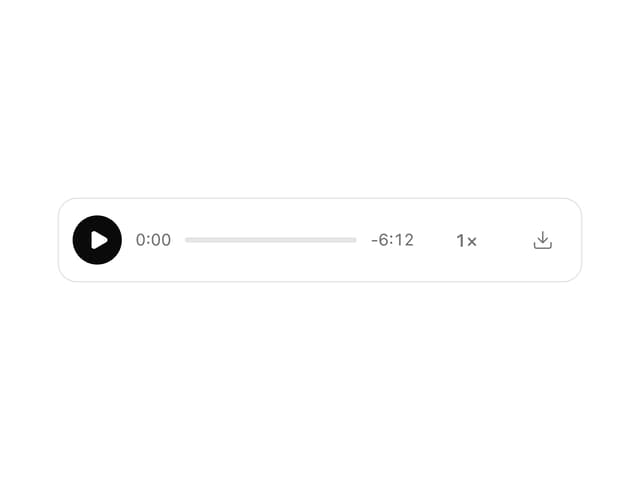
MP3 Player
12
Product Card
7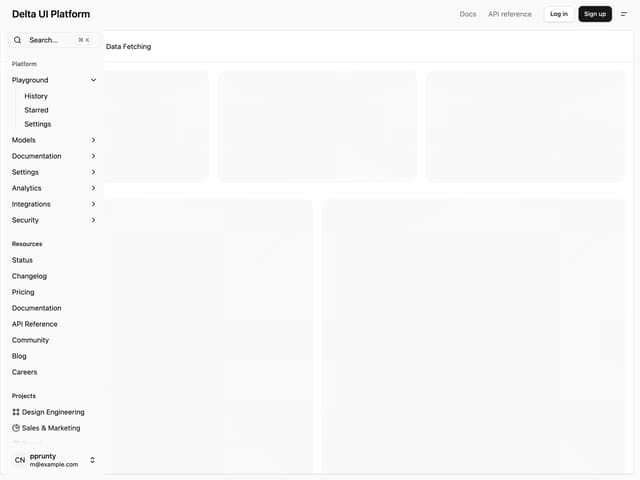
Admin Inset Layout
More in Buttons
View all
Button Save
46

Button
20

Eclipse Button
5

Button
32

Button
6

Button
14

Button Group
37
Split Button
32

