
About
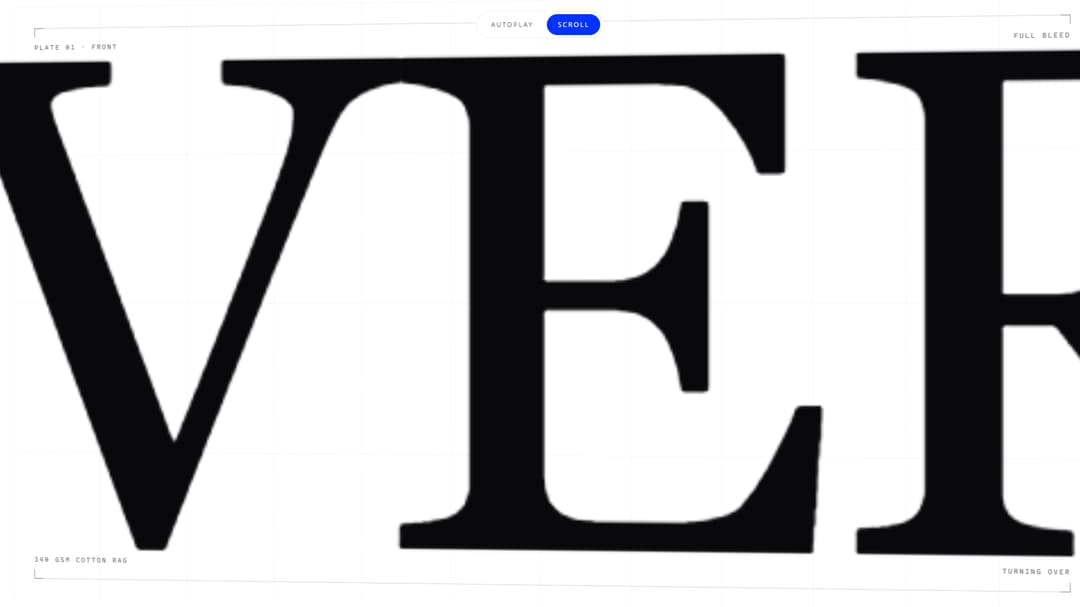
Scroll-driven hero: type scales up, shatters, fills the frame, then the plate flips to its reverse side
Built with React and Tailwind. Copy the prompt and paste it into Claude Code, Cursor or Lovable: your agent adds Shatter Zoom Hero to your project and fits it to your theme.
Code
How Shatter Zoom Hero is used: the demo's code. The component's own source comes with a free account.
Usage.tsx
import * as React from "react";

import ShatterZoomHero from "@/components/ui/shatter-zoom-hero";

/**
 * Live controls. 21st reads this literal for the preview's controls panel and
 * writes any tuned values back into the code a visitor copies.
 */
const settings = {
  frontWord: "OBVERSE",
  backWord: "REVERSE",
  eyebrow: "Plate 01",
  duration: 3000,
  chaos: 1,
  autoplay: true,
};

export default function Demo(props: Partial<typeof settings>) {
  const s = { ...settings, ...props };
  const [mode, setMode] = React.useState<"auto" | "scroll">(s.autoplay ? "auto" : "scroll");

  React.useEffect(() => {
    setMode(s.autoplay ? "auto" : "scroll");
  }, [s.autoplay]);

  return (
    <div className="relative w-full">
      <ShatterZoomHero
        frontWord={s.frontWord}
        backWord={s.backWord}
        eyebrow={s.eyebrow}
        frontLine="The face the press is meant to see."
        runningHead="Front / obverse"
        backLine="The same plate, read from the other side of the sheet."
        specs={[
          { label: "Stock", value: "340 gsm cotton rag" },
          { label: "Plate", value: "Offset, 2 colour" },
          { label: "Impression", value: "1.2 mm" },
          { label: "Edition", value: "1 of 1" },
        ]}
        mode={mode}
        duration={s.duration}
        chaos={s.chaos}
      />

      <div className="fixed left-1/2 top-4 z-40 flex -translate-x-1/2 items-center gap-1 rounded-full border border-border/60 bg-background/85 p-1 backdrop-blur-md">
        {(["auto", "scroll"] as const).map((m) => (
          <button
            key={m}
            type="button"
            id={`shz-demo-${m}`}
            data-slot="shz-demo-mode"
            aria-pressed={mode === m}
            onClick={() => setMode(m)}
            className={
              mode === m
                ? "rounded-full bg-primary px-4 py-2 text-[10px] uppercase tracking-[0.2em] text-primary-foreground transition-colors duration-500"
                : "rounded-full px-4 py-2 text-[10px] uppercase tracking-[0.2em] text-muted-foreground transition-colors duration-500 hover:text-foreground"
            }
          >
            {m === "auto" ? "Autoplay" : "Scroll"}
          </button>
        ))}
      </div>
    </div>
  );
}
More by Demon Strikk
View all

Water Button
41
Background
10
random
3
flutedglass

Varied Glass Ui