
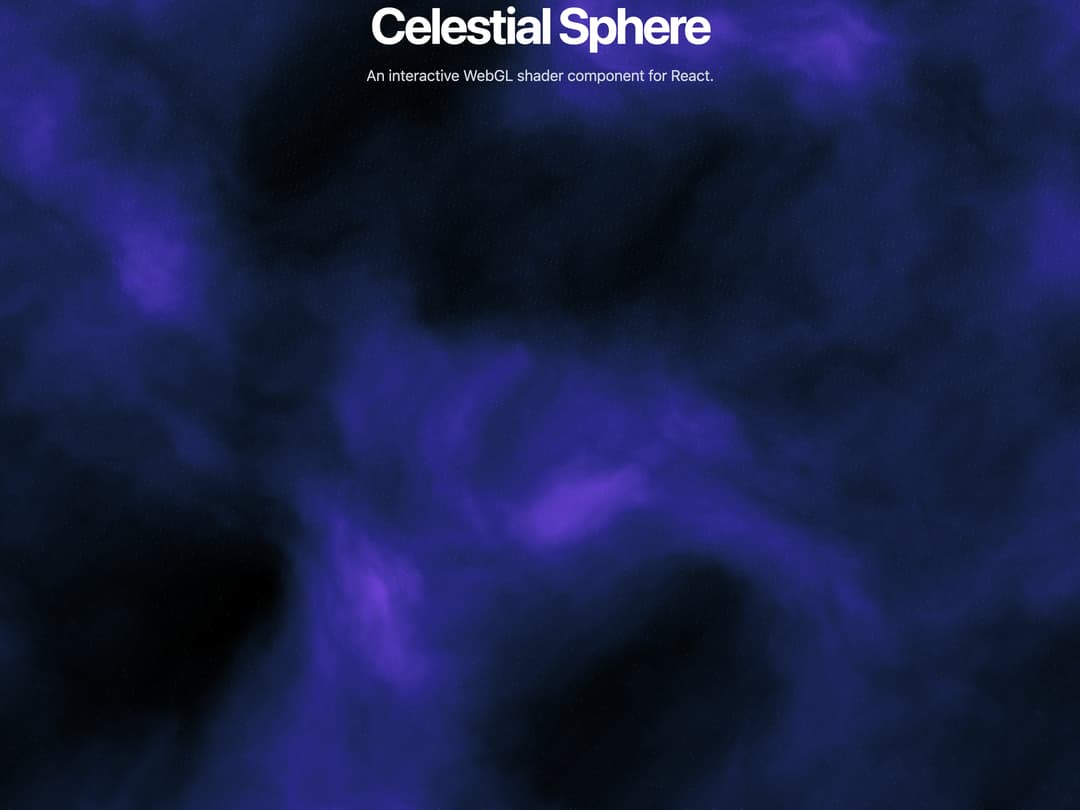
"Celestial Sphere," combines several of the best ideas from the code you shared: Procedural Generation: Like the lightning and dark veil examples, it uses procedural noise to generate a unique, ever-shifting visual. Mouse Interaction: Inspired by the iridescence shader, the visual reacts to your mouse movements, creating a "warp" effect as you move the cursor. Customizable Props: The component is highly customizable, allowing you to control hue, speed, zoom, and particleSize through props. Clean React Structure: It's built as a self-contained React component using modern hooks (useRef, useEffect), making it easy to drop into any project.
Built with React and Tailwind. Copy the prompt and paste it into Claude Code, Cursor or Lovable: your agent adds Celestial Sphere to your project and fits it to your theme.
Code
How Celestial Sphere is used: the demo's code. The component's own source comes with a free account.
Usage.tsx
import { CelestialSphere } from "@/components/ui/celestial-sphere";

const settings = {
  hue: 210.0,
  speed: 0.4,
  zoom: 1.2,
  particleSize: 4.0,
};

export default function DemoOne(props: Partial<typeof settings>) {
  const s = { ...settings, ...props };
  return (
    <div className="h-screen w-screen">
      <CelestialSphere
        hue={s.hue}
        speed={s.speed}
        zoom={s.zoom}
        particleSize={s.particleSize}
        className="absolute top-0 left-0 w-full h-full"
      />
      <div className="relative z-10 text-center text-white pointer-events-none">
        <h1 className="text-6xl font-bold tracking-tighter">
          Celestial Sphere
        </h1>
        <p className="mt-4 text-lg text-gray-300">
          An interactive WebGL shader component for React.
        </p>
      </div>
    </div>
  );
}
Dependencies
More by Dhileep Kumar GM
View all

Aether Flow Hero
1.9K
Woven Light Hero
1.5K
AnomalousMatterHero
1.5K
PulseFit hero
922
Mountain Scene
859
HolographicCard
820
3D Animation
765
Cybernetic Bento Grid
556
More in Heroes
View all

SaaS Template
2.4K

Responsive Hero Banner
2K

Hero
1.2K
Centered Hero with Image Fan
931
Editorial Collage Hero
430
Glass Fold
212

Minimalist Hero Fashion
285

HeroSectionWithGradient
336
