
About
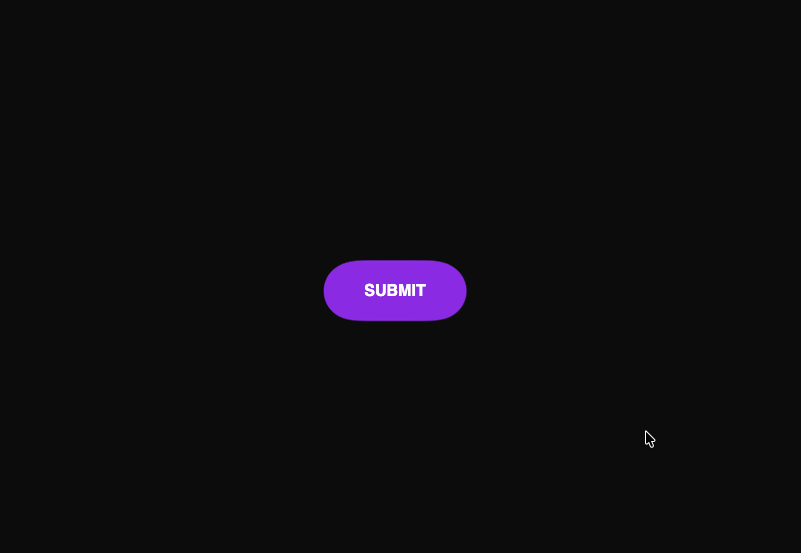
This file imports and renders the GooeyButton. Crucially, it also includes the hidden SVG filter that the CSS relies on to create the merge effect.
Built with React and Tailwind. Copy the prompt and paste it into Claude Code, Cursor or Lovable: your agent adds Gooey Button to your project and fits it to your theme.
Code
How Gooey Button is used: the demo's code. The component's own source comes with a free account.
Usage.tsx
import GooeyButton from "@/components/ui/gooey-button";

export default function DemoOne() {
  return (
    <div className="App">
      {/* This SVG filter is essential for the effect.
        It's hidden but referenced by the CSS `filter` property.
      */}
      <svg xmlns="http://www.w3.org/2000/svg" version="1.1" style={{ display: 'none' }}>
          <defs>
              <filter id="gooey">
                  <feGaussianBlur in="SourceGraphic" stdDeviation="10" result="blur" />
                  <feColorMatrix in="blur" mode="matrix" values="1 0 0 0 0  0 1 0 0 0  0 0 1 0 0  0 0 0 18 -7" result="goo" />
                  <feBlend in="SourceGraphic" in2="goo" />
              </filter>
          </defs>
      </svg>

      <GooeyButton />
    </div>
  );
}
More by Dhileep Kumar GM
View all

Aether Flow Hero
1.9K
Woven Light Hero
1.5K
AnomalousMatterHero
1.5K
PulseFit hero
922
Mountain Scene
859
HolographicCard
820
3D Animation
766
Cybernetic Bento Grid
556
More in Buttons
View all
Button Save
46

Button
20

Eclipse Button
5

Button
6

Button
14

Button Group
37

Button
32
Split Button
32

