
About
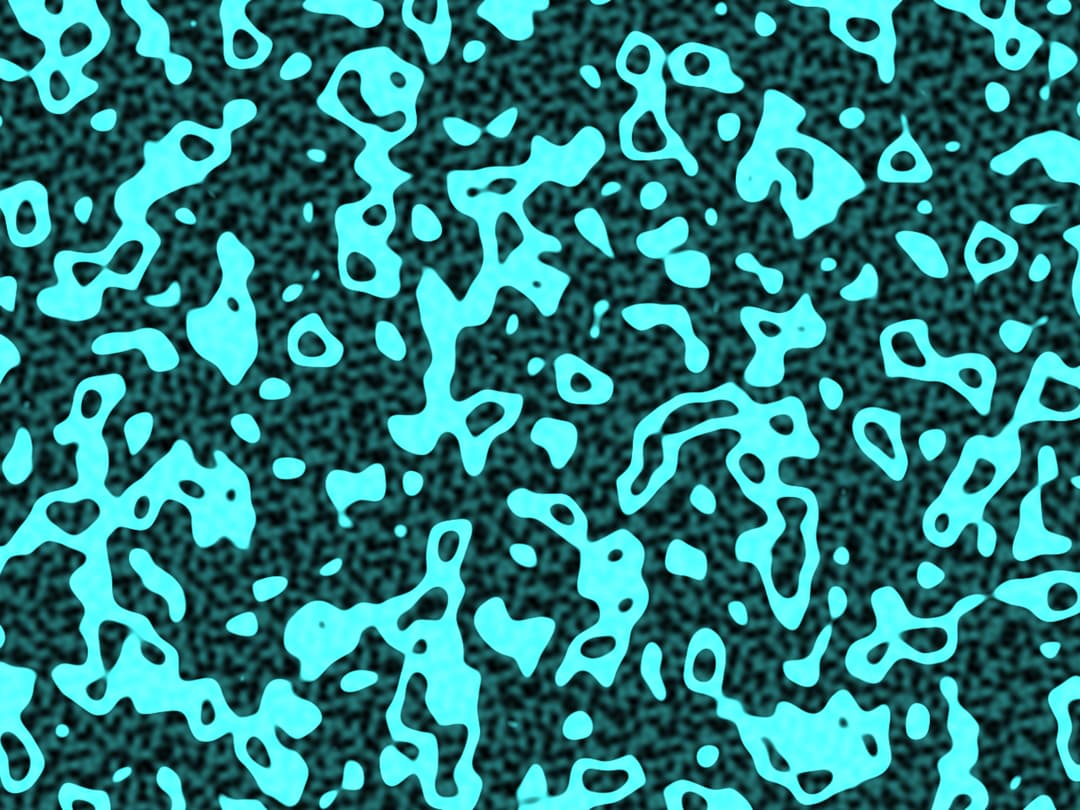
t renders a dynamic, noise-based visual with a "warp" effect that reacts to your mouse movements. You can control parameters like hue, speed, noise intensity, and the warp amount in real-time using the sliders. This combines the procedural generation seen in the first example with the mouse interaction from the third.
Built with React and Tailwind. Copy the prompt and paste it into Claude Code, Cursor or Lovable: your agent adds Liquid Crystal to your project and fits it to your theme.
Code
How Liquid Crystal is used: the demo's code. The component's own source comes with a free account.
Usage.tsx
import { InteractiveShader } from "@/components/ui/liquid-crystal";

const settings = {
  hue: 180,
  speed: 1,
  noise: 0.5,
  warp: 0.1,
  zoom: 2,
  brightness: 1,
};

export default function Demo(props: Partial<typeof settings>) {
  const s = { ...settings, ...props };
  return (
    <div className="h-screen w-screen relative overflow-hidden">
      <InteractiveShader {...s} />
    </div>
  );
}
More by Dhileep Kumar GM
View all

Aether Flow Hero
1.9K
Woven Light Hero
1.5K
AnomalousMatterHero
1.5K
PulseFit hero
922
Mountain Scene
859
HolographicCard
820
3D Animation
766
Cybernetic Bento Grid
556