
About
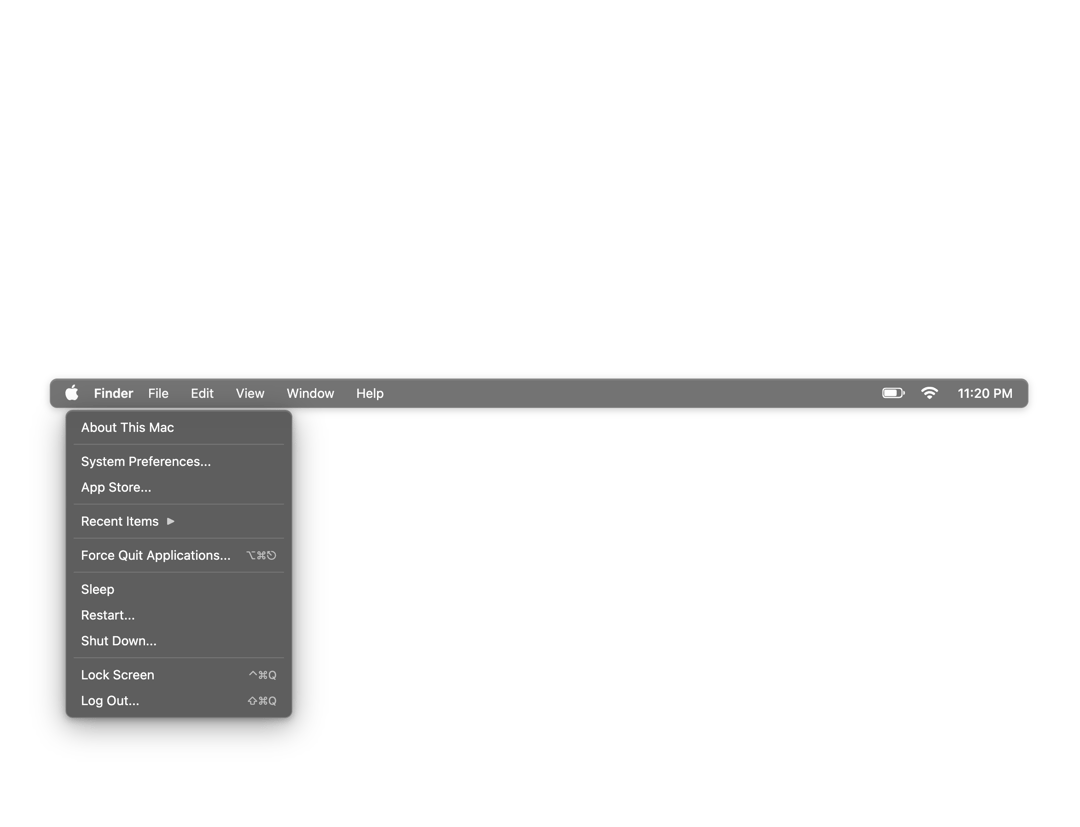
Built with React and Tailwind. Copy the prompt and paste it into Claude Code, Cursor or Lovable: your agent adds MacOS Menu Bar to your project and fits it to your theme.
Code
How MacOS Menu Bar is used: the demo's code. The component's own source comes with a free account.
Usage.tsx
import React from 'react';
import MacOSMenuBar from '@/components/ui/mac-os-menu-bar';

/**
 * Default Demo - Basic MacOS Menu Bar
 *
 * Clean demo showing just the menu bar component.
 */
export default function DefaultDemo() {
  return (
    <div style={{
      width: '100vw',
      height: '100vh',
      background: '#ffffff',
      position: 'relative',
      overflow: 'hidden'
    }}>
      <div style={{
        position: 'absolute',
        top: '50%',
        left: '50%',
        transform: 'translate(-50%, -50%)',
        width: '90%',
        maxWidth: '1200px'
      }}>
        <MacOSMenuBar
          onMenuAction={(action) => {
            console.log('Menu action:', action);
          }}
        />
      </div>
    </div>
  );
}
More by Punit Dhiman
View all

macOS Dock
1.6K