
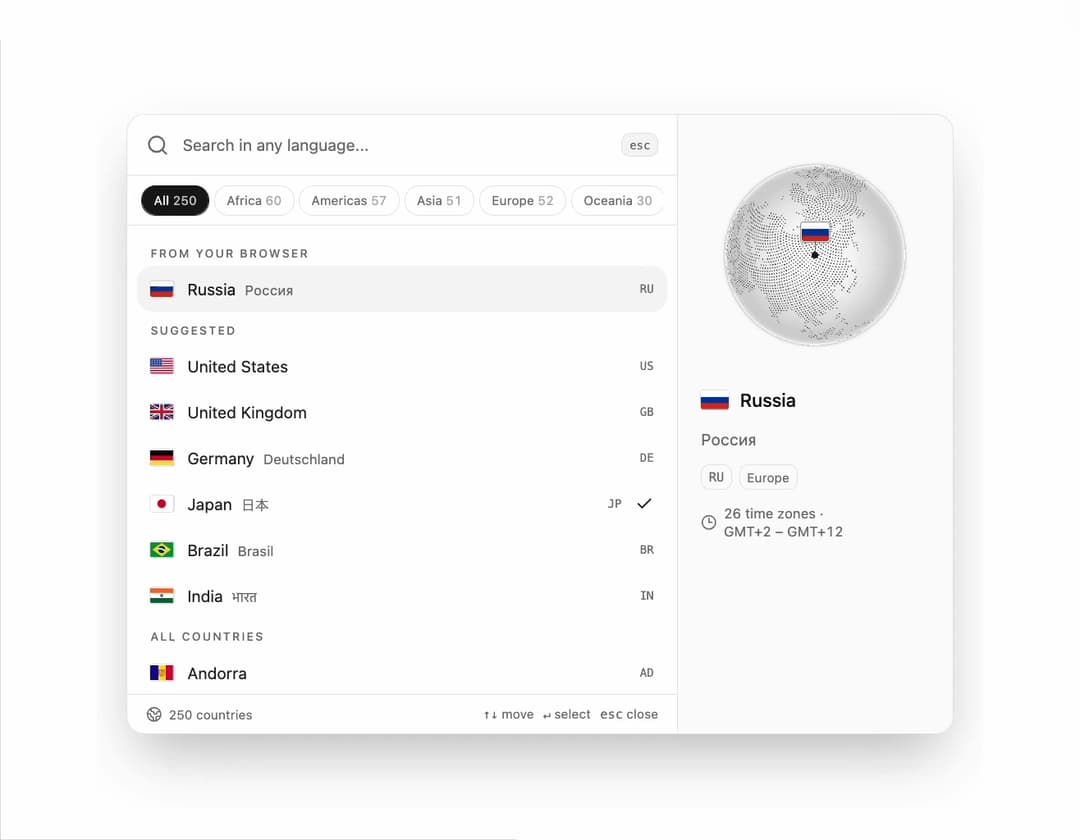
Country picker command palette for React and Tailwind CSS (shadcn/ui) with a globe that turns to the highlighted country. It is built to make choosing a country quick and certain: people search in their own language (日本, Deutschland, Brasil), by English name, alias or ISO code, see where the country is with its local time and time zones, and watch the flag fly into the field when they pick it. All 250 countries and territories with flags are built in, with continent filters based on Unicode CLDR, a suggestion from the browser's language settings, recent picks, ⌘K / Ctrl+K and full keyboard control. Theme tokens for light and dark, reduced-motion support and a flag fallback when WebGL is unavailable. Use it in sign-up and onboarding forms, checkout and shipping addresses, profile settings and localization pickers.
Built with React and Tailwind. Copy the prompt and paste it into Claude Code, Cursor or Lovable: your agent adds Country Picker Command Palette to your project and fits it to your theme.
Code
How Country Picker Command Palette is used: the demo's code. The component's own source comes with a free account.
Usage.tsx
"use client";

import * as React from "react";
import { COUNTRIES, CountryFlag, CountrySearchPalette, continentOf, nativeCountryName } from "@/components/ui/country-search-palette";

const settings = {
  open: true,
  tour: true,
  globe: true,
  continents: true,
};

const SUGGESTED = ["US", "GB", "DE", "JP", "BR", "IN"];
const TOUR = ["japan", "brasil", "deutschland", "kenya"];
const TYPE_MS = 110;
const HOLD_MS = 1500;
const FIRST_KEY_MS = 600;

const CCGATHER_URL = "https://ccgather.com/?utm_source=21st&utm_medium=component&utm_campaign=country_palette";

export default function Demo(props: Partial<typeof settings>) {
  const s = { ...settings, ...props };
  const [code, setCode] = React.useState("JP");
  const [open, setOpen] = React.useState(s.open);
  const [search, setSearch] = React.useState("");
  const [touring, setTouring] = React.useState(s.tour && s.open);
  const selected = COUNTRIES.find((country) => country.code === code);
  const [native, setNative] = React.useState(null as string | null);

  React.useEffect(() => {
    setNative(selected ? nativeCountryName(selected.code, selected.name) : null);
  }, [selected]);

  React.useEffect(() => {
    if (!touring || !open) return;
    const timers: number[] = [];
    let at = FIRST_KEY_MS;
    for (const word of TOUR) {
      const letters = Array.from(word);
      for (let i = 1; i <= letters.length; i++) {
        const text = letters.slice(0, i).join("");
        timers.push(window.setTimeout(() => setSearch(text), at));
        at += TYPE_MS;
      }
      at += HOLD_MS;
    }
    timers.push(window.setTimeout(() => setTouring(false), at));
    return () => timers.forEach((timer) => window.clearTimeout(timer));
  }, [touring, open]);

  React.useEffect(() => {
    if (!touring) return;
    const stop = (event: Event) => {
      if (event.isTrusted) setTouring(false);
    };
    window.addEventListener("pointerdown", stop, true);
    window.addEventListener("keydown", stop, true);
    return () => {
      window.removeEventListener("pointerdown", stop, true);
      window.removeEventListener("keydown", stop, true);
    };
  }, [touring]);

  return (
    <div className="flex min-h-screen w-full flex-col items-center justify-center gap-4 bg-background p-6">
      <div className="w-full max-w-sm space-y-3 rounded-2xl border border-border bg-card p-5 text-card-foreground shadow-sm">
        <p className="text-[11px] font-medium uppercase tracking-[0.14em] text-muted-foreground">Country or region</p>
        <CountrySearchPalette
          value={code}
          onValueChange={(next) => setCode(next)}
          suggested={SUGGESTED}
          showGlobe={s.globe}
          showContinents={s.continents}
          open={open}
          onOpenChange={(next) => {
            setOpen(next);
            if (!next) {
              setTouring(false);
              setSearch("");
            }
          }}
          search={search}
          onSearchChange={setSearch}
        />
        {selected && (
          <div className="flex items-center gap-2 text-xs text-muted-foreground">
            <CountryFlag code={selected.code} className="h-3 w-[18px]" />
            <span className="text-foreground">{selected.name}</span>
            {native && <span dir="auto">{native}</span>}
            <span>· {continentOf(selected.code) ?? "—"}</span>
          </div>
        )}
      </div>
      <p className="text-xs text-muted-foreground">
        Press <kbd className="rounded border border-border bg-muted px-1 font-mono text-[10px]">⌘K</kbd> to search ·{" "}
        <a href={CCGATHER_URL} target="_blank" rel="noreferrer" className="underline underline-offset-4 transition-colors hover:text-foreground">
          from CCgather
        </a>
      </p>
    </div>
  );
}
Dependencies
More by DHxWhy
View all

Sun Moon Dark Mode Theme Toggle
186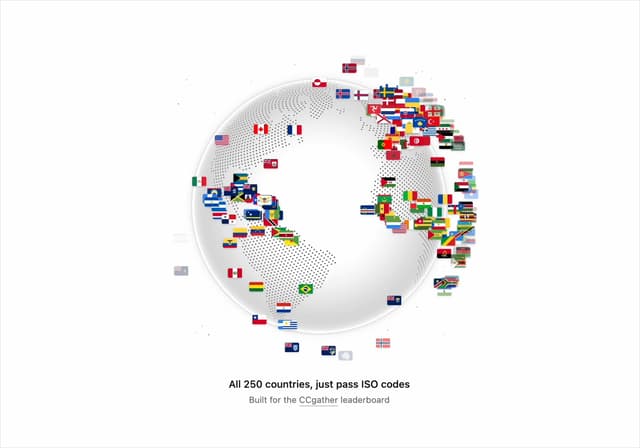
Country Flags Globe
110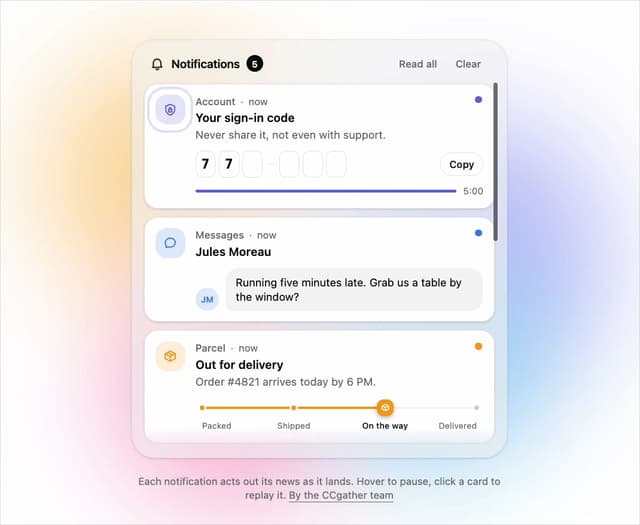
Live Notification Feed
109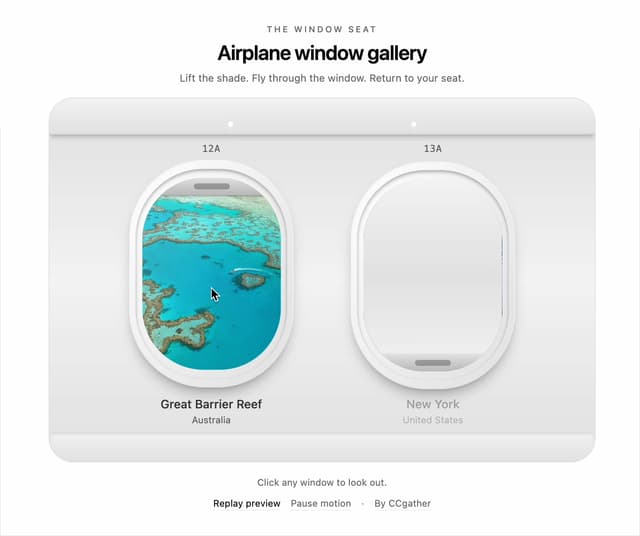
Airplane Window Gallery
95
Domino Scroll Image Gallery
93
QR Code Scan Login Form with Password Fallback
82
Constellation Image Gallery
80
Ferris Wheel Image Gallery
73