
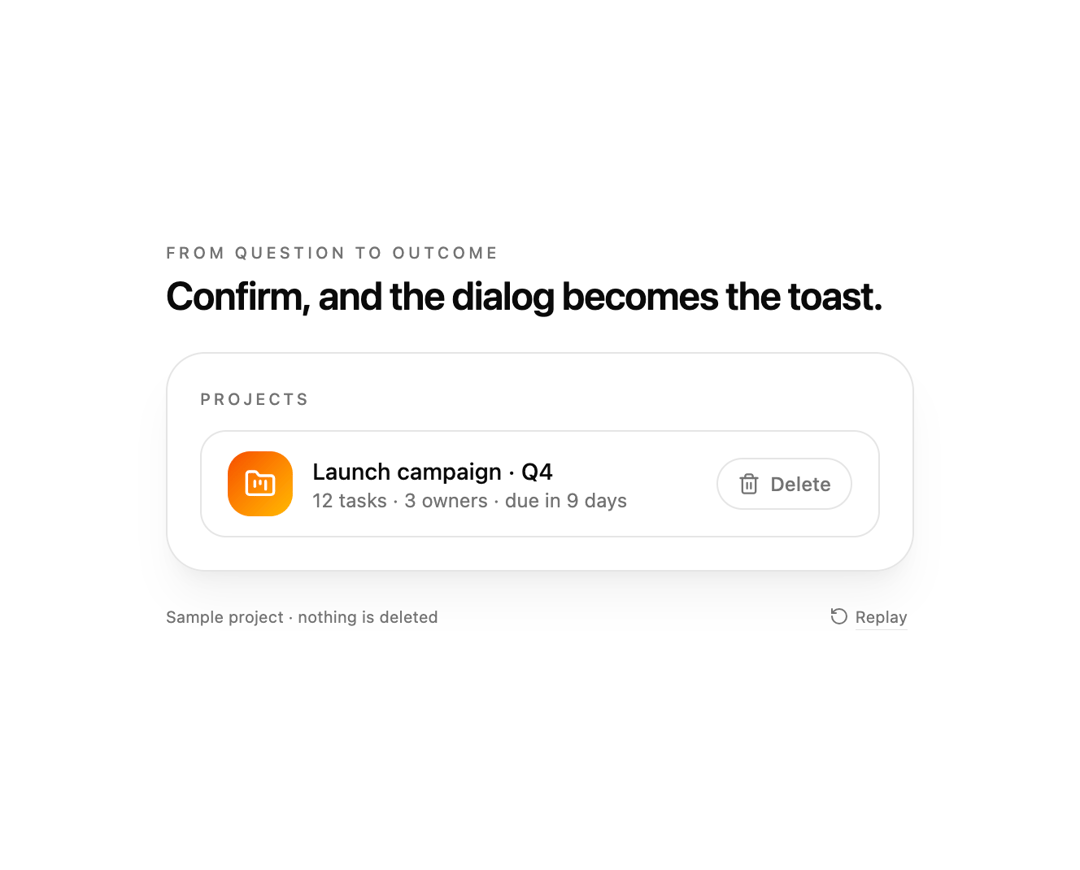
Dialog to toast for React and Tailwind CSS (shadcn/ui): a confirmation dialog that, once confirmed, shrinks into a corner toast showing the action's progress, result and an undo window instead of simply closing. It is built so destructive or long-running actions keep one continuous visual thread from question to outcome, with no separate toast system to wire up. A dialog-to-toast is a modal whose confirm handler returns a promise; this one measures the panel, animates its position, size and corner radius into the toast slot with the Web Animations API while the backdrop fades, switches the element from role dialog to role status with a polite live region, renders pending, success and error states with Retry, offers an optional undo countdown with a shrinking bar and onUndo, traps focus and locks scroll while modal, restores focus to the trigger, supports bottom-right, bottom-center and top-right positions, controlled or trigger-driven open state, and a reduced motion fallback that jumps straight to the toast. Use it for delete, send, publish, archive and payment confirmations in dashboards and settings pages. The included demo deletes and restores a sample project and makes no requests. Requires React, react-dom and lucide-react, with no animation library.
Built with React and Tailwind. Copy the prompt and paste it into Claude Code, Cursor or Lovable: your agent adds Dialog to Toast to your project and fits it to your theme.
Code
How Dialog to Toast is used: the demo's code. The component's own source comes with a free account.
Usage.tsx
"use client";

import * as React from "react";
import { FolderKanban, RotateCcw, Trash2 } from "lucide-react";
import { DialogToToast } from "@/components/ui/dialog-to-toast";
import type { DialogToastPhase, ToastPosition } from "@/components/ui/dialog-to-toast";

type DemoProps = { autoplay?: boolean; bare?: boolean; position?: ToastPosition; undo?: number; fail?: boolean; speed?: number };

const wait = (ms: number) => new Promise((resolve) => window.setTimeout(resolve, ms));

export default function DialogToToastDemo({ autoplay = true, bare = false, position = "bottom-right", undo = 5000, fail = false, speed = 1 }: DemoProps) {
  const [open, setOpen] = React.useState(false);
  const [deleted, setDeleted] = React.useState(false);
  const [events, setEvents] = React.useState([] as string[]);
  const [motion, setMotion] = React.useState({ ready: false, reduced: true });
  const [run, setRun] = React.useState(0);
  const [paused, setPaused] = React.useState(false);
  const attempts = React.useRef(0);
  const triggerRef = React.useRef(null as HTMLButtonElement | null);
  const note = (text: string) => setEvents((previous) => [...previous, text]);
  const ms = (at: number) => Math.round(at * speed);

  React.useEffect(() => {
    const media = window.matchMedia("(prefers-reduced-motion: reduce)");
    const update = () => setMotion({ ready: true, reduced: media.matches });
    update();
    media.addEventListener("change", update);
    return () => media.removeEventListener("change", update);
  }, []);

  React.useEffect(() => {
    if (!motion.ready || !autoplay || motion.reduced || paused) return;
    const timers: number[] = [];
    const later = (at: number, callback: () => void) => timers.push(window.setTimeout(callback, ms(at)));
    later(600, () => triggerRef.current?.click());
    later(1800, () => (document.querySelector("[data-confirm]") as HTMLButtonElement | null)?.click());
    later(5000, () => (document.querySelector("[data-undo]") as HTMLButtonElement | null)?.click());
    later(9000, () => { attempts.current = 0; setDeleted(false); setEvents([]); setRun((previous) => previous + 1); });
    return () => timers.forEach((timer) => window.clearTimeout(timer));
  }, [motion.ready, motion.reduced, autoplay, paused, run, speed]);

  const takeOver = () => autoplay && setPaused(true);

  return (
    <main className="flex min-h-svh w-full flex-col items-center justify-center gap-5 bg-background px-5 py-6 text-foreground" onPointerDownCapture={takeOver} onKeyDownCapture={takeOver}>
      {!bare && (
        <header className="w-full max-w-[460px]">
          <p className="mb-1 text-[10px] font-medium uppercase tracking-[0.2em] text-muted-foreground">From question to outcome</p>
          <h1 className="text-[24px] font-semibold leading-tight tracking-tight">Confirm, and the dialog becomes the toast.</h1>
        </header>
      )}
      <section key={run} className="w-full max-w-[460px] rounded-3xl border border-border bg-card p-5 shadow-xl shadow-primary/5">
        <p className="mb-3 text-[10px] font-medium uppercase tracking-[0.18em] text-muted-foreground">Projects</p>
        <div data-row data-deleted={deleted ? "true" : "false"} className={`flex items-center gap-3 rounded-2xl border border-border px-4 py-3 transition-opacity duration-300 motion-reduce:transition-none ${deleted ? "opacity-40" : ""}`}>
          <span className="flex size-10 shrink-0 items-center justify-center rounded-xl bg-linear-to-br from-chart-1 to-chart-4 text-background"><FolderKanban className="size-5" aria-hidden="true" /></span>
          <div className="min-w-0 flex-1">
            <p className={`truncate text-sm font-medium ${deleted ? "line-through" : ""}`}>Launch campaign · Q4</p>
            <p className="truncate text-xs text-muted-foreground">{deleted ? "Deleted · restore from the toast" : "12 tasks · 3 owners · due in 9 days"}</p>
          </div>
          <DialogToToast
            open={open}
            onOpenChange={setOpen}
            trigger={<button ref={triggerRef} type="button" disabled={deleted} className="inline-flex h-8 shrink-0 items-center gap-1.5 rounded-full border border-border px-3 text-xs font-medium text-muted-foreground outline-none transition-colors motion-reduce:transition-none hover:text-destructive focus-visible:ring-2 focus-visible:ring-ring disabled:opacity-40"><Trash2 className="size-3.5" aria-hidden="true" />Delete</button>}
            title="Delete this project?"
            description="Launch campaign · Q4 and its 12 tasks will be removed. You can undo for a few seconds."
            confirmLabel="Delete project"
            tone="destructive"
            undoWindow={ms(undo)}
            toastPosition={position}
            labels={{ pending: "Deleting project…", success: "Project deleted", error: "Could not delete the project", undone: "Project restored" }}
            onPhaseChange={(phase: DialogToastPhase) => note(`phase:${phase}`)}
            onConfirm={async () => { attempts.current += 1; note("confirm"); await wait(ms(1400)); if (fail && attempts.current === 1) throw new Error("offline"); setDeleted(true); note("deleted"); }}
            onUndo={() => { setDeleted(false); note("undo"); }}
          />
        </div>
        <p data-events className="sr-only">{events.join(",")}</p>
      </section>
      {!bare && (
        <footer className="flex w-full max-w-[460px] items-center justify-between text-[10px] text-muted-foreground">
          <span>Sample project · nothing is deleted</span>
          <button type="button" data-replay onClick={() => { attempts.current = 0; setDeleted(false); setEvents([]); setOpen(false); setPaused(false); setRun((previous) => previous + 1); }} className="inline-flex items-center gap-1 rounded px-1 underline decoration-border underline-offset-4 hover:text-foreground focus-visible:outline-none focus-visible:ring-2 focus-visible:ring-ring"><RotateCcw className="size-3" aria-hidden="true" />Replay</button>
        </footer>
      )}
    </main>
  );
}
Dependencies
More by DHxWhy
View all

Sun Moon Dark Mode Theme Toggle
186
Country Flags Globe
110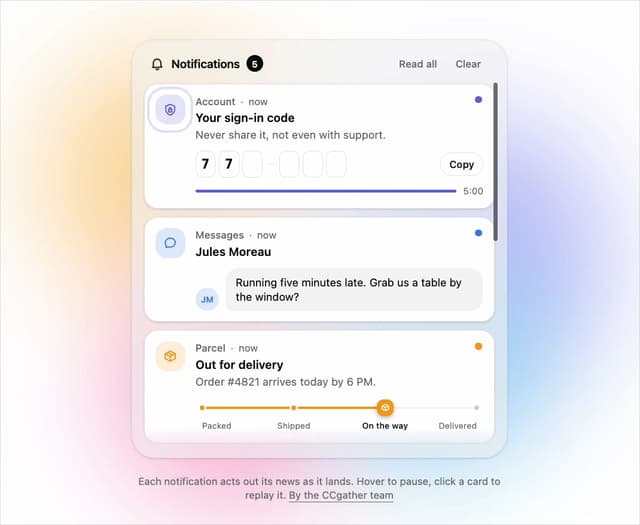
Live Notification Feed
109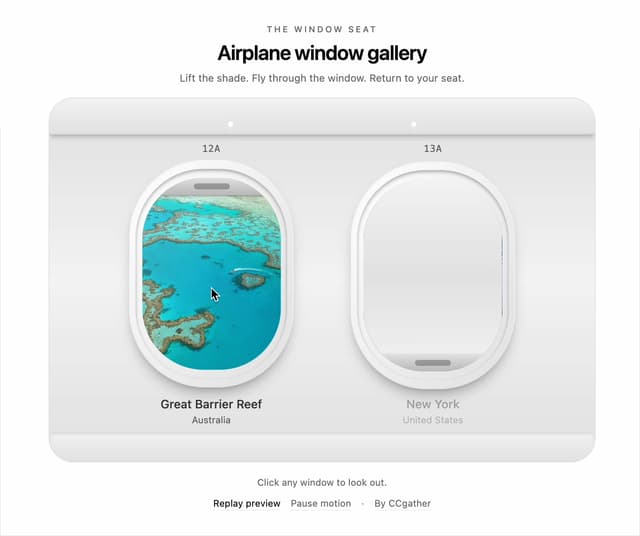
Airplane Window Gallery
95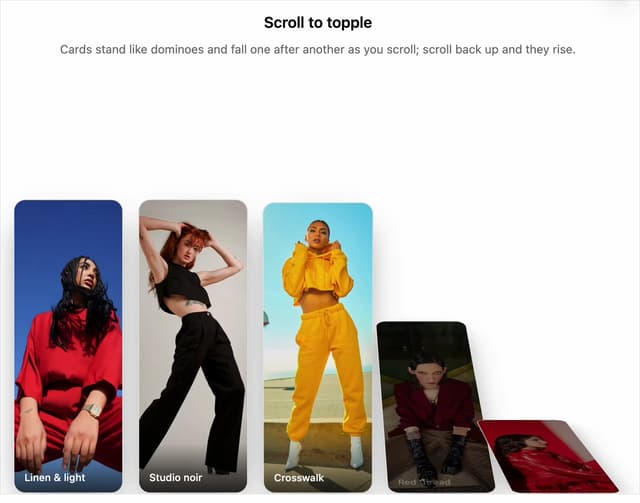
Domino Scroll Image Gallery
93
QR Code Scan Login Form with Password Fallback
82
Constellation Image Gallery
80
Ferris Wheel Image Gallery
73