
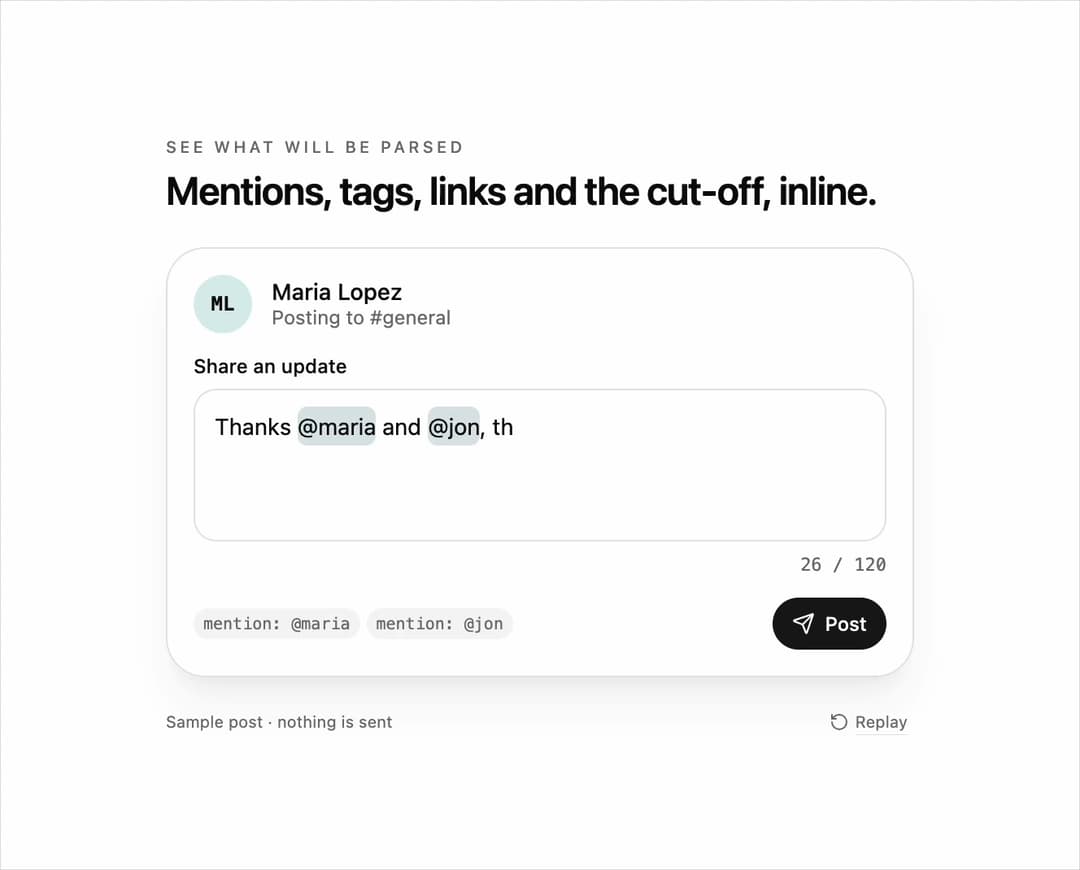
Highlight textarea for React and Tailwind CSS (shadcn/ui) that colors @mentions, #hashtags, URLs and any text beyond the character limit directly inside the textarea as the user types. It is built for comment boxes, post composers, chat inputs and bios where people need to see what will be parsed and what will be cut. A highlight textarea is a transparent textarea layered over a mirrored, token-colored backdrop that stays in sync on input, scroll and resize; this one tokenizes with regular expressions, accepts custom token patterns and class names, pops each new token with the Web Animations API, marks overflow past maxLength with a destructive wavy underline without blocking input, auto-grows between minRows and maxRows, exposes onTokensChange and a customizable counter, keeps native selection, IME and undo behavior, sets aria-invalid when over the limit, and respects reduced motion. Use it in social composers, support replies, release notes and profile editors. The included demo types a sample post and makes no requests. Requires React only, with no animation library.
Built with React and Tailwind. Copy the prompt and paste it into Claude Code, Cursor or Lovable: your agent adds Highlight Textarea to your project and fits it to your theme.
Code
How Highlight Textarea is used: the demo's code. The component's own source comes with a free account.
Usage.tsx
"use client";

import * as React from "react";
import { RotateCcw, Send } from "lucide-react";
import { HighlightTextarea } from "@/components/ui/highlight-textarea";
import type { HighlightMatch } from "@/components/ui/highlight-textarea";

type DemoProps = { autoplay?: boolean; bare?: boolean; text?: string; max?: number; speed?: number };

const SAMPLE = "Thanks @maria and @jon, the new dashboard ships today. Notes at https://acme.com/changelog #launch #design. Full writeup and screenshots coming tomorrow morning.";

export default function HighlightTextareaDemo({ autoplay = true, bare = false, text, max = 120, speed = 1 }: DemoProps) {
  const [value, setValue] = React.useState(text ?? "");
  const [tokens, setTokens] = React.useState([] as HighlightMatch[]);
  const [motion, setMotion] = React.useState({ ready: false, reduced: true });
  const [run, setRun] = React.useState(0);
  const [paused, setPaused] = React.useState(false);
  const ms = (at: number) => Math.round(at * speed);

  React.useEffect(() => {
    const media = window.matchMedia("(prefers-reduced-motion: reduce)");
    const update = () => setMotion({ ready: true, reduced: media.matches });
    update();
    media.addEventListener("change", update);
    return () => media.removeEventListener("change", update);
  }, []);

  React.useEffect(() => {
    if (!motion.ready || !autoplay || motion.reduced || paused || text !== undefined) return;
    const timers: number[] = [];
    for (let i = 1; i <= SAMPLE.length; i += 1) timers.push(window.setTimeout(() => setValue(SAMPLE.slice(0, i)), ms(400 + (i - 1) * 42)));
    timers.push(window.setTimeout(() => { setValue(""); setRun((previous) => previous + 1); }, ms(400 + SAMPLE.length * 42 + 2600)));
    return () => timers.forEach((timer) => window.clearTimeout(timer));
  }, [motion.ready, motion.reduced, autoplay, paused, run, text, speed]);

  const over = value.length > max;
  const takeOver = () => autoplay && setPaused(true);

  return (
    <main className="flex min-h-svh w-full flex-col items-center justify-center gap-5 bg-background px-5 py-6 text-foreground" onPointerDownCapture={takeOver} onKeyDownCapture={takeOver}>
      {!bare && (
        <header className="w-full max-w-[460px]">
          <p className="mb-1 text-[10px] font-medium uppercase tracking-[0.2em] text-muted-foreground">See what will be parsed</p>
          <h1 className="text-[24px] font-semibold leading-tight tracking-tight">Mentions, tags, links and the cut-off, inline.</h1>
        </header>
      )}
      <section className="w-full max-w-[460px] rounded-3xl border border-border bg-card p-4 shadow-xl shadow-primary/5">
        <div className="mb-3 flex items-center gap-3">
          <span aria-hidden="true" className="flex size-9 items-center justify-center rounded-full bg-chart-2/15 font-mono text-xs font-semibold">ML</span>
          <div><p className="text-sm font-medium leading-4">Maria Lopez</p><p className="text-xs text-muted-foreground">Posting to #general</p></div>
        </div>
        <HighlightTextarea label="Share an update" placeholder="What's new? Use @names, #tags and links." value={value} onValueChange={setValue} onTokensChange={setTokens} maxLength={max} minRows={3} maxRows={6} />
        <div className="mt-3 flex items-center justify-between gap-3">
          <ul data-token-list className="flex min-w-0 flex-wrap gap-1 text-[10px] text-muted-foreground">
            {tokens.length === 0 ? <li className="text-muted-foreground/60">No mentions, tags or links yet</li> : tokens.map((token) => <li key={`${token.kind}-${token.start}`} data-parsed={token.kind} className="rounded-full bg-muted px-1.5 py-0.5 font-mono">{token.kind}: {token.text}</li>)}
          </ul>
          <button type="button" data-post disabled={over || value.trim().length === 0} className="inline-flex h-8 shrink-0 items-center gap-1.5 rounded-full bg-primary px-3 text-xs font-medium text-primary-foreground outline-none transition-opacity focus-visible:ring-2 focus-visible:ring-ring focus-visible:ring-offset-2 focus-visible:ring-offset-card disabled:opacity-40">
            <Send className="size-3.5" aria-hidden="true" />Post
          </button>
        </div>
      </section>
      {!bare && (
        <footer className="flex w-full max-w-[460px] items-center justify-between text-[10px] text-muted-foreground">
          <span>Sample post · nothing is sent</span>
          <button type="button" data-replay onClick={() => { setValue(""); setPaused(false); setRun((previous) => previous + 1); }} className="inline-flex items-center gap-1 rounded px-1 underline decoration-border underline-offset-4 hover:text-foreground focus-visible:outline-none focus-visible:ring-2 focus-visible:ring-ring"><RotateCcw className="size-3" aria-hidden="true" />Replay</button>
        </footer>
      )}
    </main>
  );
}
More by DHxWhy
View all

Sun Moon Dark Mode Theme Toggle
186
Country Flags Globe
110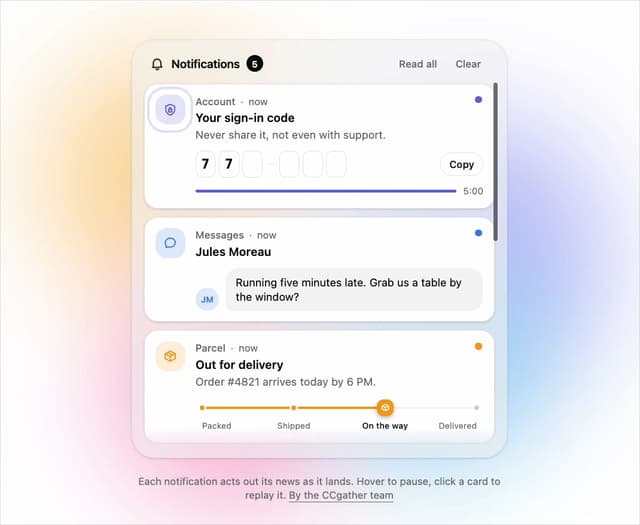
Live Notification Feed
109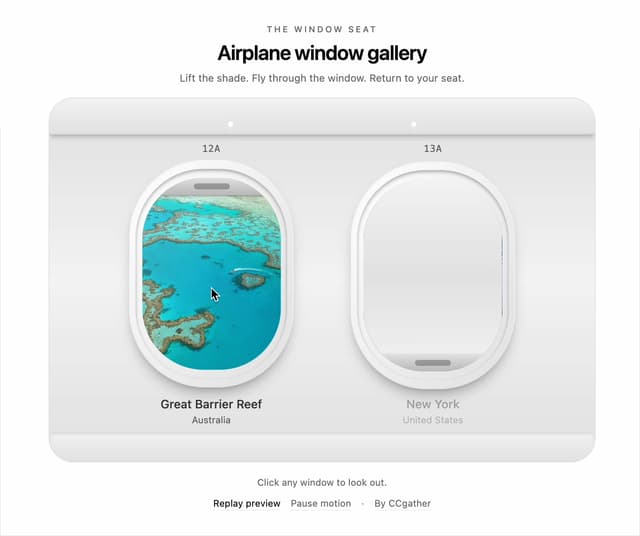
Airplane Window Gallery
95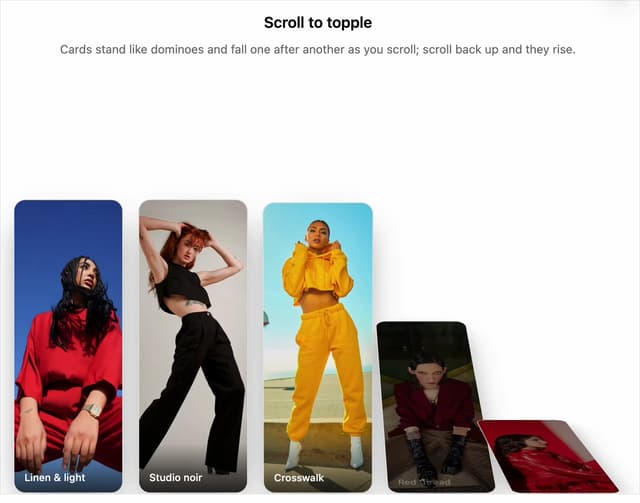
Domino Scroll Image Gallery
93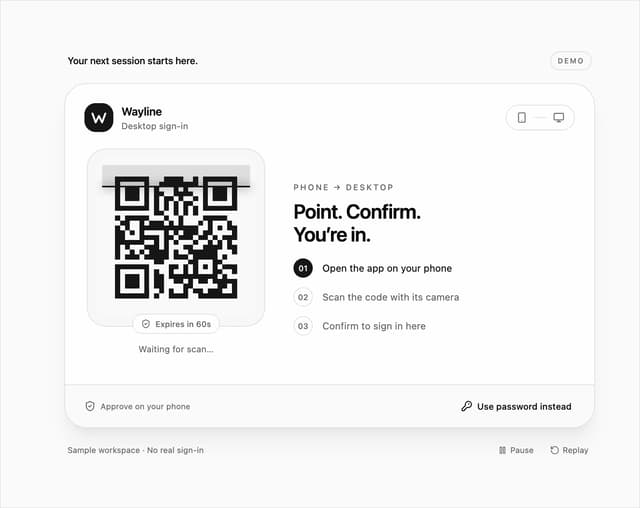
QR Code Scan Login Form with Password Fallback
82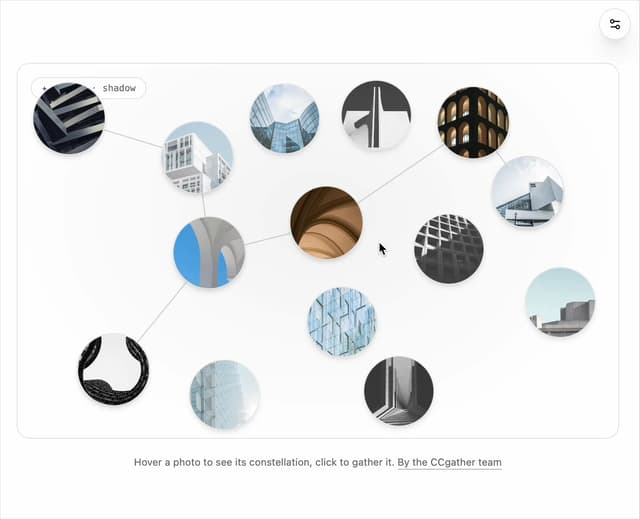
Constellation Image Gallery
80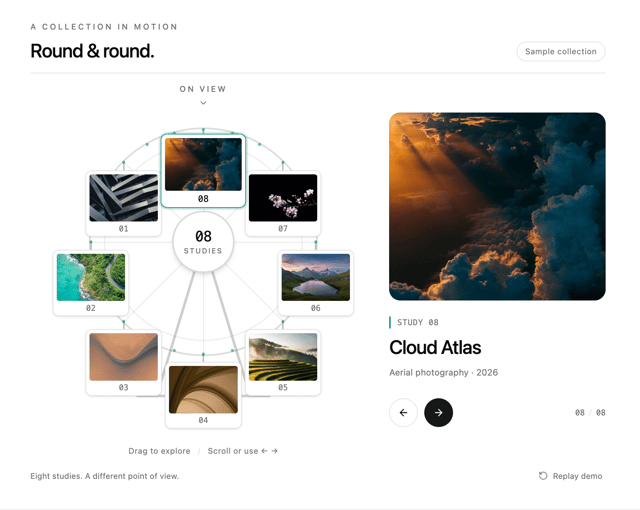
Ferris Wheel Image Gallery
73
More in Forms
View all

Premium Auth
500

Login 2
7
Authentication Card
47

Login 1
52

Contact Card
1K
Login Form
6

Form
16

Book A Demo 3
83
