
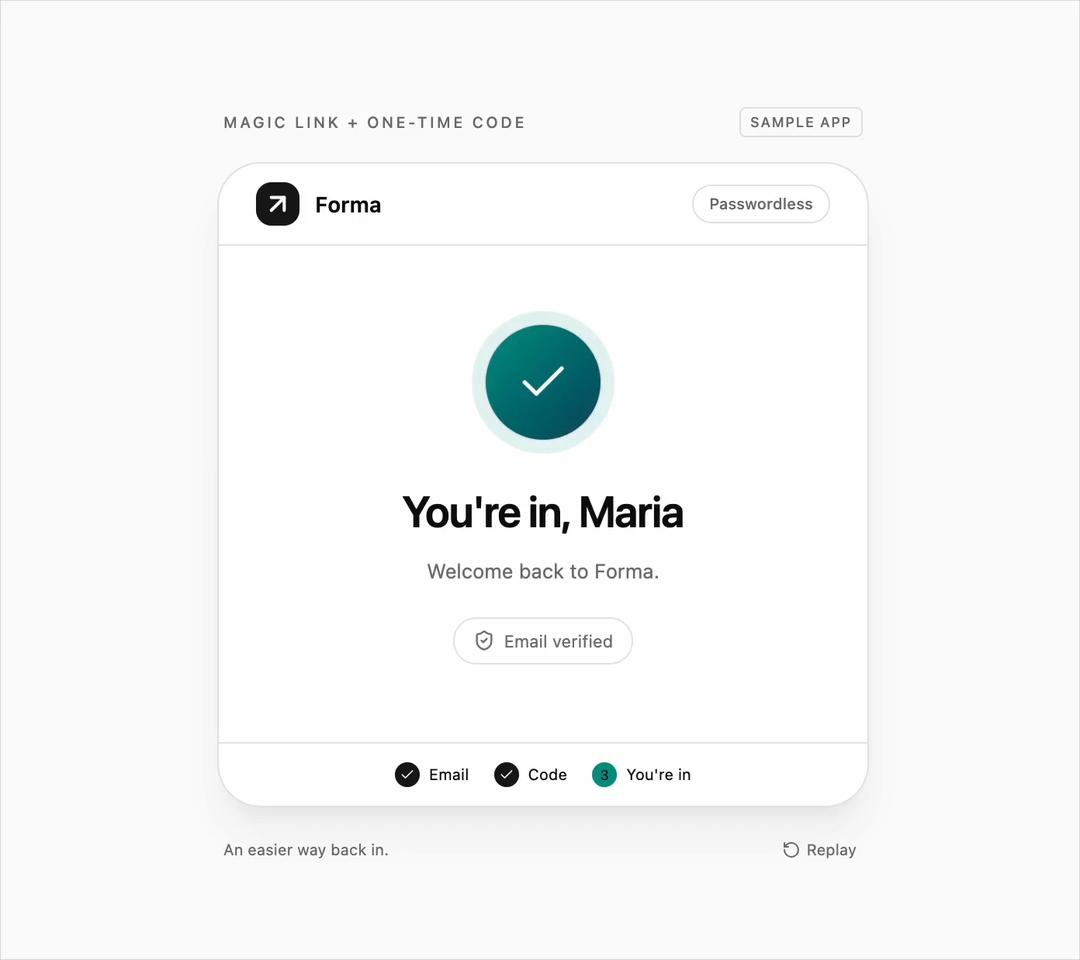
Magic Link and OTP Code Login Form for React and Tailwind CSS (shadcn/ui) offers passwordless sign-in. It is built to move users from email to access with less friction. Includes an opening envelope, six-digit paste and autofill, automatic verification, resend countdown, and password fallback. Supports controlled email, code, step and status, keyboard access, reduced motion, and light/dark themes. Use it for SaaS and member portals. The included demo shows a wrong code and retry; the component makes no requests. Requires React and lucide-react, with no animation library.
Built with React and Tailwind. Copy the prompt and paste it into Claude Code, Cursor or Lovable: your agent adds Magic Link and OTP Code Login Form to your project and fits it to your theme.
Code
How Magic Link and OTP Code Login Form is used: the demo's code. The component's own source comes with a free account.
Usage.tsx
"use client";

import * as React from "react";
import { ArrowUpRight, RotateCcw } from "lucide-react";
import { MagicLinkOtpLogin } from "@/components/ui/magic-link-otp-login";
import type { MagicLinkStep, MagicLinkStatus } from "@/components/ui/magic-link-otp-login";

const EMAIL = "maria@example.com";
const WRONG_CODE = "111111";
const CODE = "241806";
type DemoProps = { autoplay?: boolean };

export default function MagicLinkOtpLoginDemo({ autoplay = true }: DemoProps = {}) {
  const [email, setEmail] = React.useState("");
  const [code, setCode] = React.useState("");
  const [step, setStep] = React.useState("email" as MagicLinkStep);
  const [status, setStatus] = React.useState("idle" as MagicLinkStatus);
  const [error, setError] = React.useState("");
  const [ready, setReady] = React.useState(false);
  const [reduced, setReduced] = React.useState(true);
  const [stopped, setStopped] = React.useState(false);
  const [replay, setReplay] = React.useState(0);
  const [notice, setNotice] = React.useState("");
  const stop = React.useRef(false);
  const tries = React.useRef(3);
  const timers = React.useRef([] as number[]);
  const form = React.useRef(null as HTMLDivElement | null);
  const playing = autoplay && ready && !reduced && !stopped;

  React.useLayoutEffect(() => {
    const media = window.matchMedia("(prefers-reduced-motion: reduce)");
    const update = () => setReduced(media.matches);
    update(); setReady(true);
    media.addEventListener("change", update);
    return () => { media.removeEventListener("change", update); timers.current.forEach(window.clearTimeout); };
  }, []);

  React.useLayoutEffect(() => {
    if (!playing) return;
    stop.current = false;
    const schedule = (fn: () => void, ms: number) => timers.current.push(window.setTimeout(() => { if (!stop.current) fn(); }, ms));
    const cycle = () => {
      timers.current = [];
      setEmail(""); setCode(""); setStep("email"); setStatus("idle"); setError(""); setNotice(""); tries.current = 3;
      for (let index = 1; index <= EMAIL.length; index += 1) schedule(() => setEmail(EMAIL.slice(0, index)), 300 + (index - 1) * 900 / (EMAIL.length - 1));
      schedule(() => setStatus("sending"), 1500);
      schedule(() => setStatus("idle"), 1800);
      schedule(() => setStep("code"), 1900);
      for (let index = 1; index <= WRONG_CODE.length; index += 1) schedule(() => setCode(WRONG_CODE.slice(0, index)), 2400 + (index - 1) * 140);
      schedule(() => setStatus("verifying"), 3300);
      schedule(() => { tries.current = 2; setStatus("error"); setError("Wrong code · 2 tries left"); }, 3700);
      schedule(() => { setCode(""); setError(""); setStatus("idle"); }, 4200);
      for (let index = 1; index <= CODE.length; index += 1) schedule(() => setCode(CODE.slice(0, index)), 4500 + (index - 1) * 140);
      schedule(() => setStatus("verifying"), 5400);
      schedule(() => { setStatus("idle"); setStep("success"); }, 6000);
      schedule(cycle, 7400);
    };
    cycle();
    return () => { timers.current.forEach(window.clearTimeout); timers.current = []; };
  }, [playing, replay]);

  const takeOver = () => {
    if (!playing || stop.current) return;
    stop.current = true;
    setStopped(true);
    setStatus("idle");
    // Let pointer/keyboard interaction continue from the visible demo state.
  };
  const send = async () => {
    setError(""); setStatus("sending");
    await new Promise((resolve) => window.setTimeout(resolve, 400));
    setStatus("idle");
  };
  const verify = async (next: string) => {
    if (playing && !stop.current) return;
    setStatus("verifying"); setError("");
    await new Promise((resolve) => window.setTimeout(resolve, 600));
    if (next === CODE) { setStatus("idle"); return true; }
    tries.current = Math.max(0, tries.current - 1);
    setStatus("error");
    setError(`Wrong code · ${tries.current} ${tries.current === 1 ? "try" : "tries"} left`);
    return false;
  };

  return (
    <main data-magic-demo data-playing={playing} className="flex min-h-screen w-full flex-col items-center justify-center gap-4 bg-muted/40 px-4 py-4 font-sans text-foreground">
      <div className="flex w-full max-w-[420px] items-center justify-between px-1 text-[10px] font-medium uppercase tracking-[.16em] text-muted-foreground"><span>Magic link + one-time code</span><span className="rounded border border-border px-1.5 py-0.5 text-[9px] tracking-[.08em]">Sample app</span></div>
      <div className="w-full max-w-[420px]" onPointerDownCapture={takeOver} onKeyDownCapture={takeOver} onFocusCapture={takeOver}>
        <MagicLinkOtpLogin ref={form} email={email} onEmailChange={(next) => { takeOver(); setEmail(next); }} code={code} onCodeChange={(next) => { takeOver(); setCode(next); setError(""); setStatus("idle"); }} step={step} onStepChange={setStep} status={status} error={error} onSendLink={send} onResend={send} onVerifyCode={verify} onUsePassword={() => setNotice("Demo only · password sign-in selected")} appName="Forma" successTitle="You're in, Maria" logo={<ArrowUpRight className="size-5" strokeWidth={2.5} />} />
      </div>
      <div className="flex w-full max-w-[420px] items-center justify-between gap-3 px-1 text-[10px] text-muted-foreground">
        <p role="status">{notice || (playing ? "An easier way back in." : `Demo code: ${CODE} · no email is sent`)}</p>
        <button data-replay type="button" onClick={() => { form.current?.querySelector("input")?.blur(); stop.current = false; setStopped(false); setEmail(""); setCode(""); setStep("email"); setStatus("idle"); setError(""); setNotice(""); setReplay((count) => count + 1); }} className="flex shrink-0 items-center gap-1 rounded px-1 py-1 hover:text-foreground focus-visible:outline-none focus-visible:ring-2 focus-visible:ring-ring"><RotateCcw className="size-3" aria-hidden="true" />Replay</button>
      </div>
    </main>
  );
}
Dependencies
More by DHxWhy
View all

Sun Moon Dark Mode Theme Toggle
185
Country Flags Globe
110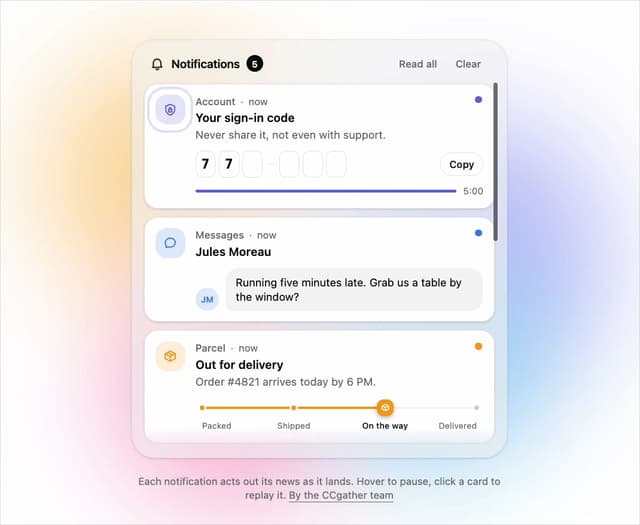
Live Notification Feed
109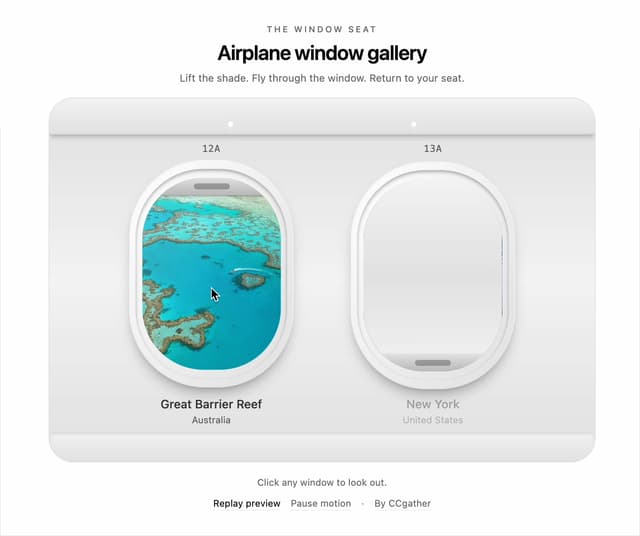
Airplane Window Gallery
95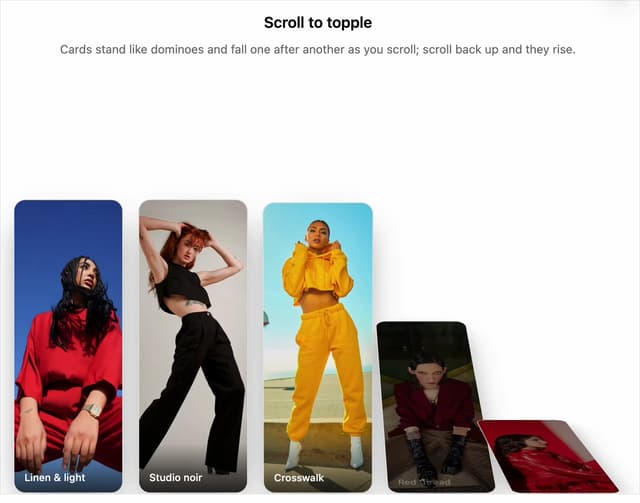
Domino Scroll Image Gallery
92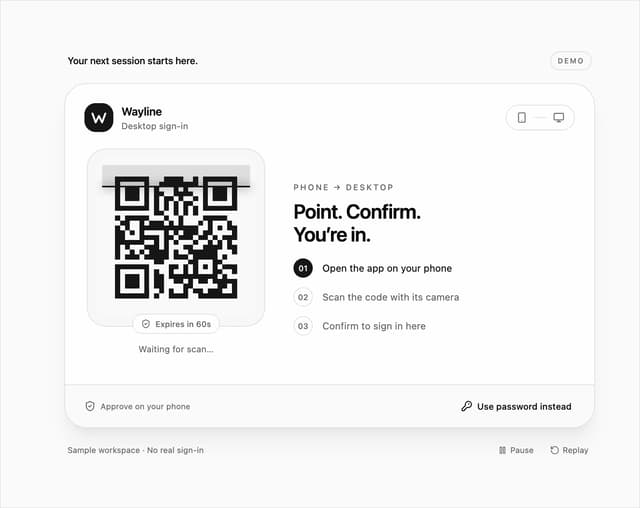
QR Code Scan Login Form with Password Fallback
82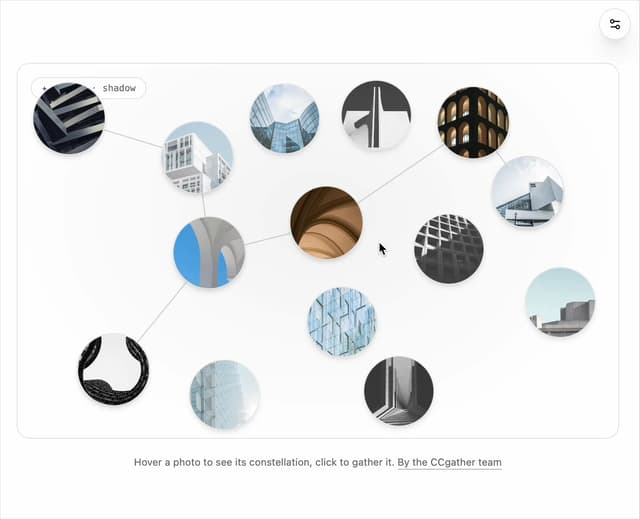
Constellation Image Gallery
80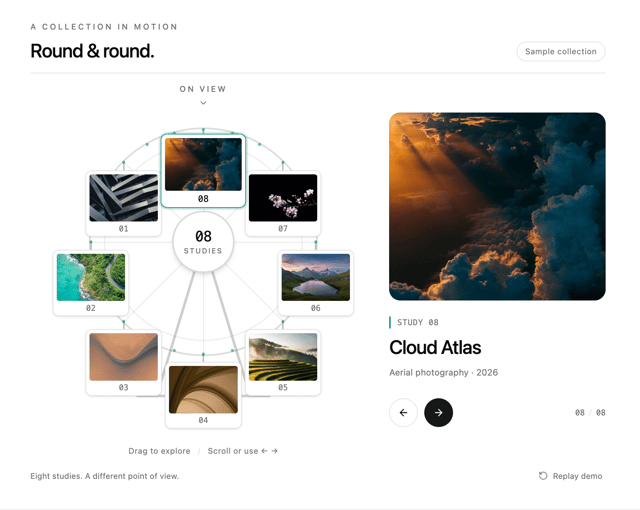
Ferris Wheel Image Gallery
73
More in Sign-in
View all
SignInPage
631

Modern & Stunning sign in
1.6K

Sign In Form
201
Clean & Minimal sign in
617
Sign In
97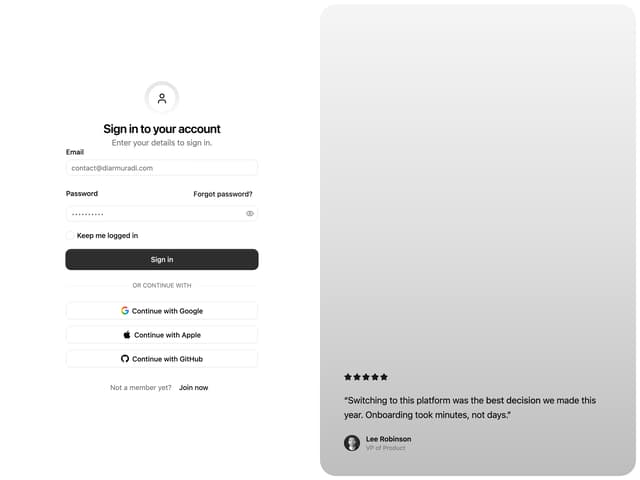

Split Sign In Form
16

Login 2
7
Sign In Card
18

