

Morph dialog for React and Tailwind CSS (shadcn/ui) that opens by growing out of the exact button or card that triggered it and closes by shrinking back into the same spot. It is built to keep people oriented, so a modal never feels like it appeared from nowhere. A morph dialog is a modal whose enter and exit animations are anchored to the trigger element: this one measures the trigger with getBoundingClientRect, animates translate, scale and border-radius with the Web Animations API, reveals the blurred backdrop as a circle expanding from the trigger, and fades the content in once the panel has mostly formed. Wrap any button or card as the trigger and pass a title, description, body and footer. Supports controlled and uncontrolled open state, Escape and outside-click dismissal, focus trapping with focus restored to the trigger, body scroll locking, aria-modal labelling, custom width, duration and easing, blur or dim backdrops, and reduced motion fallbacks. Use it for invite flows, detail views, confirmations and settings panels in SaaS dashboards. The included demo opens from a button and from a card; the component makes no requests. Requires React, react-dom and lucide-react, with no animation library.
Built with React and Tailwind. Copy the prompt and paste it into Claude Code, Cursor or Lovable: your agent adds Morph Dialog to your project and fits it to your theme.
Code
How Morph Dialog is used: the demo's code. The component's own source comes with a free account.
Usage.tsx
"use client";

import * as React from "react";
import { Mail, Sparkles, UserPlus, Users } from "lucide-react";
import { MorphDialog } from "@/components/ui/morph-dialog";

type DemoProps = { autoplay?: boolean; bare?: boolean; controlled?: boolean; noOutside?: boolean };

const ROLES = ["Viewer", "Editor", "Admin"];

export default function MorphDialogDemo({ autoplay = true, bare = false, controlled = false, noOutside = false }: DemoProps) {
  const [inviteOpen, setInviteOpen] = React.useState(false);
  const [projectOpen, setProjectOpen] = React.useState(false);
  const [role, setRole] = React.useState("Editor");
  const [motion, setMotion] = React.useState({ ready: false, reduced: true });
  const [run, setRun] = React.useState(0);
  const [paused, setPaused] = React.useState(false);
  const inviteRef = React.useRef(null as HTMLButtonElement | null);
  const cardRef = React.useRef(null as HTMLButtonElement | null);

  React.useEffect(() => {
    const media = window.matchMedia("(prefers-reduced-motion: reduce)");
    const update = () => setMotion({ ready: true, reduced: media.matches });
    update();
    media.addEventListener("change", update);
    return () => media.removeEventListener("change", update);
  }, []);

  React.useEffect(() => {
    if (!motion.ready || !autoplay || motion.reduced || paused) return;
    const timers: number[] = [];
    const later = (ms: number, callback: () => void) => timers.push(window.setTimeout(callback, ms));
    later(600, () => inviteRef.current?.click());
    later(2600, () => (document.querySelector("[data-morph-close]") as HTMLButtonElement | null)?.click());
    later(3400, () => cardRef.current?.click());
    later(5500, () => (document.querySelector("[data-morph-close]") as HTMLButtonElement | null)?.click());
    later(7000, () => setRun((previous) => previous + 1));
    return () => timers.forEach((timer) => window.clearTimeout(timer));
  }, [motion.ready, motion.reduced, autoplay, paused, run]);

  const takeOver = () => autoplay && setPaused(true);
  const inviteProps = controlled ? { open: inviteOpen, onOpenChange: setInviteOpen } : {};
  const projectProps = controlled ? { open: projectOpen, onOpenChange: setProjectOpen } : {};

  return (
    <main className="flex min-h-svh w-full flex-col items-center justify-center gap-5 bg-background px-5 py-6 text-foreground" onPointerDownCapture={takeOver} onKeyDownCapture={takeOver}>
      {!bare && (
        <header className="w-full max-w-[460px]">
          <p className="mb-1 text-[10px] font-medium uppercase tracking-[0.2em] text-muted-foreground">Dialogs that remember where they came from</p>
          <h1 className="text-[24px] font-semibold leading-tight tracking-tight">Grows out of the button. Shrinks back into it.</h1>
        </header>
      )}
      <div className="w-full max-w-[460px] space-y-4">
        <div className="flex items-center justify-between gap-3 rounded-3xl border border-border bg-card p-5 shadow-xl shadow-primary/5">
          <div className="flex items-center gap-3">
            <span className="flex size-10 items-center justify-center rounded-2xl bg-chart-2/15 text-foreground"><Users className="size-5" aria-hidden="true" /></span>
            <div><p className="text-sm font-medium">Acme workspace</p><p className="text-xs text-muted-foreground">4 members · 2 pending</p></div>
          </div>
          <MorphDialog
            {...inviteProps}
            closeOnOutsideClick={!noOutside}
            trigger={<button ref={inviteRef} type="button" data-demo-invite className="inline-flex h-10 items-center gap-2 rounded-xl bg-primary px-4 text-sm font-medium text-primary-foreground outline-none transition-transform hover:scale-[1.02] active:scale-[0.98] motion-reduce:transform-none focus-visible:ring-2 focus-visible:ring-ring focus-visible:ring-offset-2 focus-visible:ring-offset-card"><UserPlus className="size-4" aria-hidden="true" />Invite teammates</button>}
            title="Invite teammates"
            description="They'll get an email with a link to join Acme."
            footer={<><button type="button" data-morph-close-secondary onClick={() => (document.querySelector("[data-morph-close]") as HTMLButtonElement | null)?.click()} className="h-9 rounded-xl px-3 text-sm text-muted-foreground outline-none hover:text-foreground focus-visible:ring-2 focus-visible:ring-ring">Cancel</button><button type="button" className="inline-flex h-9 items-center gap-2 rounded-xl bg-primary px-4 text-sm font-medium text-primary-foreground outline-none focus-visible:ring-2 focus-visible:ring-ring focus-visible:ring-offset-2 focus-visible:ring-offset-card"><Mail className="size-4" aria-hidden="true" />Send invite</button></>}
          >
            <form className="space-y-4" onSubmit={(event) => event.preventDefault()}>
              <label className="block">
                <span className="mb-1.5 block text-xs font-medium">Email address</span>
                <input type="email" placeholder="teammate@acme.com" className="h-11 w-full rounded-xl border border-border bg-background px-3 text-sm outline-none placeholder:text-muted-foreground focus-visible:ring-2 focus-visible:ring-ring" />
              </label>
              <div>
                <span className="mb-1.5 block text-xs font-medium">Role</span>
                <div className="flex gap-2" role="radiogroup" aria-label="Role">
                  {ROLES.map((item) => (
                    <button key={item} type="button" role="radio" aria-checked={role === item} onClick={() => setRole(item)} className={`h-9 rounded-full border px-3 text-xs font-medium outline-none transition-colors motion-reduce:transition-none focus-visible:ring-2 focus-visible:ring-ring ${role === item ? "border-chart-2/50 bg-chart-2/15 text-foreground" : "border-border text-muted-foreground hover:text-foreground"}`}>{item}</button>
                  ))}
                </div>
              </div>
            </form>
          </MorphDialog>
        </div>

        <MorphDialog
          {...projectProps}
          closeOnOutsideClick={!noOutside}
          width={480}
          trigger={<button ref={cardRef} type="button" data-demo-card className="flex w-full items-center gap-4 rounded-3xl border border-border bg-card p-4 text-left shadow-sm outline-none transition-transform hover:scale-[1.01] active:scale-[0.99] motion-reduce:transform-none focus-visible:ring-2 focus-visible:ring-ring focus-visible:ring-offset-2 focus-visible:ring-offset-background">
            <span className="flex size-12 shrink-0 items-center justify-center rounded-2xl bg-linear-to-br from-chart-1 to-chart-4 text-background"><Sparkles className="size-5" aria-hidden="true" /></span>
            <span className="min-w-0 flex-1"><span className="block text-sm font-medium">Launch campaign · Q4</span><span className="block truncate text-xs text-muted-foreground">12 tasks · 3 owners · due in 9 days</span></span>
            <span className="rounded-full bg-muted px-2 py-1 text-[10px] font-medium text-muted-foreground">Open</span>
          </button>}
          title="Launch campaign · Q4"
          description="Everything the team needs for the October launch."
        >
          <ul className="space-y-2 text-sm">
            {[["Landing page refresh", "Done"], ["Email sequence", "In review"], ["Press kit", "Open"], ["Launch day checklist", "Open"]].map(([task, status]) => (
              <li key={task} className="flex items-center justify-between rounded-xl border border-border/70 px-3 py-2"><span>{task}</span><span className={`rounded-full px-2 py-0.5 text-[10px] font-medium ${status === "Done" ? "bg-chart-2/15 text-foreground" : "bg-muted text-muted-foreground"}`}>{status}</span></li>
            ))}
          </ul>
        </MorphDialog>
      </div>
      {!bare && (
        <footer className="flex w-full max-w-[460px] items-center justify-between text-[10px] text-muted-foreground">
          <span>Sample workspace · Click a button or the card</span>
          <button type="button" data-replay onClick={() => { setPaused(false); setRun((previous) => previous + 1); }} className="rounded px-1 underline decoration-border underline-offset-4 hover:text-foreground focus-visible:outline-none focus-visible:ring-2 focus-visible:ring-ring">Replay</button>
        </footer>
      )}
    </main>
  );
}
Dependencies
More by DHxWhy
View all

Sun Moon Dark Mode Theme Toggle
186
Live Notification Feed
110
Country Flags Globe
110
Airplane Window Gallery
96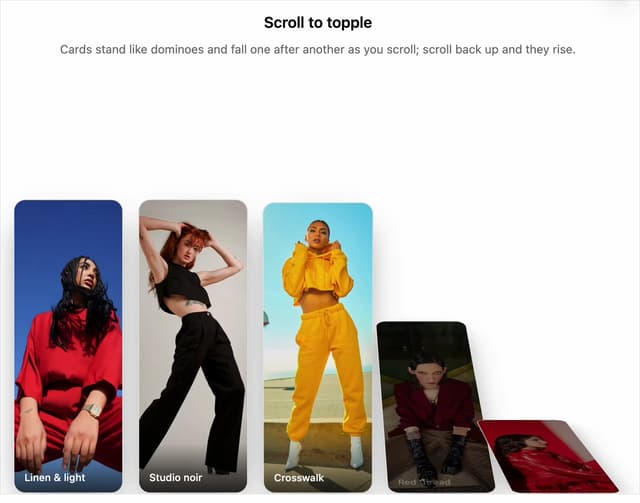
Domino Scroll Image Gallery
93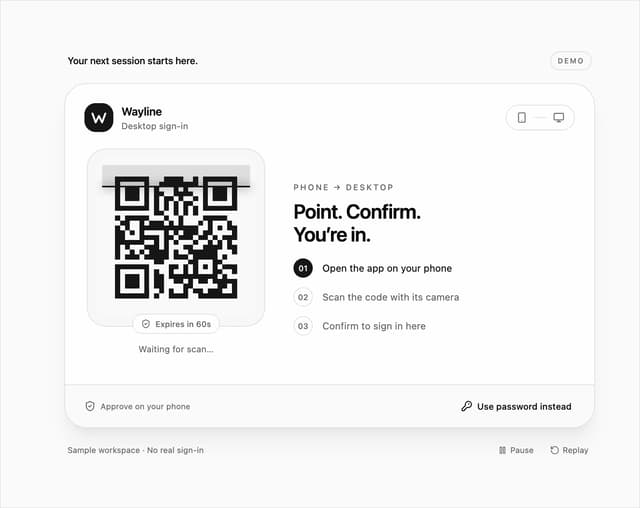
QR Code Scan Login Form with Password Fallback
82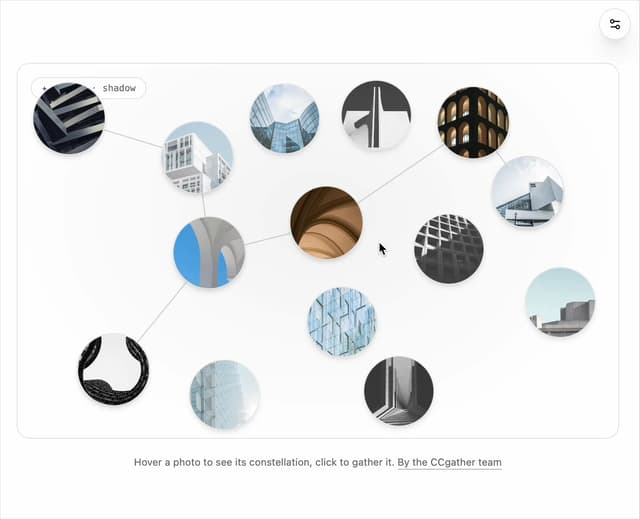
Constellation Image Gallery
80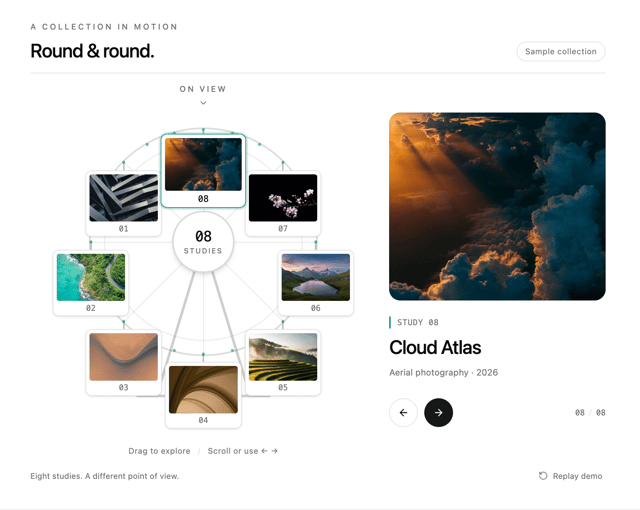
Ferris Wheel Image Gallery
73