

Outcome spinner loader for React and Tailwind CSS (shadcn/ui) that starts as an indeterminate rotating ring, switches to a determinate progress ring when a percentage is known, and resolves into a drawn check or cross. It is built to carry a request from waiting to a visible outcome in one place, so buttons, forms and cards never need a separate success icon. An outcome spinner is a loading indicator driven by a status prop of idle, pending, progress, success or error rather than an endless animation; this one is a single SVG ring with pathLength-based dash animations, rotates with the Web Animations API, tweens the arc to the new value, draws the check or cross with a stroke-dashoffset animation, bounces once on success and shakes once on error, and rolls an optional label such as Saving… to Saved. Supports sm, md, lg or pixel sizes, default, primary and inherit tones for use inside buttons, an optional percent readout, onSettled with a settle delay, role status with live announcements, light and dark theme tokens, and a reduced motion fallback. Use it in submit buttons, save states, upload cards and inline async actions. The included demo resolves three sample requests and makes no requests. Requires React only, with no animation library.
Built with React and Tailwind. Copy the prompt and paste it into Claude Code, Cursor or Lovable: your agent adds Outcome Spinner Loader to your project and fits it to your theme.
Code
How Outcome Spinner Loader is used: the demo's code. The component's own source comes with a free account.
Usage.tsx
"use client";

import * as React from "react";
import { RotateCcw } from "lucide-react";
import { OutcomeSpinnerLoader } from "@/components/ui/outcome-spinner-loader";
import type { SpinnerStatus } from "@/components/ui/outcome-spinner-loader";

type DemoProps = { autoplay?: boolean; bare?: boolean; status?: SpinnerStatus; progress?: number; speed?: number };

const CARD = "flex items-center gap-3 rounded-2xl border border-border bg-card px-4 py-3";

export default function OutcomeSpinnerLoaderDemo({ autoplay = true, bare = false, status: preset, progress: presetProgress, speed = 1 }: DemoProps) {
  const [upload, setUpload] = React.useState(preset ?? "idle");
  const [uploadProgress, setUploadProgress] = React.useState(presetProgress ?? 0);
  const [save, setSave] = React.useState(preset ?? "idle");
  const [sync, setSync] = React.useState(preset ?? "idle");
  const [button, setButton] = React.useState(preset ?? "idle");
  const [settled, setSettled] = React.useState([] as string[]);
  const [motion, setMotion] = React.useState({ ready: false, reduced: true });
  const [run, setRun] = React.useState(0);
  const [paused, setPaused] = React.useState(false);
  const ms = (at: number) => Math.round(at * speed);

  React.useEffect(() => {
    const media = window.matchMedia("(prefers-reduced-motion: reduce)");
    const update = () => setMotion({ ready: true, reduced: media.matches });
    update();
    media.addEventListener("change", update);
    return () => media.removeEventListener("change", update);
  }, []);

  React.useEffect(() => {
    if (!motion.ready || !autoplay || motion.reduced || paused || preset !== undefined) return;
    const timers: number[] = [];
    const later = (at: number, callback: () => void) => timers.push(window.setTimeout(callback, ms(at)));
    later(300, () => { setUpload("pending"); setSave("pending"); setSync("pending"); });
    later(1000, () => setButton("pending"));
    later(1600, () => { setUpload("progress"); setUploadProgress(0); });
    for (let step = 1; step <= 12; step += 1) later(1600 + step * 200, () => setUploadProgress(Math.min(100, Math.round(step * 8.4))));
    later(4150, () => setUploadProgress(100));
    later(4300, () => setUpload("success"));
    later(2600, () => setSave("success"));
    later(3400, () => setSync("error"));
    later(3000, () => setButton("success"));
    later(8600, () => { setUpload("idle"); setUploadProgress(0); setSave("idle"); setSync("idle"); setButton("idle"); setSettled([]); setRun((previous) => previous + 1); });
    return () => timers.forEach((timer) => window.clearTimeout(timer));
  }, [motion.ready, motion.reduced, autoplay, paused, run, preset, speed]);

  const takeOver = () => autoplay && setPaused(true);

  return (
    <main className="flex min-h-svh w-full flex-col items-center justify-center gap-5 bg-background px-5 py-6 text-foreground" onPointerDownCapture={takeOver} onKeyDownCapture={takeOver}>
      {!bare && (
        <header className="w-full max-w-[440px]">
          <p className="mb-1 text-[10px] font-medium uppercase tracking-[0.2em] text-muted-foreground">From waiting to the result</p>
          <h1 className="text-[24px] font-semibold leading-tight tracking-tight">One spinner, all the way to done.</h1>
        </header>
      )}
      <section className="w-full max-w-[440px] space-y-3">
        <div data-card="upload" className={CARD}>
          <OutcomeSpinnerLoader status={upload} progress={uploadProgress} size="lg" showPercent label="Uploading" labels={{ idle: "Ready to upload", pending: "Preparing upload…", progress: `Uploading · ${uploadProgress}%`, success: "Upload complete", error: "Upload failed" }} onSettled={(outcome) => setSettled((previous) => [...previous, `upload:${outcome}`])} />
          <span className="ml-auto font-mono text-[11px] text-muted-foreground">report.pdf</span>
        </div>
        <div data-card="save" className={CARD}>
          <OutcomeSpinnerLoader status={save} size="md" label="Saving" labels={{ idle: "Unsaved changes", pending: "Saving…", success: "Saved", error: "Not saved" }} onSettled={(outcome) => setSettled((previous) => [...previous, `save:${outcome}`])} />
          <span className="ml-auto font-mono text-[11px] text-muted-foreground">draft</span>
        </div>
        <div data-card="sync" className={CARD}>
          <OutcomeSpinnerLoader status={sync} size="md" label="Syncing" labels={{ idle: "Sync paused", pending: "Syncing…", success: "In sync", error: "Sync failed · offline" }} onSettled={(outcome) => setSettled((previous) => [...previous, `sync:${outcome}`])} />
          <span className="ml-auto font-mono text-[11px] text-muted-foreground">3 changes</span>
        </div>
        <div className="flex items-center justify-between rounded-2xl border border-border bg-card px-4 py-3">
          <span className="text-xs text-muted-foreground">Inline in a button</span>
          <button type="button" data-button onClick={() => { setButton("pending"); window.setTimeout(() => setButton("success"), ms(1600)); }} disabled={button === "pending"} className="inline-flex h-9 items-center gap-2 rounded-xl bg-primary px-3.5 text-sm font-medium text-primary-foreground outline-none transition-opacity focus-visible:ring-2 focus-visible:ring-ring focus-visible:ring-offset-2 focus-visible:ring-offset-card disabled:opacity-80">
            {button !== "idle" && <OutcomeSpinnerLoader status={button} size="sm" tone="inherit" label="Saving" />}
            {button === "success" ? "Saved" : button === "pending" ? "Saving…" : "Save changes"}
          </button>
        </div>
        <p data-settled className="sr-only">{settled.join(",")}</p>
      </section>
      {!bare && (
        <footer className="flex w-full max-w-[440px] items-center justify-between text-[10px] text-muted-foreground">
          <span>Sample requests · nothing is uploaded</span>
          <button type="button" data-replay onClick={() => { setUpload("idle"); setUploadProgress(0); setSave("idle"); setSync("idle"); setButton("idle"); setSettled([]); setPaused(false); setRun((previous) => previous + 1); }} className="inline-flex items-center gap-1 rounded px-1 underline decoration-border underline-offset-4 hover:text-foreground focus-visible:outline-none focus-visible:ring-2 focus-visible:ring-ring"><RotateCcw className="size-3" aria-hidden="true" />Replay</button>
        </footer>
      )}
    </main>
  );
}
More by DHxWhy
View all

Sun Moon Dark Mode Theme Toggle
186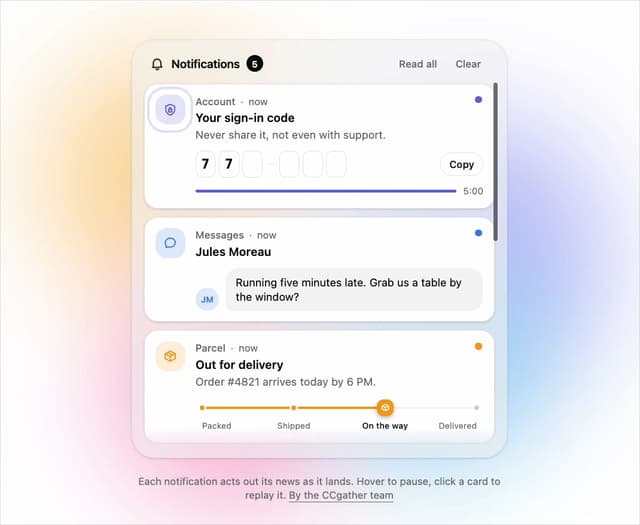
Live Notification Feed
111
Country Flags Globe
111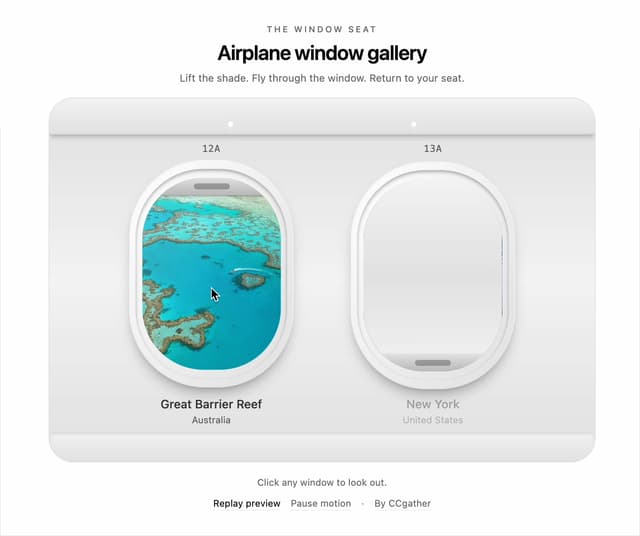
Airplane Window Gallery
96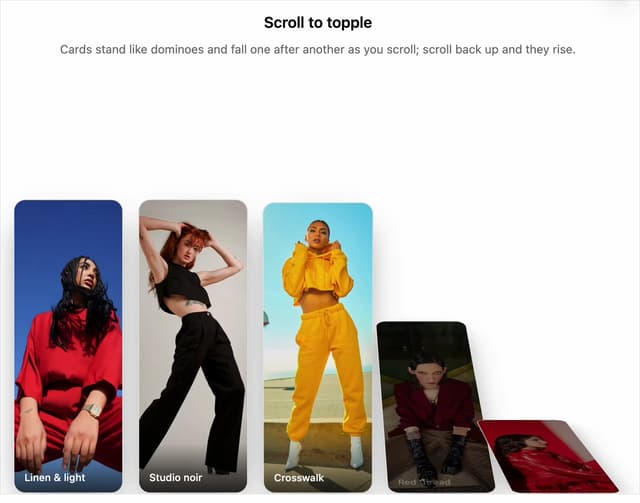
Domino Scroll Image Gallery
93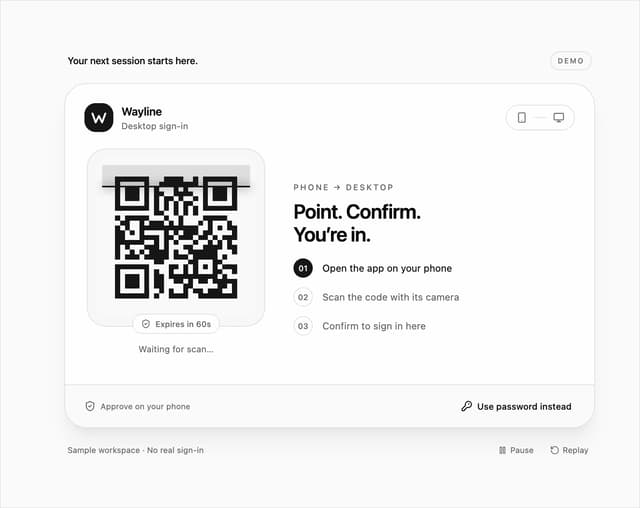
QR Code Scan Login Form with Password Fallback
83
Constellation Image Gallery
80
Ferris Wheel Image Gallery
74
More in Buttons
View all
Button Save
46

Button
20

Eclipse Button
5

Button
6

Button
14

Button Group
37

Button
32
Split Button
32

