

Undo countdown button for React and Tailwind CSS (shadcn/ui) that turns into an "Undo · 5s" control with a shrinking countdown bar after a click and only commits the action when the window closes. It is built to make destructive or irreversible actions safe without a confirmation dialog, so people act first and can still change their mind. An undo button is a button that delays its side effect for a short window during which the user can cancel; this one runs the countdown with the Web Animations API, rewinds the bar when you click again or press Escape, shows a Restored flash, then a Done check with an accent color before returning to idle. Supports undoWindow and resetAfter timing, onStart, onCommit and onUndo callbacks, controlled state, default, destructive and outline variants, three sizes, keyboard activation, aria-live announcements, and reduced motion. Use it for delete, send, archive, publish, and payment actions in SaaS apps, email clients, and admin dashboards. The included demo scripts three sample actions; the component makes no requests. Requires React and lucide-react, with no animation library.
Built with React and Tailwind. Copy the prompt and paste it into Claude Code, Cursor or Lovable: your agent adds Undo Countdown Button to your project and fits it to your theme.
Code
How Undo Countdown Button is used: the demo's code. The component's own source comes with a free account.
Usage.tsx
"use client";

import * as React from "react";
import { Archive, Send, Trash2 } from "lucide-react";
import { UndoCountdownButton } from "@/components/ui/undo-countdown-button";
import type { UndoState } from "@/components/ui/undo-countdown-button";

type DemoProps = { autoplay?: boolean; bare?: boolean; controlled?: boolean; window?: number };
type LogEntry = { id: number; text: string };

const ACTIONS = [
  { id: "invoice", label: "Send invoice", icon: Send, variant: "default" as const, commit: "Invoice #1042 sent", undo: "Invoice kept as draft" },
  { id: "delete", label: "Delete project", icon: Trash2, variant: "destructive" as const, commit: "Project deleted", undo: "Project restored" },
  { id: "archive", label: "Archive 3 tasks", icon: Archive, variant: "outline" as const, commit: "3 tasks archived", undo: "Tasks left in place" },
];

export default function UndoCountdownDemo({ autoplay = true, bare = false, controlled = false, window: undoWindow = 5000 }: DemoProps) {
  const [log, setLog] = React.useState([] as LogEntry[]);
  const [states, setStates] = React.useState({ invoice: "idle", delete: "idle", archive: "idle" } as { [id: string]: UndoState });
  const [motion, setMotion] = React.useState({ ready: false, reduced: true });
  const [run, setRun] = React.useState(0);
  const [paused, setPaused] = React.useState(false);
  const refs = React.useRef({} as { [id: string]: HTMLButtonElement | null });
  const counter = React.useRef(0);
  const note = (text: string) => setLog((previous) => [{ id: ++counter.current, text }, ...previous].slice(0, 4));

  React.useEffect(() => {
    const media = window.matchMedia("(prefers-reduced-motion: reduce)");
    const update = () => setMotion({ ready: true, reduced: media.matches });
    update();
    media.addEventListener("change", update);
    return () => media.removeEventListener("change", update);
  }, []);

  React.useEffect(() => {
    if (!motion.ready || !autoplay || motion.reduced || paused) return;
    const timers: number[] = [];
    const click = (id: string) => refs.current[id]?.click();
    timers.push(window.setTimeout(() => click("invoice"), 600));
    timers.push(window.setTimeout(() => click("delete"), 1600));
    timers.push(window.setTimeout(() => click("delete"), 3300));
    timers.push(window.setTimeout(() => click("archive"), 4200));
    timers.push(window.setTimeout(() => setRun((previous) => previous + 1), 11000));
    return () => timers.forEach((timer) => window.clearTimeout(timer));
  }, [motion.ready, motion.reduced, autoplay, paused, run]);

  return (
    <main className="flex min-h-svh w-full flex-col items-center justify-center gap-5 bg-background px-5 py-6 text-foreground" onPointerDownCapture={() => autoplay && setPaused(true)}>
      {!bare && (
        <header className="w-full max-w-[420px]">
          <p className="mb-1 text-[10px] font-medium uppercase tracking-[0.2em] text-muted-foreground">Five seconds to change your mind</p>
          <h1 className="text-[24px] font-semibold leading-tight tracking-tight">No confirm dialog. Just undo.</h1>
        </header>
      )}
      <div className="w-full max-w-[420px] space-y-3 rounded-3xl border border-border bg-card p-5 shadow-xl shadow-primary/5">
        {ACTIONS.map((action) => {
          const Icon = action.icon;
          return (
            <div key={action.id} className="flex items-center justify-between gap-4">
              <span className="flex min-w-0 items-center gap-2 text-sm text-muted-foreground"><Icon className="size-4 shrink-0" aria-hidden="true" /><span className="truncate">{action.label}</span></span>
              <UndoCountdownButton
                ref={(node) => { refs.current[action.id] = node; }}
                label={action.label}
                variant={action.variant}
                undoWindow={undoWindow}
                {...(controlled ? { state: states[action.id], onStateChange: (state) => setStates((previous) => ({ ...previous, [action.id]: state })) } : {})}
                onStart={() => note(`${action.label} · undo in ${Math.round(undoWindow / 1000)}s`)}
                onCommit={() => note(action.commit)}
                onUndo={() => note(action.undo)}
                className="min-w-[164px]"
              />
            </div>
          );
        })}
        <ul data-log aria-label="Activity" className="mt-2 min-h-[72px] space-y-1 border-t border-border pt-3 text-xs text-muted-foreground">
          {log.length === 0 ? <li className="text-muted-foreground/70">Sample actions · nothing is really sent</li> : log.map((entry) => <li key={entry.id} data-log-entry className="truncate">{entry.text}</li>)}
        </ul>
      </div>
      {!bare && (
        <footer className="flex w-full max-w-[420px] items-center justify-between text-[10px] text-muted-foreground">
          <span>Click once to start, click again to undo</span>
          <button type="button" data-replay onClick={() => { setPaused(false); setLog([]); setRun((previous) => previous + 1); }} className="rounded px-1 underline decoration-border underline-offset-4 hover:text-foreground focus-visible:outline-none focus-visible:ring-2 focus-visible:ring-ring">Replay</button>
        </footer>
      )}
    </main>
  );
}
Dependencies
More by DHxWhy
View all

Sun Moon Dark Mode Theme Toggle
186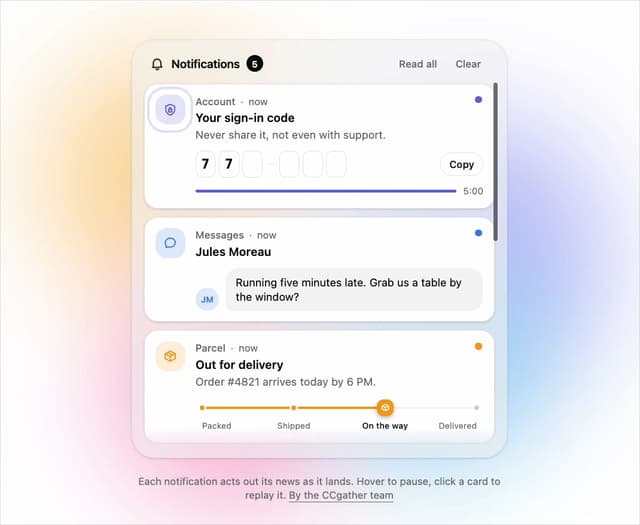
Live Notification Feed
110
Country Flags Globe
110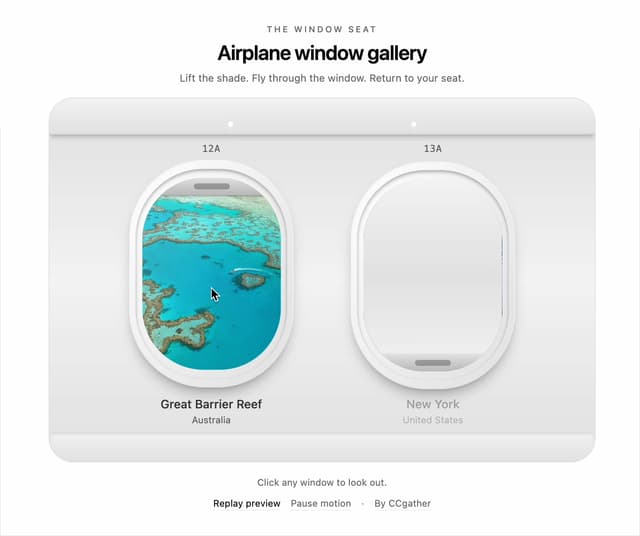
Airplane Window Gallery
96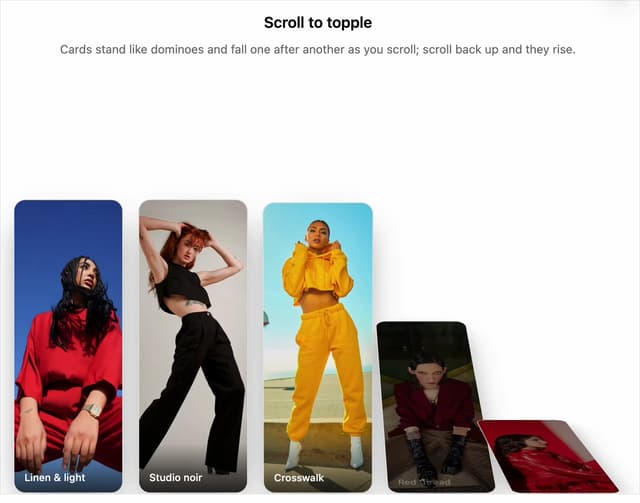
Domino Scroll Image Gallery
93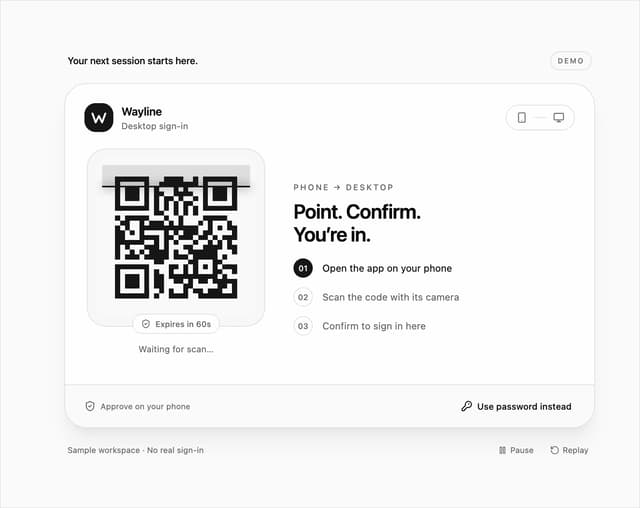
QR Code Scan Login Form with Password Fallback
83
Constellation Image Gallery
80
Ferris Wheel Image Gallery
73
More in Buttons
View all
Button Save
46

Button
20

Eclipse Button
5

Button
32

Button
6

Button
14

Button Group
37
Split Button
32

