
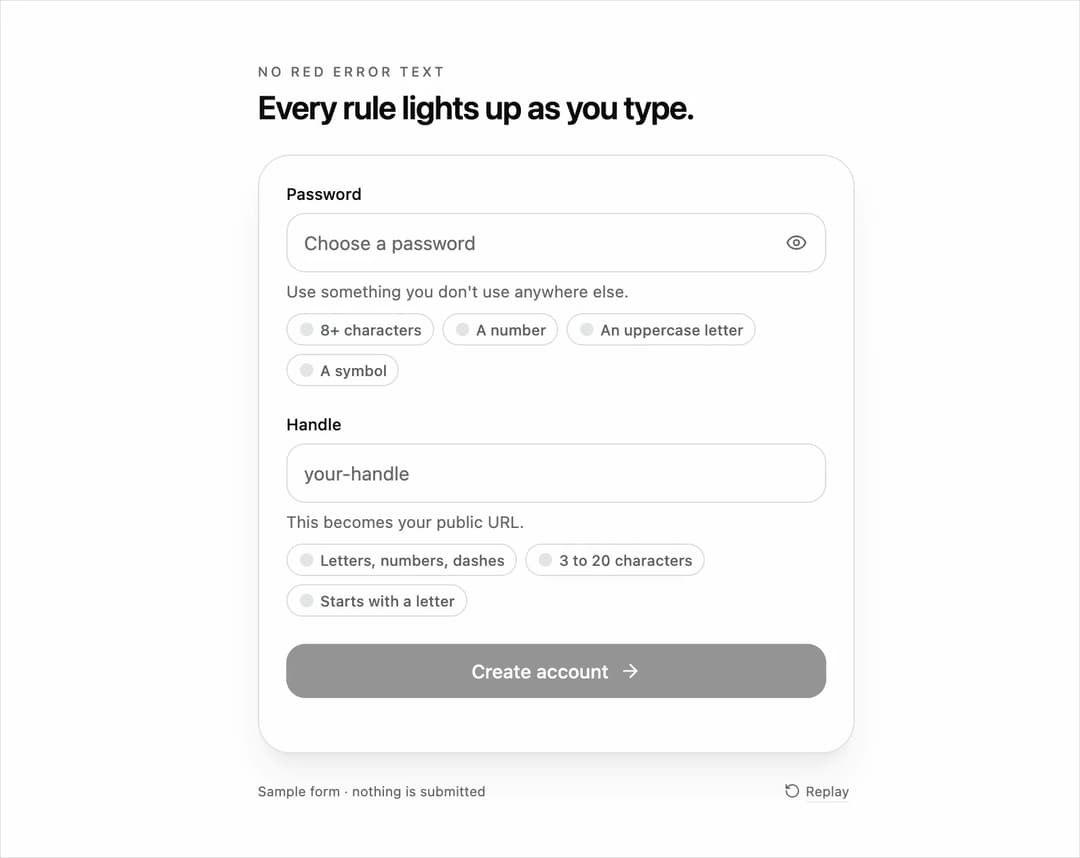
Validation checklist input for React and Tailwind CSS (shadcn/ui) that lights up a chip for each rule as the user types and sweeps a success ring around the field when every rule passes. It is built to replace red error text with live, positive feedback for passwords, usernames, slugs, handles and codes. A validation input is a text field that checks its value against rules while typing; this one takes rules with an id, label and test function, works controlled or uncontrolled, pops each chip and draws its check with the Web Animations API, animates the ring with a conic gradient sweep in the shadcn chart accent, reports progress through aria-describedby, aria-invalid and a polite live region, and exposes onAllPassed and onValidityChange so a submit button can enable itself. Supports text, password, email and url types, optional chips and ring, custom success labels, and a reduced motion fallback. Use it in sign-up forms, onboarding, account settings and admin tools. The included demo types a sample password and handle and makes no requests. Requires React only, with no animation library.
Built with React and Tailwind. Copy the prompt and paste it into Claude Code, Cursor or Lovable: your agent adds Validation Checklist Input to your project and fits it to your theme.
Code
How Validation Checklist Input is used: the demo's code. The component's own source comes with a free account.
Usage.tsx
"use client";

import * as React from "react";
import { ArrowRight, Eye, EyeOff, RotateCcw } from "lucide-react";
import { ValidationChecklistInput } from "@/components/ui/validation-checklist-input";
import type { ValidationRule } from "@/components/ui/validation-checklist-input";

type DemoProps = { autoplay?: boolean; bare?: boolean; text?: string; speed?: number };

const RULES: ValidationRule[] = [
  { id: "length", label: "8+ characters", test: (value) => value.length >= 8 },
  { id: "number", label: "A number", test: (value) => /\d/.test(value) },
  { id: "upper", label: "An uppercase letter", test: (value) => /[A-Z]/.test(value) },
  { id: "symbol", label: "A symbol", test: (value) => /[^A-Za-z0-9\s]/.test(value) },
];

const HANDLE_RULES: ValidationRule[] = [
  { id: "chars", label: "Letters, numbers, dashes", test: (value) => /^[a-z0-9-]*$/.test(value) && value.length > 0 },
  { id: "min", label: "3 to 20 characters", test: (value) => value.length >= 3 && value.length <= 20 },
  { id: "start", label: "Starts with a letter", test: (value) => /^[a-z]/.test(value) },
];

const TYPED = "Mango-2026!";

export default function ValidationChecklistInputDemo({ autoplay = true, bare = false, text, speed = 1 }: DemoProps) {
  const [password, setPassword] = React.useState(text ?? "");
  const [reveal, setReveal] = React.useState(false);
  const [handle, setHandle] = React.useState("");
  const [passwordOk, setPasswordOk] = React.useState(false);
  const [handleOk, setHandleOk] = React.useState(false);
  const [events, setEvents] = React.useState([] as string[]);
  const [motion, setMotion] = React.useState({ ready: false, reduced: true });
  const [run, setRun] = React.useState(0);
  const [paused, setPaused] = React.useState(false);
  const ms = (value: number) => Math.round(value * speed);

  React.useEffect(() => {
    const media = window.matchMedia("(prefers-reduced-motion: reduce)");
    const update = () => setMotion({ ready: true, reduced: media.matches });
    update();
    media.addEventListener("change", update);
    return () => media.removeEventListener("change", update);
  }, []);

  React.useEffect(() => {
    if (!motion.ready || !autoplay || motion.reduced || paused || text !== undefined) return;
    const timers: number[] = [];
    const later = (at: number, callback: () => void) => timers.push(window.setTimeout(callback, ms(at)));
    for (let i = 1; i <= TYPED.length; i += 1) later(500 + (i - 1) * 110, () => setPassword(TYPED.slice(0, i)));
    const handleStart = 500 + TYPED.length * 110 + 900;
    const HANDLE = "maria-l";
    for (let i = 1; i <= HANDLE.length; i += 1) later(handleStart + (i - 1) * 110, () => setHandle(HANDLE.slice(0, i)));
    later(handleStart + HANDLE.length * 110 + 2600, () => { setPassword(""); setHandle(""); setReveal(false); setEvents([]); setRun((previous) => previous + 1); });
    return () => timers.forEach((timer) => window.clearTimeout(timer));
  }, [motion.ready, motion.reduced, autoplay, paused, run, text, speed]);

  const takeOver = () => autoplay && setPaused(true);

  return (
    <main className="flex min-h-svh w-full flex-col items-center justify-center gap-5 bg-background px-5 py-6 text-foreground" onPointerDownCapture={takeOver} onKeyDownCapture={takeOver}>
      {!bare && (
        <header className="w-full max-w-[440px]">
          <p className="mb-1 text-[10px] font-medium uppercase tracking-[0.2em] text-muted-foreground">No red error text</p>
          <h1 className="text-[24px] font-semibold leading-tight tracking-tight">Every rule lights up as you type.</h1>
        </header>
      )}
      <form data-form onSubmit={(event) => event.preventDefault()} className="w-full max-w-[440px] space-y-5 rounded-3xl border border-border bg-card p-5 shadow-xl shadow-primary/5">
        <ValidationChecklistInput
          label="Password"
          placeholder="Choose a password"
          type={reveal ? "text" : "password"}
          trailing={<button type="button" data-reveal aria-label={reveal ? "Hide password" : "Show password"} aria-pressed={reveal} onClick={() => setReveal((previous) => !previous)} className="inline-flex size-8 items-center justify-center rounded-lg text-muted-foreground outline-none transition-colors motion-reduce:transition-none hover:bg-muted hover:text-foreground focus-visible:ring-2 focus-visible:ring-ring">{reveal ? <EyeOff className="size-4" aria-hidden="true" /> : <Eye className="size-4" aria-hidden="true" />}</button>}
          autoComplete="new-password"
          rules={RULES}
          value={password}
          onChange={setPassword}
          onValidityChange={(ok) => setPasswordOk(ok)}
          onAllPassed={() => setEvents((previous) => [...previous, "password"])}
          description="Use something you don't use anywhere else."
          successLabel="Strong password"
        />
        <ValidationChecklistInput
          label="Handle"
          placeholder="your-handle"
          rules={HANDLE_RULES}
          value={handle}
          onChange={setHandle}
          onValidityChange={(ok) => setHandleOk(ok)}
          onAllPassed={() => setEvents((previous) => [...previous, "handle"])}
          description="This becomes your public URL."
          successLabel="Handle is available"
        />
        <button type="submit" data-submit disabled={!(passwordOk && handleOk)} className="inline-flex h-10 w-full items-center justify-center gap-2 rounded-xl bg-primary text-sm font-medium text-primary-foreground outline-none transition-opacity duration-300 motion-reduce:transition-none focus-visible:ring-2 focus-visible:ring-ring focus-visible:ring-offset-2 focus-visible:ring-offset-card disabled:opacity-40">
          Create account <ArrowRight className="size-4" aria-hidden="true" />
        </button>
        <p data-events className="sr-only">{events.join(",")}</p>
      </form>
      {!bare && (
        <footer className="flex w-full max-w-[440px] items-center justify-between text-[10px] text-muted-foreground">
          <span>Sample form · nothing is submitted</span>
          <button type="button" data-replay onClick={() => { setPassword(""); setHandle(""); setReveal(false); setEvents([]); setPaused(false); setRun((previous) => previous + 1); }} className="inline-flex items-center gap-1 rounded px-1 underline decoration-border underline-offset-4 hover:text-foreground focus-visible:outline-none focus-visible:ring-2 focus-visible:ring-ring"><RotateCcw className="size-3" aria-hidden="true" />Replay</button>
        </footer>
      )}
    </main>
  );
}
More by DHxWhy
View all

Sun Moon Dark Mode Theme Toggle
186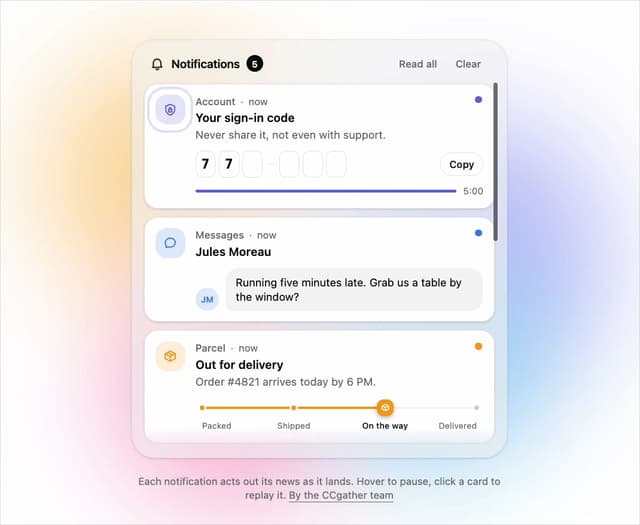
Live Notification Feed
110
Country Flags Globe
110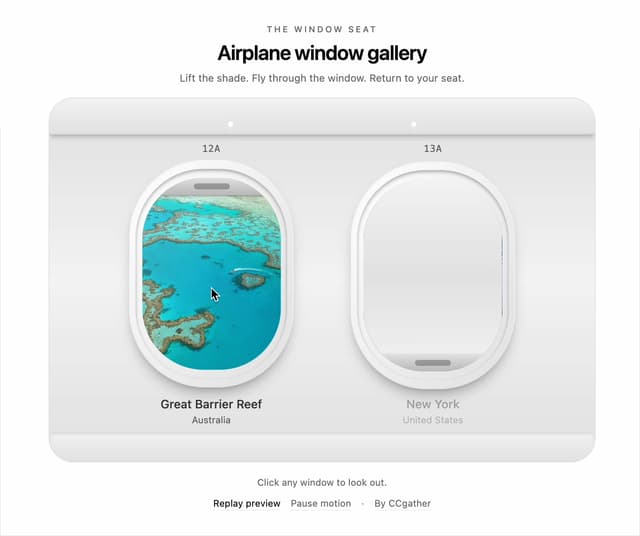
Airplane Window Gallery
96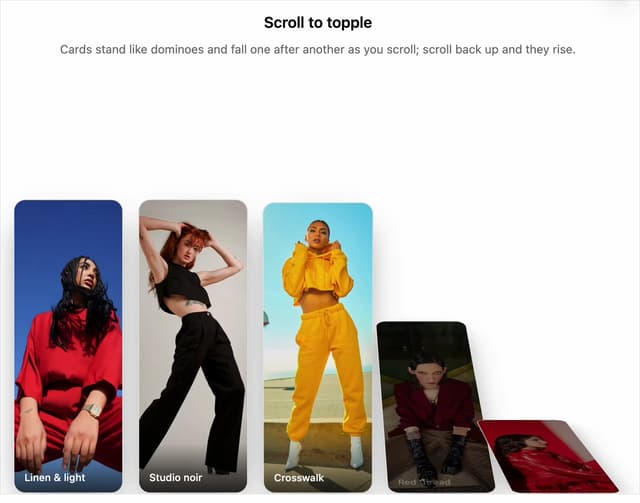
Domino Scroll Image Gallery
93
QR Code Scan Login Form with Password Fallback
83
Constellation Image Gallery
80
Ferris Wheel Image Gallery
73
More in Forms
View all

Premium Auth
500

Login 1
52

Book A Demo 3
83
Authentication Card
47
Book A Demo 1
69

Contact Card
1K

Login Card
32

Login 2
7
