
About
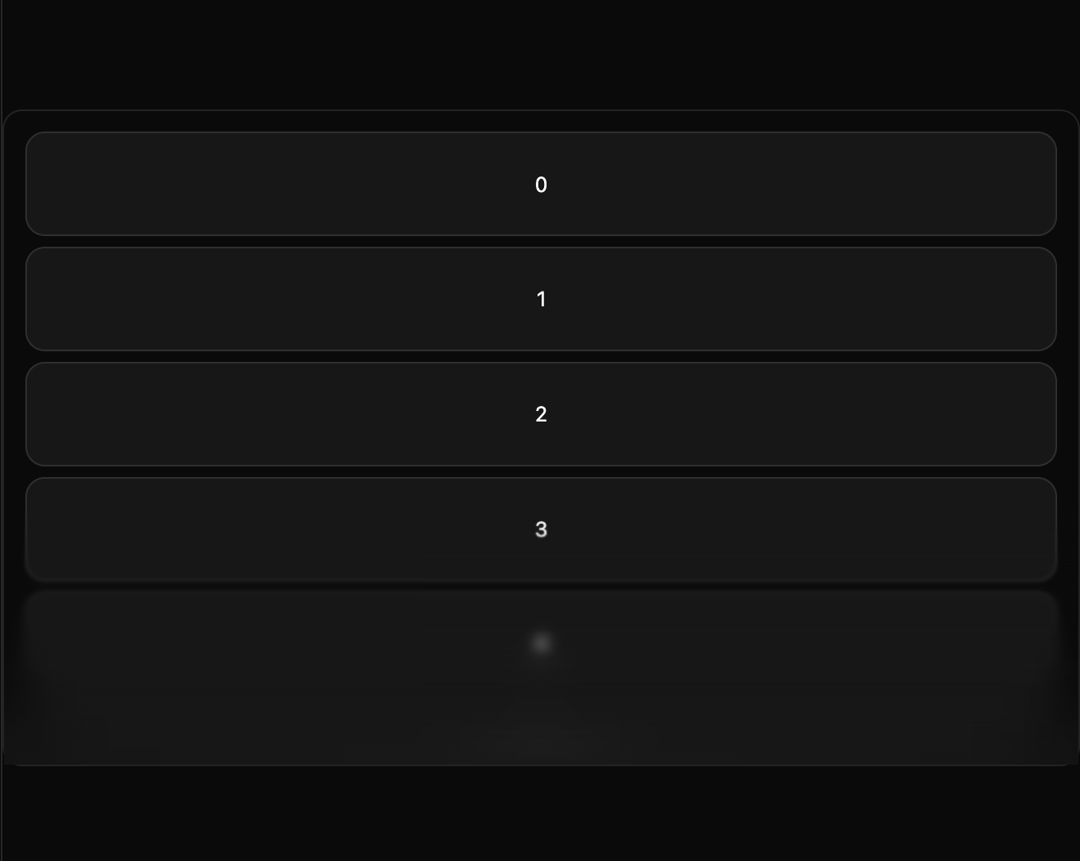
Here is Progressive Blur component
Built with React and Tailwind. Copy the prompt and paste it into Claude Code, Cursor or Lovable: your agent adds Progressive Blur to your project and fits it to your theme.
Code
How Progressive Blur is used: the demo's code. The component's own source comes with a free account.
Usage.tsx
"use client";

import { ScrollArea } from "@/components/ui/scroll-area";
import { ProgressiveBlur } from "@/components/ui/progressive-blur";

export default function ProgressiveBlurDemo() {
  return (
    <div className="relative w-full border rounded-xl">
      <ScrollArea className="relative h-[400px] overflow-hidden">
        <div className="flex flex-col gap-2 p-4">
          {Array.from({ length: 20 }).map((_, index) => (
            <div
              key={index}
              className="flex h-20 w-full items-center justify-center rounded-xl bg-card border"
            >
              {index}
            </div>
          ))}
        </div>
        <ProgressiveBlur position="bottom" height="40%" />
      </ScrollArea>
    </div>
  );
}
More by Dillion Verma
View all

Interactive Hover Button
3.4K
Rainbow Button
2.4K
Globe
2.2K
Animated Beam
1.9K
Text Reveal
1.7K
Sparkles Text
1.2K
Confetti
1.2K
Interactive Icon Cloud
1.1K