
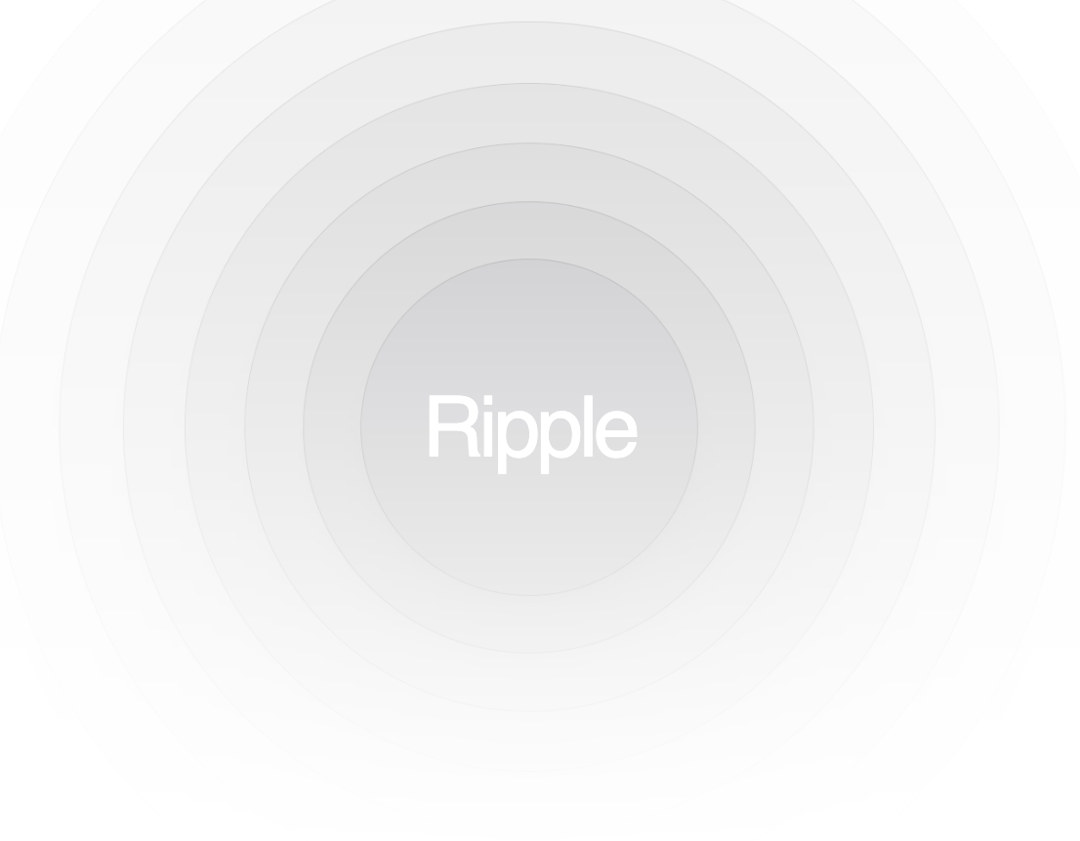
An animated ripple effect typically used behind elements to emphasize them. Add the following animations to your tailwind.config.js file: extend: { animation: { ripple: "ripple var(--duration,2s) ease calc(var(--i, 0)*.2s) infinite", }, keyframes: { ripple: { "0%, 100%": { transform: "translate(-50%, -50%) scale(1)", }, "50%": { transform: "translate(-50%, -50%) scale(0.9)", }, }, }, },
Built with React and Tailwind. Copy the prompt and paste it into Claude Code, Cursor or Lovable: your agent adds Ripple to your project and fits it to your theme.
Code
How Ripple is used: the demo's code. The component's own source comes with a free account.
Usage.tsx
import { Ripple } from "@/components/ui/ripple";

export function RippleDemo() {
  return (
    <div className="relative flex h-[500px] w-full flex-col items-center justify-center overflow-hidden rounded-lg border bg-background md:shadow-xl">
      <p className="z-10 whitespace-pre-wrap text-center text-5xl font-medium tracking-tighter text-white">
        Ripple
      </p>
      <Ripple />
    </div>
  );
}
More by Dillion Verma
View all

Interactive Hover Button
3.4K
Rainbow Button
2.4K
Globe
2.2K
Animated Beam
1.9K
Text Reveal
1.7K
Sparkles Text
1.2K
Confetti
1.2K
Interactive Icon Cloud
1.1K
More in Backgrounds
View all
Elegant Dark Pattern
811

Gradient Backgrounds
25
Jade Sky
85

Light theme Tailwind CSS Background Snippet
221
Gradient Blur Bg
34
Background snippets
16
Background Components
233

LivingOrigami bg
134

