
About
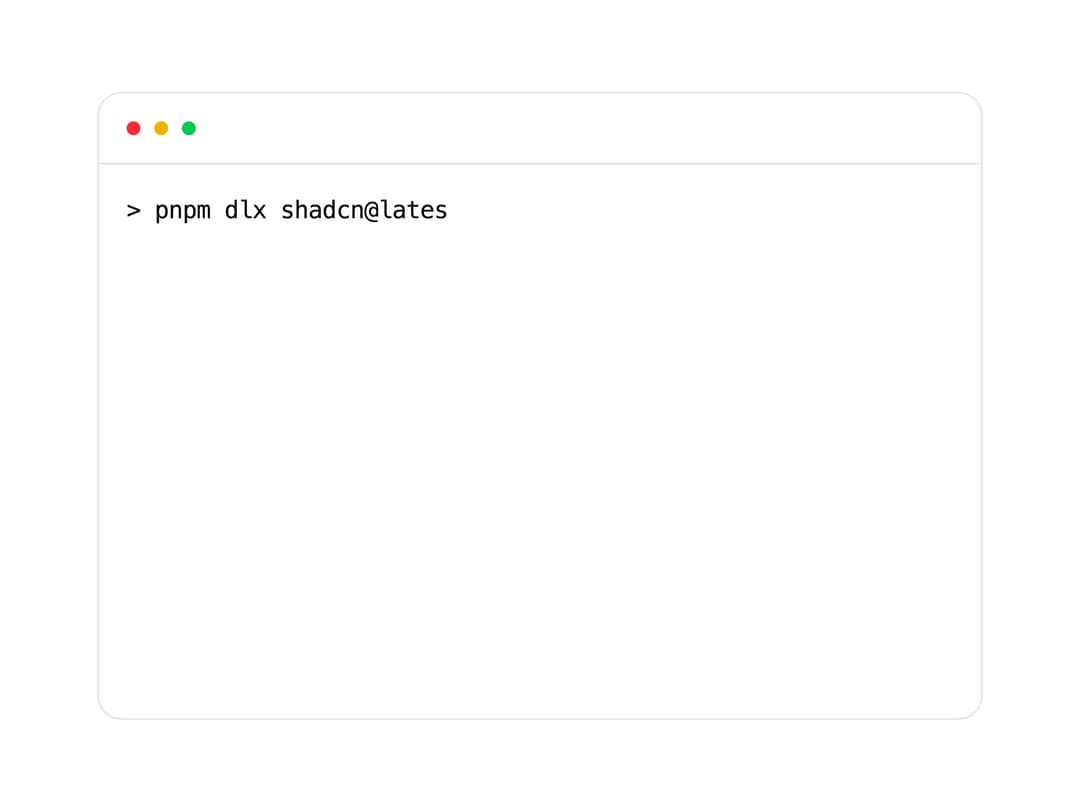
An animated fake terminal window that types out commands and shows sequenced output lines, used to showcase CLI usage or installation steps.
Built with React and Tailwind. Copy the prompt and paste it into Claude Code, Cursor or Lovable: your agent adds Terminal to your project and fits it to your theme.
Code
How Terminal is used: the demo's code. The component's own source comes with a free account.
Usage.tsx
import {
AnimatedSpan,
Terminal,
TypingAnimation,
} from "@/components/ui/terminal";
export default function TerminalDemo() {
return (
<Terminal>
<TypingAnimation>> pnpm dlx shadcn@latest init</TypingAnimation>
<AnimatedSpan className="text-green-500">
✔ Preflight checks.
</AnimatedSpan>
<AnimatedSpan className="text-green-500">
✔ Verifying framework. Found Next.js.
</AnimatedSpan>
<AnimatedSpan className="text-green-500">
✔ Validating Tailwind CSS.
</AnimatedSpan>
<AnimatedSpan className="text-green-500">
✔ Validating import alias.
</AnimatedSpan>
<AnimatedSpan className="text-green-500">
✔ Writing components.json.
</AnimatedSpan>
<AnimatedSpan className="text-green-500">
✔ Checking registry.
</AnimatedSpan>
<AnimatedSpan className="text-green-500">
✔ Updating tailwind.config.ts
</AnimatedSpan>
<AnimatedSpan className="text-green-500">
✔ Updating app/globals.css
</AnimatedSpan>
<AnimatedSpan className="text-green-500">
✔ Installing dependencies.
</AnimatedSpan>
<AnimatedSpan className="text-blue-500">
<span>ℹ Updated 1 file:</span>
<span className="pl-2">- lib/utils.ts</span>
</AnimatedSpan>
<TypingAnimation className="text-muted-foreground">
Success! Project initialization completed.
</TypingAnimation>
<TypingAnimation className="text-muted-foreground">
You may now add components.
</TypingAnimation>
</Terminal>
);
}
Dependencies
More by Dillion Verma
View all

Interactive Hover Button
3.4K
Rainbow Button
2.4K
Globe
2.2K
Animated Beam
1.9K
Text Reveal
1.7K
Sparkles Text
1.2K
Confetti
1.2K
Interactive Icon Cloud
1.1K