About
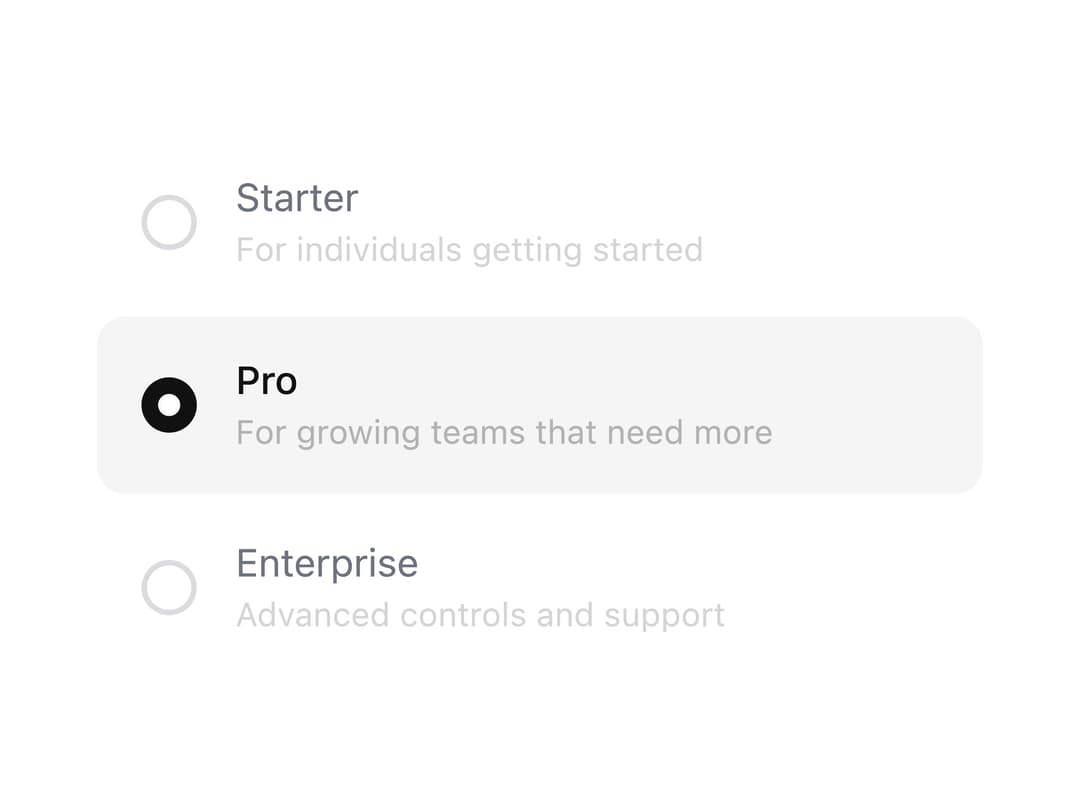
Single-select radio option list with an animated shared-layout highlight, spring-animated ring and dot, staggered row entrance, and optional per-option descriptions.
Built with React and Tailwind. Copy the prompt and paste it into Claude Code, Cursor or Lovable: your agent adds Radio Group to your project and fits it to your theme.
Code
How Radio Group is used: the demo's code. The component's own source comes with a free account.
Usage.tsx
"use client";

import * as React from "react";

import RadioGroup from "@/components/ui/radiogroup";

const options = [
  {
    value: "starter",
    label: "Starter",
    description: "For individuals getting started",
  },
  {
    value: "pro",
    label: "Pro",
    description: "For growing teams that need more",
  },
  {
    value: "enterprise",
    label: "Enterprise",
    description: "Advanced controls and support",
  },
];

export default function RadioGroupDemo() {
  const [value, setValue] = React.useState("pro");

  return (
    <div className="flex min-h-[300px] w-full items-center justify-center p-6">
      <RadioGroup
        aria-label="Choose a plan"
        className="w-full max-w-xs"
        options={options}
        value={value}
        onChange={setValue}
      />
    </div>
  );
}
Dependencies
More by Edwin Vakayil
View all
Origin Button
770
Infinite Ribbon
524
Shimmer Text
402
Dia Text
345
Icon Bar
244
FAQ Pro
224
Verified Badge
212
New Card
183
More in Forms
View all

Premium Auth
500

Login 1
52
Authentication Card
47

Book A Demo 3
83
Book A Demo 1
69

Contact Card
1K

Login Card
32

Login 2
7
