About
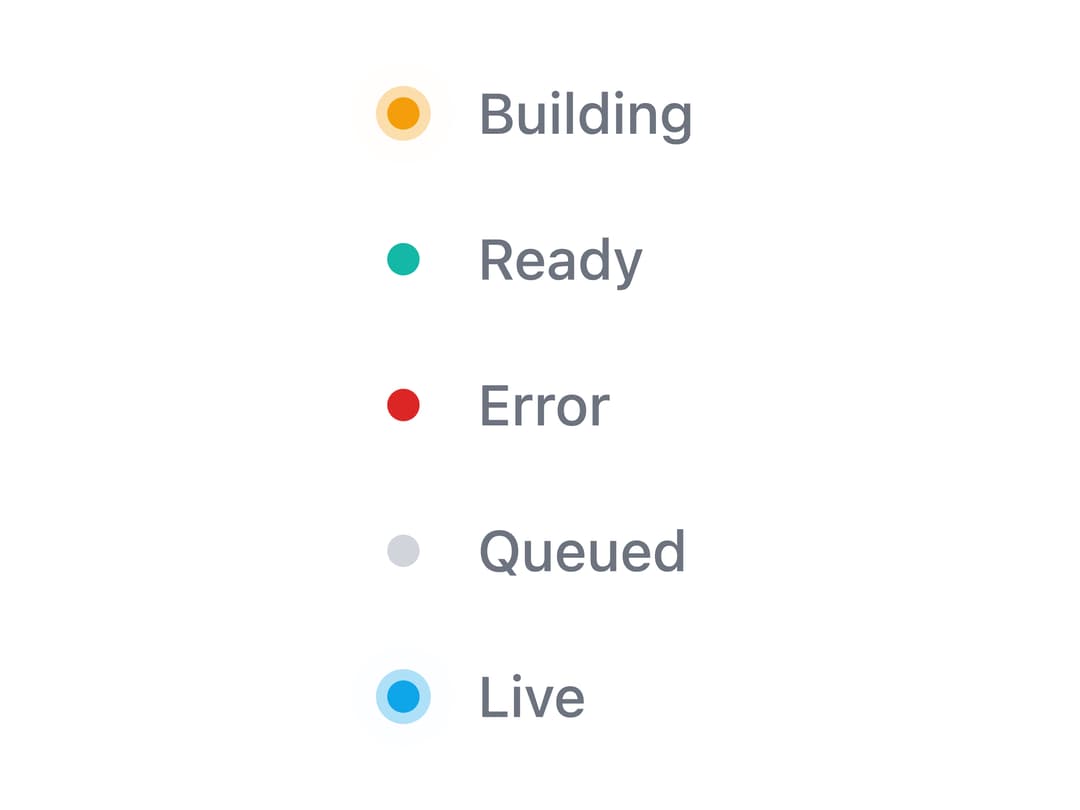
A small inline status indicator dot with a rippling pulse animation, deployment-state presets, generic tones, sizes, and optional labels.
Built with React and Tailwind. Copy the prompt and paste it into Claude Code, Cursor or Lovable: your agent adds Status Dot to your project and fits it to your theme.
Code
How Status Dot is used: the demo's code. The component's own source comes with a free account.
Usage.tsx
import StatusDot from "@/components/ui/status-dot";

export default function StatusDotDemo() {
  return (
    <div className="flex flex-col items-start gap-4 p-8">
      <StatusDot state="BUILDING" showLabel />
      <StatusDot state="READY" showLabel />
      <StatusDot state="ERROR" showLabel />
      <StatusDot state="QUEUED" showLabel />
      <StatusDot tone="active" label="Live" showLabel />
    </div>
  );
}
More by Edwin Vakayil
View all
Origin Button
769
Infinite Ribbon
524
Shimmer Text
402
Dia Text
345
Icon Bar
244
FAQ Pro
224
Verified Badge
212
New Card
183