About
Built with React and Tailwind. Copy the prompt and paste it into Claude Code, Cursor or Lovable: your agent adds Toggle Group to your project and fits it to your theme.
Code
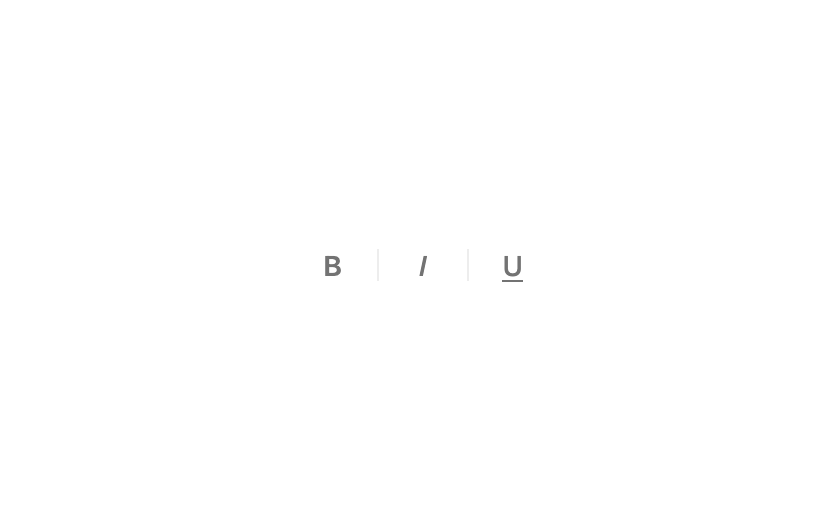
How Toggle Group is used: the demo's code. The component's own source comes with a free account.
Usage.tsx
"use client";

import { useState } from "react";
import {
  ToggleGroup,
  type ToggleGroupItem,
} from "@/components/ui/toggle-group";

const items: ToggleGroupItem[] = [
  { value: "bold", ariaLabel: "Bold", label: <span className="font-semibold leading-none">B</span> },
  { value: "italic", ariaLabel: "Italic", label: <span className="font-medium italic leading-none">I</span> },
  {
    value: "underline",
    ariaLabel: "Underline",
    label: <span className="leading-none underline decoration-1 underline-offset-2">U</span>,
  },
];

export function ToggleGroupPreview() {
  const [value, setValue] = useState<string[]>([]);

  return (
    <ToggleGroup
      aria-label="Text formatting"
      items={items}
      onValueChange={setValue}
      value={value}
    />
  );
}

export default ToggleGroupPreview
Dependencies
More by Edwin Vakayil
View all
Origin Button
769
Infinite Ribbon
524
Shimmer Text
402
Dia Text
345
Icon Bar
244
FAQ Pro
224
Verified Badge
212
New Card
183