About
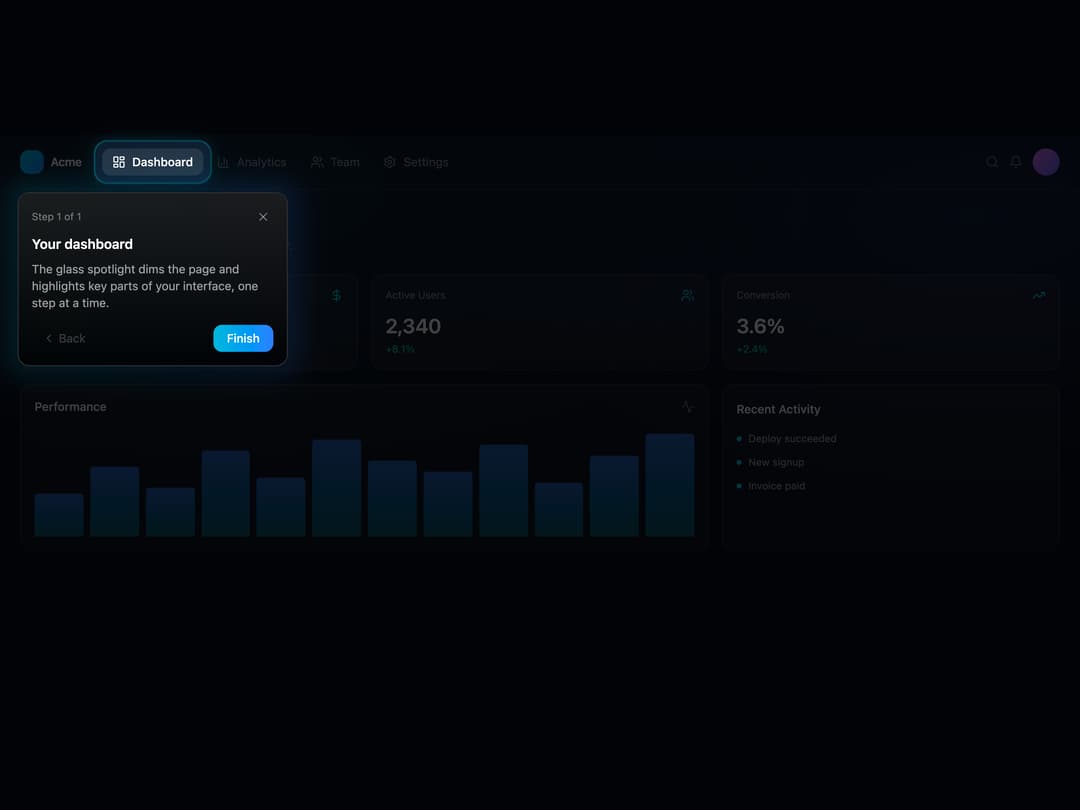
A guided product-tour spotlight that dims the page and highlights a target element with a glass-morphism tooltip card and step navigation.
Built with React and Tailwind. Copy the prompt and paste it into Claude Code, Cursor or Lovable: your agent adds Glass Spotlight to your project and fits it to your theme.
Code
How Glass Spotlight is used: the demo's code. The component's own source comes with a free account.
Usage.tsx
"use client";
import * as React from "react";
import {
LayoutDashboard,
BarChart3,
Users,
Settings,
Bell,
Search,
TrendingUp,
DollarSign,
Activity,
} from "lucide-react";
import {
GlassSpotlight,
type SpotlightStep,
} from "@/components/ui/glass-spotlight";
export default function GlassSpotlightDemo() {
const [open, setOpen] = React.useState(true);
const steps: SpotlightStep[] = [
{
target: "#spotlight-nav-dashboard",
title: "Your dashboard",
description:
"The glass spotlight dims the page and highlights key parts of your interface, one step at a time.",
placement: "bottom",
},
];
return (
<div className="relative flex min-h-[640px] w-full flex-col overflow-hidden bg-[#070b18] text-white">
{/* ambient glow */}
<div className="pointer-events-none absolute inset-0 bg-[radial-gradient(60%_50%_at_20%_10%,rgba(56,189,248,0.14),transparent),radial-gradient(50%_50%_at_90%_15%,rgba(59,130,246,0.16),transparent)]" />
{/* Top bar */}
<header className="relative z-10 flex items-center justify-between border-b border-white/10 px-6 py-4">
<div className="flex items-center gap-6">
<div className="flex items-center gap-2">
<div className="h-7 w-7 rounded-lg bg-gradient-to-br from-cyan-400 to-blue-500" />
<span className="text-sm font-semibold tracking-tight">Acme</span>
</div>
<nav className="flex items-center gap-1">
<button
id="spotlight-nav-dashboard"
className="flex items-center gap-2 rounded-lg bg-white/10 px-3 py-1.5 text-sm font-medium text-white"
>
<LayoutDashboard className="h-4 w-4" /> Dashboard
</button>
<button className="flex items-center gap-2 rounded-lg px-3 py-1.5 text-sm text-white/50 hover:bg-white/5">
<BarChart3 className="h-4 w-4" /> Analytics
</button>
<button className="flex items-center gap-2 rounded-lg px-3 py-1.5 text-sm text-white/50 hover:bg-white/5">
<Users className="h-4 w-4" /> Team
</button>
<button className="flex items-center gap-2 rounded-lg px-3 py-1.5 text-sm text-white/50 hover:bg-white/5">
<Settings className="h-4 w-4" /> Settings
</button>
</nav>
</div>
<div className="flex items-center gap-3">
<Search className="h-4 w-4 text-white/40" />
<Bell className="h-4 w-4 text-white/40" />
<div className="h-8 w-8 rounded-full bg-gradient-to-br from-fuchsia-400 to-indigo-500" />
</div>
</header>
{/* Body */}
<main className="relative z-10 flex-1 px-6 py-6">
<h1 className="mb-1 text-lg font-semibold">Good morning, Alex</h1>
<p className="mb-6 text-sm text-white/40">
Here's what's happening with your projects today.
</p>
<div className="grid grid-cols-3 gap-4">
{[
{
label: "Revenue",
value: "$48.2k",
delta: "+12.5%",
Icon: DollarSign,
},
{
label: "Active Users",
value: "2,340",
delta: "+8.1%",
Icon: Users,
},
{
label: "Conversion",
value: "3.6%",
delta: "+2.4%",
Icon: TrendingUp,
},
].map(({ label, value, delta, Icon }) => (
<div
key={label}
className="rounded-xl border border-white/10 bg-white/[0.04] p-4"
>
<div className="mb-3 flex items-center justify-between">
<span className="text-xs text-white/50">{label}</span>
<Icon className="h-4 w-4 text-cyan-400" />
</div>
<div className="text-2xl font-semibold">{value}</div>
<div className="mt-1 text-xs text-emerald-400">{delta}</div>
</div>
))}
</div>
<div className="mt-4 grid grid-cols-3 gap-4">
<div className="col-span-2 rounded-xl border border-white/10 bg-white/[0.04] p-4">
<div className="mb-4 flex items-center justify-between">
<span className="text-sm font-medium">Performance</span>
<Activity className="h-4 w-4 text-white/40" />
</div>
<div className="flex h-32 items-end gap-2">
{[40, 65, 45, 80, 55, 90, 70, 60, 85, 50, 75, 95].map((h, i) => (
<div
key={i}
className="flex-1 rounded-t bg-gradient-to-t from-cyan-500/40 to-blue-500/70"
style={{ height: `${h}%` }}
/>
))}
</div>
</div>
<div className="rounded-xl border border-white/10 bg-white/[0.04] p-4">
<span className="text-sm font-medium">Recent Activity</span>
<div className="mt-4 space-y-3">
{["Deploy succeeded", "New signup", "Invoice paid"].map((t) => (
<div
key={t}
className="flex items-center gap-2 text-xs text-white/60"
>
<span className="h-1.5 w-1.5 rounded-full bg-cyan-400" /> {t}
</div>
))}
</div>
</div>
</div>
</main>
<GlassSpotlight steps={steps} open={open} onOpenChange={setOpen} />
</div>
);
}
Dependencies
More by eindev
View all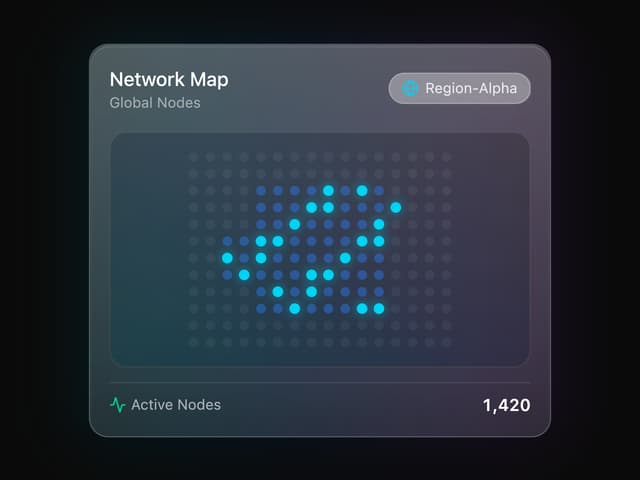

Glass Map Widget
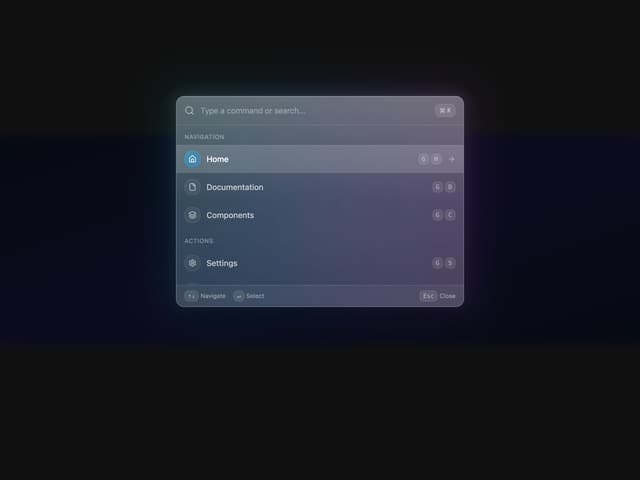
Glass Command Palette