
About
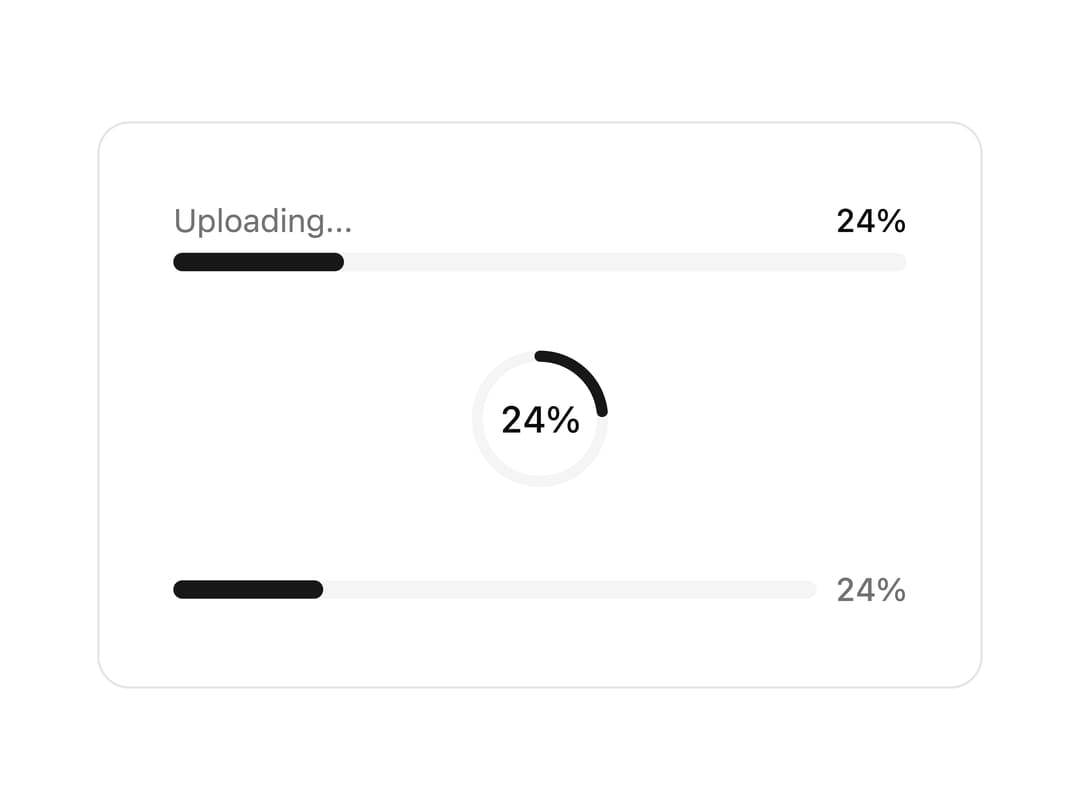
An upload progress indicator with linear bar, circular ring, and minimal percentage variants in three sizes.
Built with React and Tailwind. Copy the prompt and paste it into Claude Code, Cursor or Lovable: your agent adds UploadThing Progress to your project and fits it to your theme.
Code
How UploadThing Progress is used: the demo's code. The component's own source comes with a free account.
Usage.tsx
"use client";

import { UploadThingProgress } from "@/components/ui/uploadthing-progress";
import { useEffect, useState } from "react";

export default function Default() {
  const [progress, setProgress] = useState(0);

  useEffect(() => {
    const interval = setInterval(() => {
      setProgress((prev) => (prev >= 100 ? 0 : prev + 4));
    }, 200);
    return () => clearInterval(interval);
  }, []);

  return (
    <div className="flex w-full max-w-sm flex-col items-center gap-8 rounded-xl border bg-background p-8">
      <div className="w-full">
        <UploadThingProgress progress={progress} variant="bar" />
      </div>

      <UploadThingProgress progress={progress} variant="ring" size="lg" />

      <div className="w-full">
        <UploadThingProgress progress={progress} variant="minimal" />
      </div>
    </div>
  );
}
More by Cameron Kelliher
View all
AI Chain of Thought
111
Helix Loader
94
AI Streaming Text
50
AI Tool Call
45
Signal Bars Loader
41
Glitch Text Loader
41
AI Prompt Diff
39
AI Routing Indicator
34